9 Best Canva Alternatives for Beginners in 2026

Finding the best Canva alternatives helps creators choose design platforms that offer more power, flexibility, and customization. Although Canva is beginner-friendly, some creators need professional-level design tools.
Many users look for advanced editing, branding, and presentation tools. Canva alternatives provide more suitable solutions for different needs.
Our research focused on finding the best Canva alternatives by evaluating factors such as:
- User experience and simplicity
- Creative features and available assets
- AI features and productivity improvements
- Pricing, collaboration, and flexibility
- Export flexibility and overall usefulness
Each platform is carefully reviewed based on its features, benefits, limitations, and use cases.
This guide explores the top 9 Canva alternatives in 2026, helping bloggers, marketers, freelancers, and businesses compare the best design tools for creating stunning graphics with ease.
What is best Canva Alternatives for Beginners?
Here are our top picks for the best Canva alternatives for beginners in 2026.
1. Adobe Express
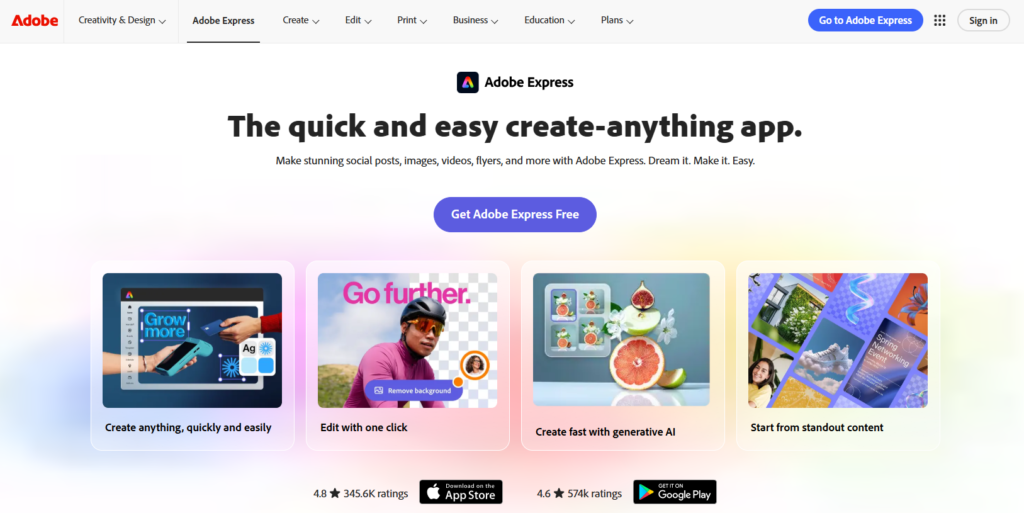
As a leading Canva alternatives, Adobe Express offers simple design features with advanced AI tools and professional assets from the Adobe ecosystem.
With Adobe Express, beginners can transform simple ideas into professional-looking designs using easy-to-use tools. It is a complete design solution for creators, businesses, and marketers who want professional visuals for various projects.
Unlike traditional Adobe software, Adobe Express makes professional design faster and easier with simple tools and smart AI features.
Key Features of Adobe Express:
- Professional Templates & Assets: Adobe Express makes design easier with templates for different content types, supported by a large library of images, fonts, icons, and creative resources.
- AI-Powered Design Tools: Save time and create unique content with AI-powered features that simplify image creation, editing, and customization.
- Simple Drag-and-Drop Editor: The platform’s user-friendly editor helps beginners quickly customize templates, adjust designs, and add creative elements with ease.
- Branding & Social Media Tools: Design eye-catching posts while maintaining brand consistency using customizable logos, fonts, colors, and creative assets.
Pricing of Adobe Express:
- Free Plan: Best for beginners needing basic templates and simple design tools.
- Premium Plan: Starts around $9.99/month with premium templates, advanced AI tools, brand features, and more creative resources.
Why Choose Adobe Express Over Canva?
For creators seeking more powerful design options, Adobe Express offers advanced features, AI tools, and professional creative resources. It provides an easy way to create designs while preparing users for Adobe’s wider creative ecosystem.
2. Figma
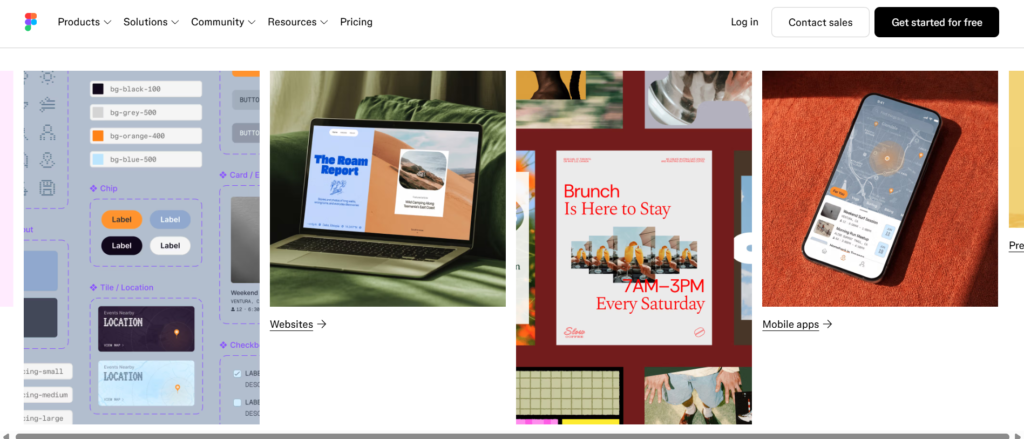
Figma is one of the best Canva alternatives for UI/UX and digital product design. With advanced design features and seamless collaboration, it makes creating websites, apps, and prototypes faster and more efficient.
With its easy-to-use interface, Figma helps beginners create professional websites, app designs, wireframes, and interactive prototypes with confidence.
Key Features of Figma:
- UI/UX Design Tools: Design websites, landing pages, app interfaces, and prototypes with professional features.
- Team Collaboration: Share projects, edit designs together, leave comments, and track changes in real time.
- Design Systems: Create reusable components and interactive prototypes for faster, consistent workflows.
- Browser & Plugin Support: Enjoy cloud-based access and extend functionality with thousands of useful plugins
Pricing of Figma:
- Free Plan: Create unlimited personal projects using essential design and collaboration tools.
- Professional Plan: Starts around $15/user/month with advanced workflows, unlimited projects, and professional capabilities..
Why Choose Figma Over Canva?
If your goal is to design websites, applications, or user interfaces, Figma offers more specialized features than Canva. It helps users create professional designs with better control and customization.
3. VistaCreate
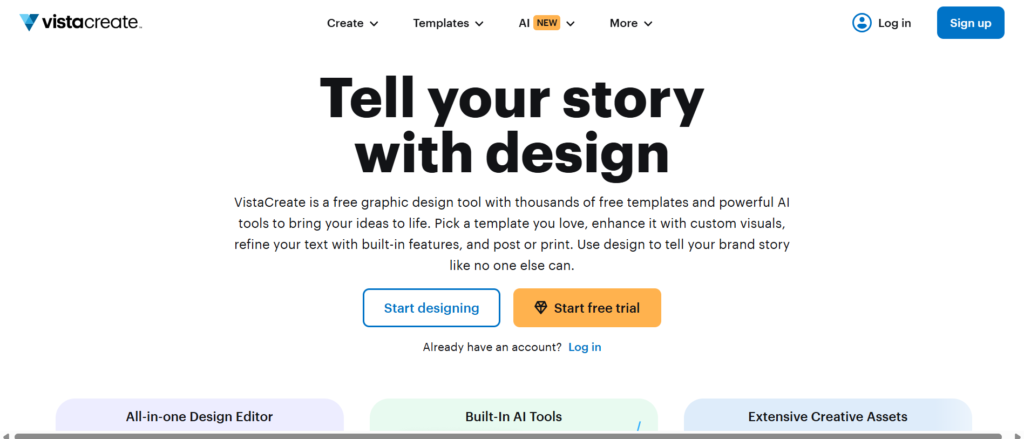
VistaCreate is a powerful Canva alternative designed for beginners and creators. It provides templates, animations, stock resources, and simple editing tools to create professional designs effortlessly.
Providing simple design tools and creative resources, VistaCreate makes professional graphic creation accessible to everyone. Its platform is ideal for creating engaging content quickly.
Create eye-catching designs quickly with VistaCreate’s customizable templates for social media, blogs, and marketing campaigns.
Key Features of VistaCreate:
- Ready-Made Templates & Creative Assets: With thousands of customizable templates and visual assets, VistaCreate makes it easy to design social media posts, banners, ads, and business graphics.
- Animation & Video Design Tools: Create engaging videos and animated graphics effortlessly with VistaCreate’s easy-to-use editing tools, transitions, and visual effects designed for beginners.
- Brand Kit & Background Removal: Maintain a strong brand identity while creating designs faster. Save your brand elements and use the background remover to enhance images effortlessly.
- Easy Design Resizing & Social Media Tools: Save time with VistaCreate’s simple resizing features that adapt designs for different platforms. It is ideal for social media marketers and content creators.
Pricing of VistaCreate:
- Free Plan: Provides basic templates, creative assets, and simple editing features.
- Pro Plan: Starts around $10/month with premium content, advanced tools, and brand features.
Why Choose VistaCreate Over Canva?
VistaCreate offers a smooth design experience with plenty of free features and engaging content tools. It is especially valuable for creating social media posts, advertisements, and promotional graphics quickly.
4. Snappa
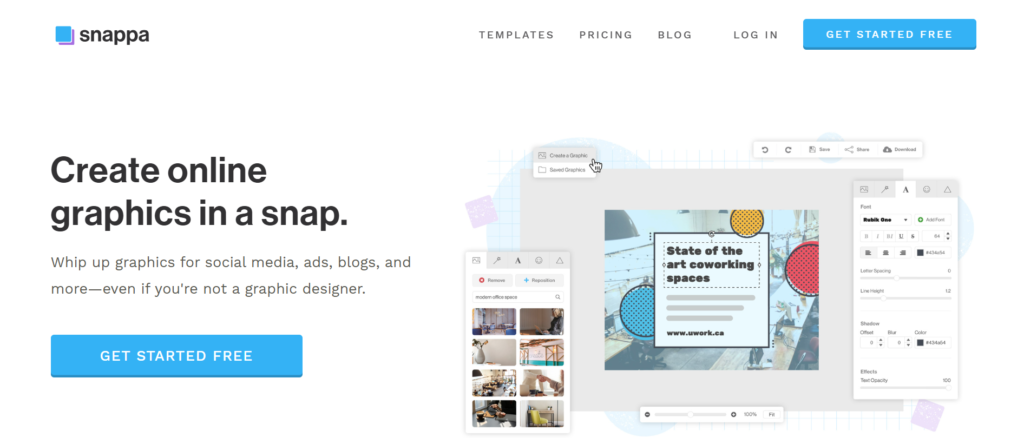
Snappa makes professional graphic design accessible with its simple editor, customizable templates, and built-in creative assets. It eliminates the complexity found in many advanced design tools.
It’s an excellent choice for bloggers, affiliate marketers, and small businesses that need eye-catching visuals without spending hours on design.
Key Features of Snappa:
- Beginner-Friendly Drag-and-Drop Editor: Design attractive visuals quickly with Snappa’s simple tools for editing templates, images, text, and styles.
- Professional Templates & Creative Assets: Create blog images, social posts, thumbnails, and marketing graphics using Snappa’s quality templates and resources.
- Social Media Optimization Tools: Design high-quality visuals for Instagram, Facebook, Pinterest, LinkedIn, YouTube, and blogs with ease.
- Advanced Editing & Collaboration: Remove unwanted backgrounds and work with teams to create consistent, professional designs.
Pricing of Snappa:
- Free Plan: Great for simple projects with essential templates and design tools.
- Pro Plan: Starts around $10/month and includes premium resources, unlimited downloads, and professional tools.
Why Choose Snappa Over Canva?
Snappa is a strong Canva alternative for creators who need fast, simple, and effective graphic design tools. Its focused approach helps bloggers, affiliate marketers, and businesses create engaging visuals for online growth.
5. Visme
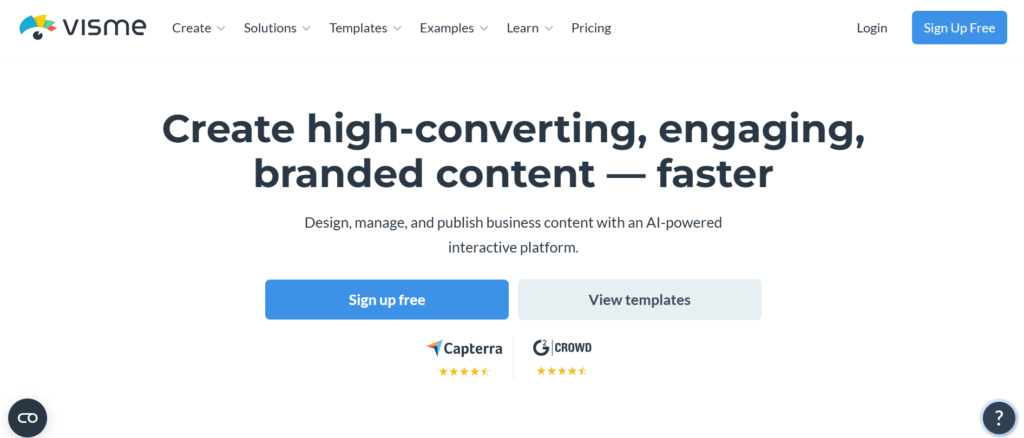
Visme is a professional design tool that helps users create presentations, infographics, reports, and business visuals with ease. Its focus on interactive and data-driven content makes it a great choice for effective communication.
From presentations to reports and marketing graphics, Visme provides simple tools to create professional-quality visual content faster.
Key Features of Visme:
- Professional Templates: Visme offers versatile templates for presentations, reports, infographics, and business visuals.
- Infographics & Analytics Visualization: Design attractive charts, graphs, and infographics that help communicate complex data clearly and effectively.
- AI-Powered Content Creation: Use AI tools to generate ideas, improve designs, and create engaging content faster.
- Collaboration & Brand Control: Manage brand assets and collaborate with teams for better design workflows.
Pricing of Visme:
- Free Plan: Includes essential design tools and access to limited resources.
- Starter Plan: Starts around $12.25/month with advanced features and premium assets.
- Business Plan: Adds team collaboration, brand management, and professional tools.
Why Choose Visme Over Canva?
If your projects involve reports, statistics, educational materials, or business presentations, Visme offers specialized features that make content creation easier. It provides a more focused solution for professional visual communication.
6. Piktochart
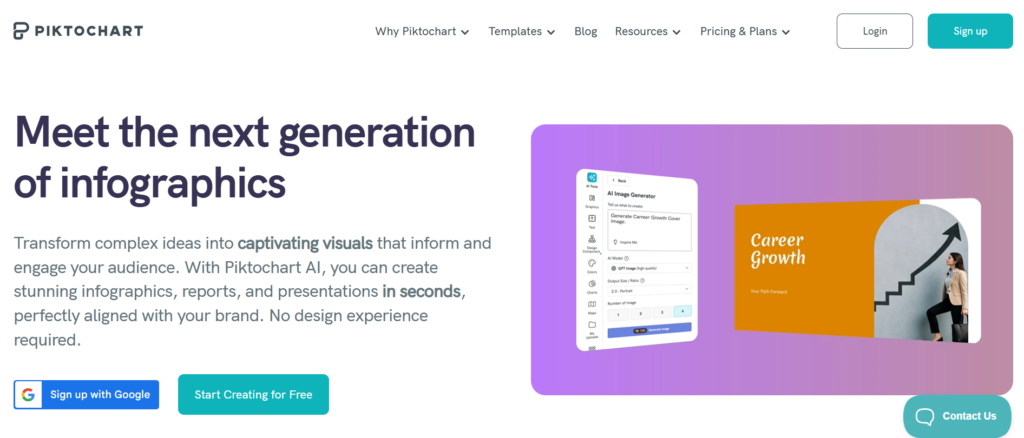
Piktochart is a modern Canva alternative designed to simplify infographic creation, reporting, and visual storytelling. Its focus on data visualization helps users present complex ideas through attractive visuals. The platform offers simple tools that beginners can use without design experience.
The platform helps businesses, educators, and marketers present ideas more effectively. With templates and easy customization options, creating attractive visuals becomes faster and simpler.
Key Features of Piktochart:
- Ready-Made Design Templates: Access professional templates for infographics, reports, presentations, and visual content.
- Visual Reports & Presentations: Transform data into clear reports, presentations, and interactive visual content.
- AI & Branding Solutions: Use AI-powered tools and customization options to improve designs and maintain brand style.
- User-Friendly Editor: Piktochart provides an easy editing experience for beginners and professionals.
Pricing of Piktochart:
- Free Plan: Access basic templates, essential tools, and limited visual resources.
- Pro Plan: Starts around $14/month and adds premium content, customization options, and more resources.
- Business Plan: Includes advanced collaboration, brand tools, and professional design solutions.
Why Choose Piktochart Over Canva?
For professionals who regularly create reports, research visuals, and infographics, Piktochart provides a smoother workflow than Canva. Its specialized design tools make presenting information more effective.
7. Affinity Designer
Affinity Designer stands out as a powerful Canva alternative for users who need precision and flexibility. It supports professional projects such as logo creation, digital illustrations, and brand identity design. Unlike Canva, it gives creators full control over every design element.
The software is powerful yet approachable for beginners who want to improve their design skills. Its one-time payment option makes it a budget-friendly choice for long-term use.
Key Features of Affinity Designer:
- Professional Vector Design Tools: Affinity Designer allows users to create unique logos, illustrations, and graphics with precision.
- Professional Editing Tools: Design detailed visuals using powerful editing tools, brushes, layers, and customization options.
- Vector + Pixel Flexibility: Design with both scalable graphics and pixel-based editing tools in one platform.
- Efficient Design Workflow: Create professional projects with advanced typography, export options, and fast performance.
Pricing of Affinity Designer:
- Lifetime Access: A one-time purchase gives users long-term access to powerful design tools without recurring payments.
Why Choose Affinity Designer Over Canva?
Affinity Designer is designed for creators who want professional results and unlimited creative flexibility. With advanced design tools and no monthly subscription, it offers outstanding value for serious designers.
8. Photopea
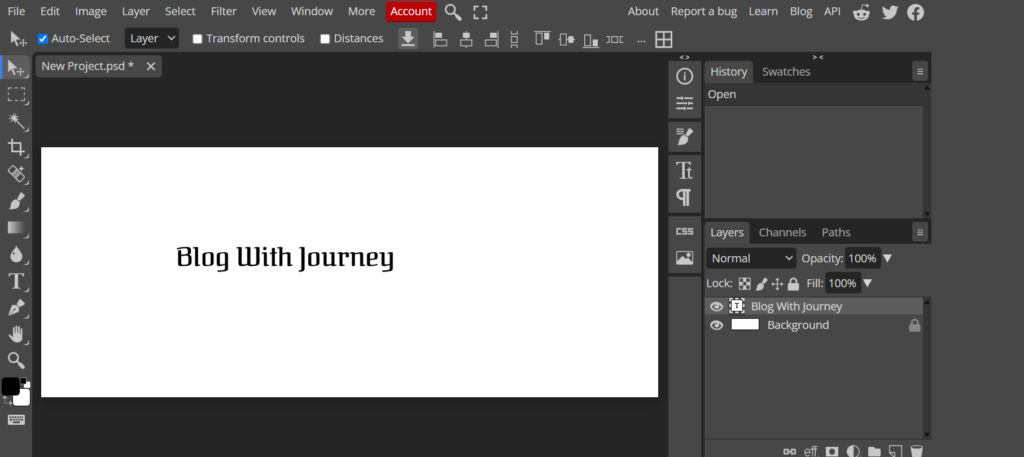
Photopea is a professional browser-based Canva alternative for creating and editing high-quality graphics. It combines advanced photo editing tools with support for PSD, AI, SVG, and other popular file formats. Users can work directly online without installing any software.
Beginners can use Photopea to improve their editing skills without purchasing expensive software. It is widely used by bloggers, marketers, photographers, and designers.
Key Features of Photopea
- Advanced Image Editing: Edit photos professionally with layers, effects, filters, cropping, resizing, and detailed color adjustments.
- Advanced Layer & File Support: Work seamlessly with professional design files while editing each element independently.
- Creative Graphic Design Tools: Design banners, posters, logos, website graphics, and marketing content quickly and efficiently.
- Free Online Editor: Use Photopea directly in your browser without installation while enjoying professional editing capabilities.
Pricing of Photopea
- Free Plan: Enjoy advanced editing tools, file support, and export features with advertisements.
- Premium Plan: Get an ad-free experience, improved performance, and additional storage options.
Why Choose Photopea Over Canva?
Photopea delivers a professional editing experience with advanced features, complete design flexibility, and excellent file compatibility. It’s one of the best free alternatives for users who need more power than Canva offers.
9. Kittl
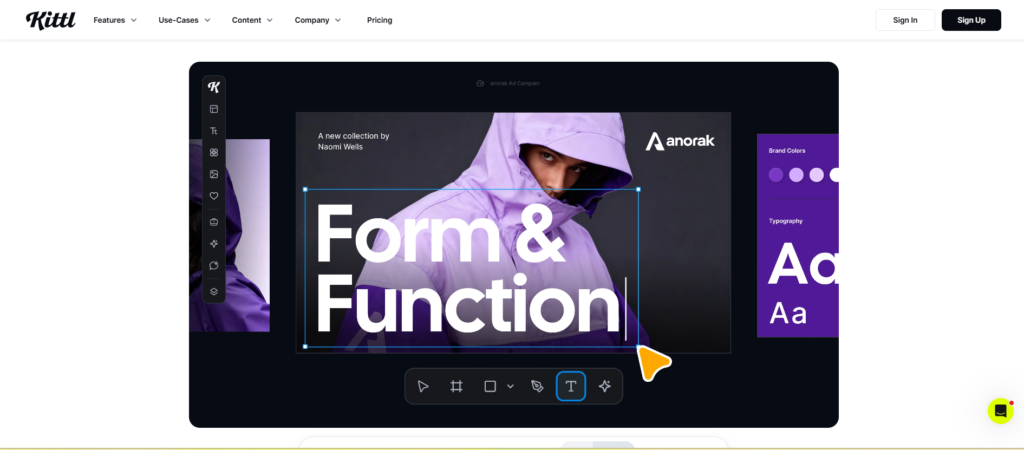
Kittl stands out as a powerful Canva alternative for typography, branding, and print design. Its AI-powered features and premium templates allow beginners to create polished, original artwork with ease. The platform is designed for users who want more creative control.
Kittl is particularly useful for logos, print-on-demand products, and marketing materials. Its creative tools help businesses and creators build a strong visual identity.
Key Features of Kittl:
- Creative Typography & Lettering: Design eye-catching text with advanced typography, custom effects, vintage styles, and decorative fonts for professional branding.
- AI-Powered Creativity: Use AI tools to generate images, artwork, and creative layouts in just a few clicks.
- Templates & Scalable Graphics: Build professional designs with premium templates and vector editing for high-quality results.
- Simple Print-on-Demand Design: Create merchandise and branded products quickly with an easy drag-and-drop interface.
Pricing of Kittl:
- Free Plan: Provides basic templates, design tools, and free creative resources for personal projects.
- Pro Plan: Starts around $10/month with premium assets, AI tools, advanced exports, and commercial licensing.
Why Choose Kittl Over Canva?
For users focused on branding, typography, and custom artwork, Kittl offers more specialized features than Canva. It helps create professional-quality visuals with a distinctive and creative style.
Free vs. Paid Design Tools
Choosing the right design tool starts with understanding your creative needs and budget. Free platforms offer beginner-friendly templates, essential editing tools, and an easy way to design professional-looking graphics. They help users create high-quality visuals without investing in expensive software.
Paid platforms provide a complete design experience with premium assets, advanced editing tools, and brand management features. They are well suited for professionals who need polished, commercial-ready designs.
A free plan is a great way to learn the basics and create impressive visuals. As you grow, premium features can help you work faster and more efficiently.
Which Canva Alternative Is Best for Beginners?
Choosing the best Canva alternative depends on the type of designs you create and the features you need.
For everyday graphic design, Adobe Express and VistaCreate offer intuitive interfaces, premium templates, and powerful AI features. Snappa is an excellent choice for bloggers and marketers who need professional graphics without a steep learning curve.
From presentations to branding, every tool has its strengths. Visme, Piktochart, Photopea, Figma, Affinity Designer, and Kittl are all excellent options—choose the one that best matches your projects and budget.
How to Choose the Right Canva Alternative
Every Canva alternative offers different strengths, so the best choice depends on your design requirements and creative workflow. Pick a platform that balances ease of use, powerful features, and long-term value.
1. Identify Your Design Goals
Your design goals should be the first factor when choosing a Canva alternative. The right tool will simplify your workflow and help you create high-quality visuals with less effort.
- Social media: Adobe Express, VistaCreate, Snappa
- Presentations & infographics: Visme, Piktochart
- Logos & branding: Kittl, Affinity Designer
- UI/UX & web design: Figma
- Photo editing: Photopea
2. Consider Your Skill Level
Not all design tools are built for the same skill level. Beginners benefit from simple editors, while professionals often need advanced creative features.
- Beginners: Canva, Adobe Express, VistaCreate, Snappa, Kittl
- Advanced users: Figma, Affinity Designer, Photopea
3. Compare Templates & Assets
The more templates and creative assets a platform offers, the easier it is to create professional-looking content. Look for a tool with a rich collection of templates, images, fonts, and design elements.
4. Check AI Features
AI can significantly improve your productivity and creative workflow. Select a tool that offers image generation, background removal, smart suggestions, and automated editing features.
5. Compare Pricing
Before purchasing a subscription, review each platform’s pricing, free plan limitations, premium tools, and commercial licensing. This will help you choose the best value for your budget.
6. Review Export Options
Export flexibility is essential when creating professional designs. Choose a platform that supports PNG, JPG, PDF, SVG, and additional file formats for easy sharing, printing, and publishing.
7. Think About Future Growth
Choose a design platform that offers long-term value as your skills and projects expand. A scalable solution helps you grow without interrupting your creative workflow.
Canva has simplified graphic design for millions of users, but many strong alternatives are available today. These platforms offer unique features for social media, branding, presentations, photo editing, and more.
Take time to compare your options before making a choice. The right Canva alternative will help you save time, boost creativity, and create professional-quality designs as your needs grow.