9 Best WordPress Backup Plugins to Protect Your Website in 2026


Unexpected website problems can happen at any time, which is why the best WordPress backup plugins are so important. They help protect your website from malware, hacking, server failures, failed updates, plugin conflicts, and accidental data loss.
Backup plugins can automatically save your website data to secure remote storage. If your site is damaged, you can restore it using a recent backup.
Not all WordPress backup plugins provide the same level of protection. Some are easy for beginners to use, while others provide advanced backup, cloud storage, staging, and migration capabilities.
To help you make the right choice, we’ll review the 9 best WordPress backup plugins in 2026 and compare their features, strengths, weaknesses, and use cases.
What Is a WordPress Backup Plugin?
A WordPress backup plugin is a tool that saves copies of your website’s files and database. It provides a simple way to protect your website without relying entirely on manual backups.
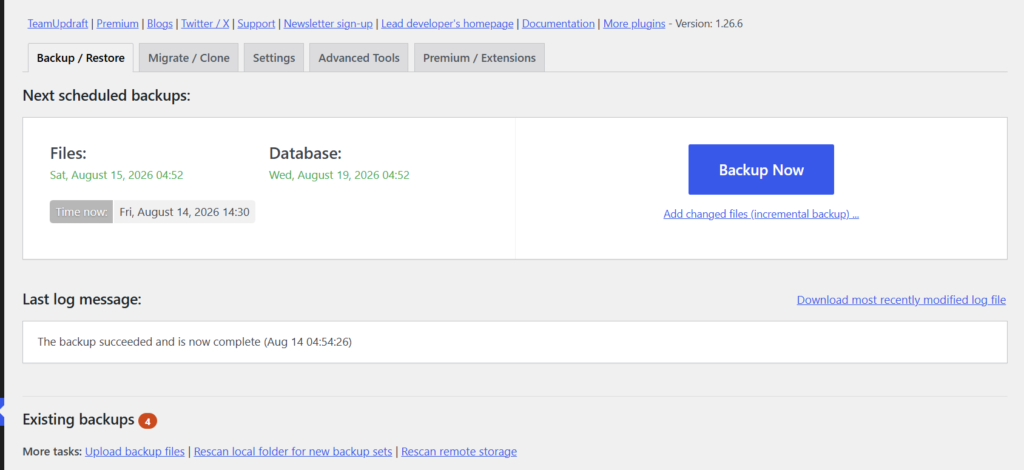
A complete backup can include core WordPress themes, files, plugins, images, media, documents, database data, posts, pages, comments, settings, and user information.
Many plugins also support automatic schedules and remote storage. You can save backup copies to Google Drive, Dropbox, Amazon S3, or other cloud platforms without manually backing up your website each time.
A backup can help you recover from:
- Hacking or malware
- Broken WordPress updates
- Plugin conflicts
- Theme problems
- Server crashes
- Database errors
- Deleted files
- User mistakes
- Migration problems
- Hosting failures
Remember that a backup is most useful when it is stored safely and can be restored successfully. Keep remote copies and periodically verify that your recovery process works.
What are the best WordPress backup plugins?
Here are the 9 best WordPress backup plugins to help protect your website from data loss, technical issues, and unexpected problems.
1. UpdraftPlus – Best Overall WordPress Backup Plugin
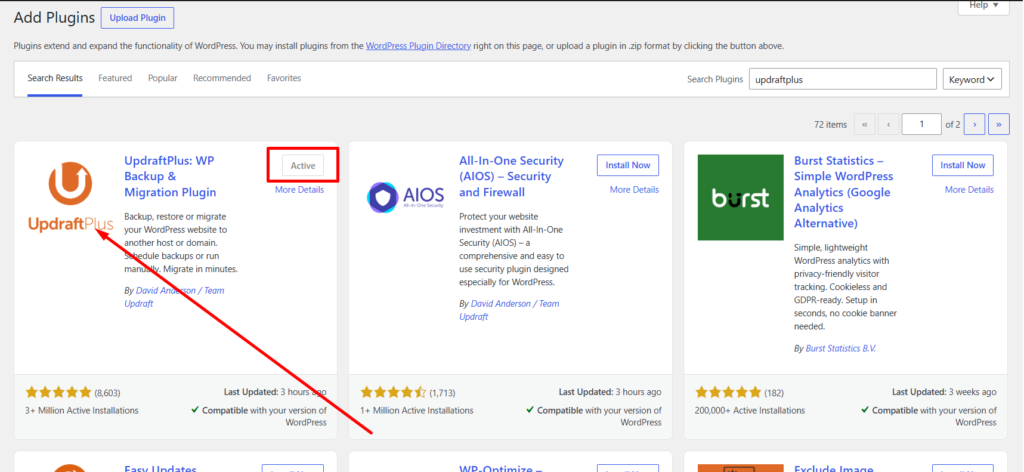
UpdraftPlus is a popular backup solution that makes WordPress website protection simple. It is suitable for beginners, bloggers, affiliate websites, and small businesses that need an easy way to back up their files and database.
The plugin lets you create backups manually or schedule them automatically. You can also store backups remotely and restore your website when necessary, making it a dependable option for everyday protection.
Advantages of UpdraftPlus:
- Simple interface for beginners
- Flexible automatic backup scheduling
- Backs up files and databases
- Supports various remote storage services
- Easy restoration and migration options
- Suitable for different types of WordPress websites
Disadvantages of UpdraftPlus:
- Some advanced tools aren’t included in the free version
- The extensive options can make the plugin feel complex for new users
Why Choose UpdraftPlus?
UpdraftPlus stands out by combining simplicity, flexibility, and useful backup features in one plugin. Beginners can handle everyday backups easily, while experienced users can customize their backup strategy.
If simplicity and reliability are your priorities, UpdraftPlus is an excellent backup solution for WordPress websites.
2. Duplicator – Best for Backups and Site Migration
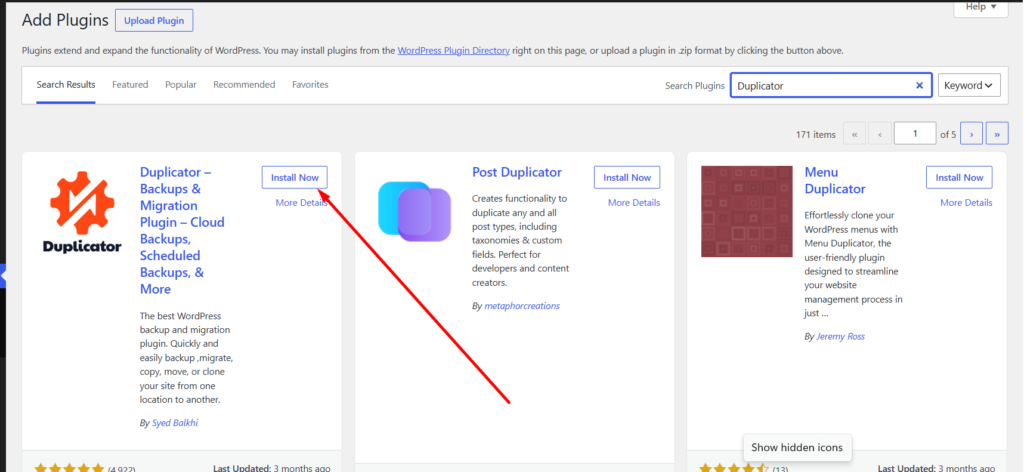
Duplicator is an excellent WordPress backup and migration plugin for creating and managing website copies. It helps you back up, move, clone, and restore your WordPress site with fewer manual steps. It is a strong choice for bloggers, businesses, developers, and agencies.
You can create a complete package containing your WordPress files and database. The package can then be used to back up, clone, or migrate your website.
Advantages of Duplicator:
- Simple website and database backup management
- Migration, cloning, and duplication support
- Scheduled backups and remote storage options
- Simple restoration and hosting transfers
- Useful for beginners, developers, and agencies
Disadvantages of Duplicator:
- Some advanced options are only available in paid plans.
- The migration process and extra features may feel complex for beginners.
Why Choose Duplicator?
The biggest benefit of Duplicator is its versatility. It not only helps protect your WordPress website with backups but also makes moving or cloning your site easier, making it a useful option for beginners, businesses, and developers.
3. BlogVault – Best for Business and High-Traffic Websites
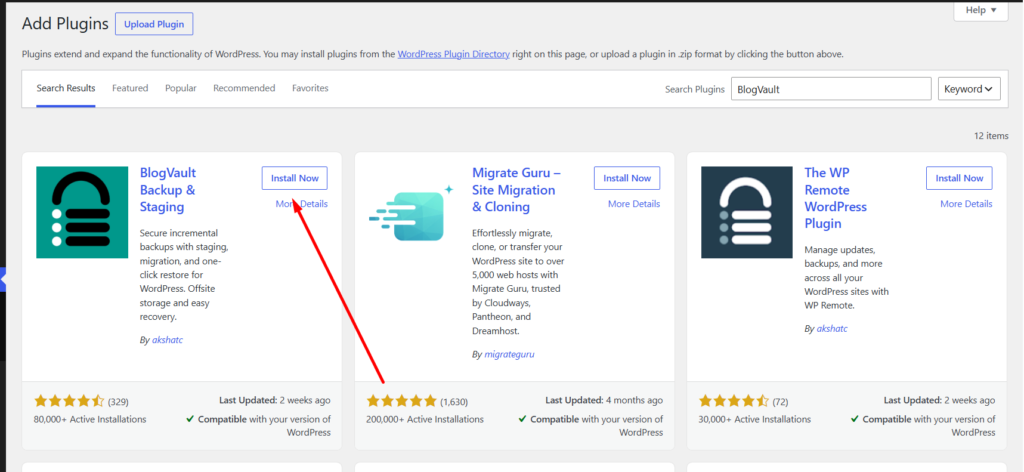
BlogVault is an advanced WordPress backup solution for businesses and websites with more demanding backup needs. It is suitable for agencies, WooCommerce stores, and high-traffic websites that require reliable protection.
Its off-site backup system keeps your backup copies separate from your hosting environment.
The service supports automated and incremental backups for more efficient protection. It also provides useful restoration, migration, and staging tools.
Advantages of BlogVault:
- Scheduled backups with incremental backup support
- Secure remote storage and easy recovery
- Migration and staging capabilities
- Strong support for WooCommerce websites
- Excellent choice for businesses and larger websites
Disadvantages of BlogVault:
- Premium plans can be more expensive than basic alternatives
- Advanced features may be unnecessary for personal blogs
Why Choose BlogVault?
The main advantage of BlogVault is its focus on secure off-site backups and reliable website recovery. It is a practical choice for businesses and larger WordPress websites that need additional protection.
4. Jetpack – Best for Real-Time Backups
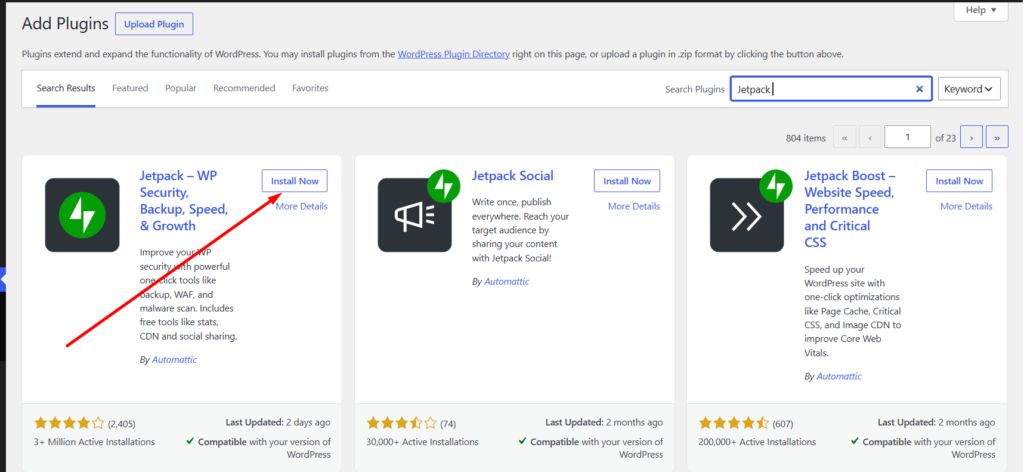
Jetpack helps protect WordPress websites with automated and real-time backups. It continuously keeps important website data backed up as your site changes. This makes it a practical choice for active blogs, business websites, and WooCommerce stores.
The main benefit of real-time backups is that they can capture website changes more frequently than daily backups. This gives you better protection for newly added content, orders, and other important data.
Advantages of Jetpack:
- Protects recent changes with real-time backups
- Automatically stores backups off-site
- Makes website restoration simple
- Works well for WooCommerce and frequently updated sites
- Provides convenient backup management through Jetpack
Disadvantages of Jetpack:
- Premium features may cost more than basic backup solutions.
- Small websites may not need advanced real-time backup features.
Why Choose Jetpack?
Jetpack VaultPress Backup is designed for websites that need more frequent protection than traditional scheduled backups provide. It works particularly well for WooCommerce stores, business sites, and active blogs.
5. Kadence Security – Best All-in-One Backup Solution
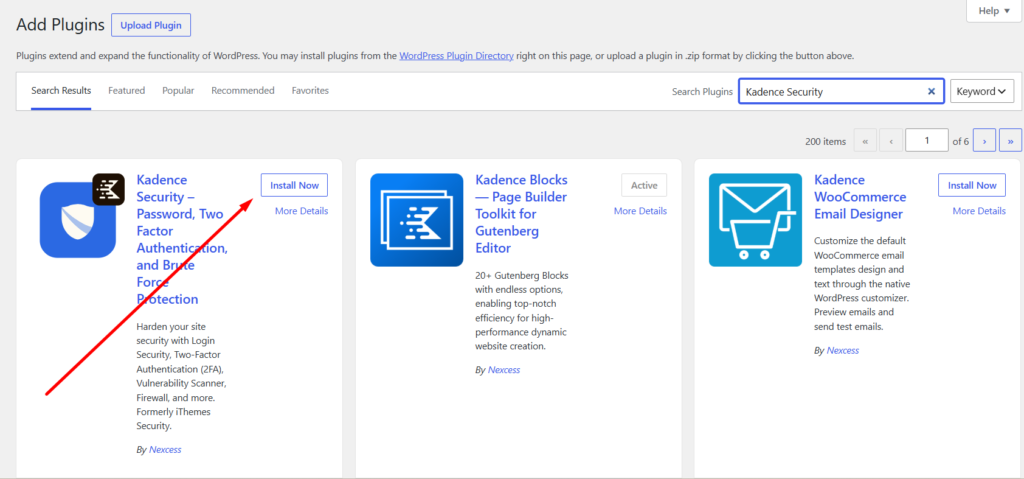
Kadence security WordPress website owners with a convenient way to create and manage backups. Its restoration features can help you recover your site after unexpected problems. It’s suitable for bloggers, businesses, and users who want dependable website protection.
It can save copies of your website files and database and support scheduled backups. This helps you maintain a reliable backup routine over time.
Advantages of Kadence Security:
- Automatic and scheduled backup protection
- Full website and database backups
- Flexible scheduling with remote storage
- Easy restoration through the WordPress dashboard
- Good choice for businesses and professional websites
Disadvantages of Kadence Security:
- Advanced features may require upgrading to a paid plan.
- Some features can be unnecessary for simple blogs and may add a learning curve for beginners.
Why Choose Kadence Security?
With automated backups and easy restoration, Kadence Security helps simplify WordPress backup management. It’s especially useful for businesses, blogs, and website owners who want reliable recovery options.
6. WPvivid – Best for Backup, Migration, and Staging
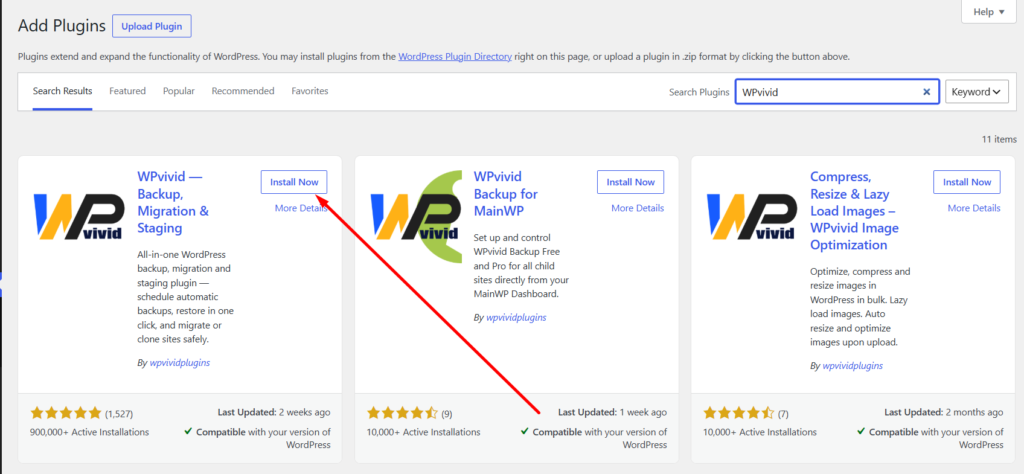
WPvivid provides a complete set of tools for WordPress backups, migration, cloning, and staging. It is a good choice if you want more functionality than a simple backup plugin can provide. The plugin is suitable for bloggers, businesses, developers, and experienced site owners.
You can create scheduled or manual backups and store copies of your website files and database remotely. Its staging and migration tools can help you safely test changes or move your website.
Advantages of WPvivid:
- Complete backup solution with restore, migration, and cloning features
- Automatic scheduling with full and incremental backups
- Supports multiple cloud storage platforms
- Staging environment for testing updates safely
- Available in both free and premium versions
Disadvantages of WPvivid:
- You need a paid plan to access some advanced features.
- Beginners may require time to understand the full range of options.
Why Choose WPvivid?
WPvivid brings backup, migration, and staging together in one WordPress plugin. It is a convenient option for website owners who want to protect their site while having more control over testing and moving it.
7. BackWPup – Best Free WordPress Backup Plugin
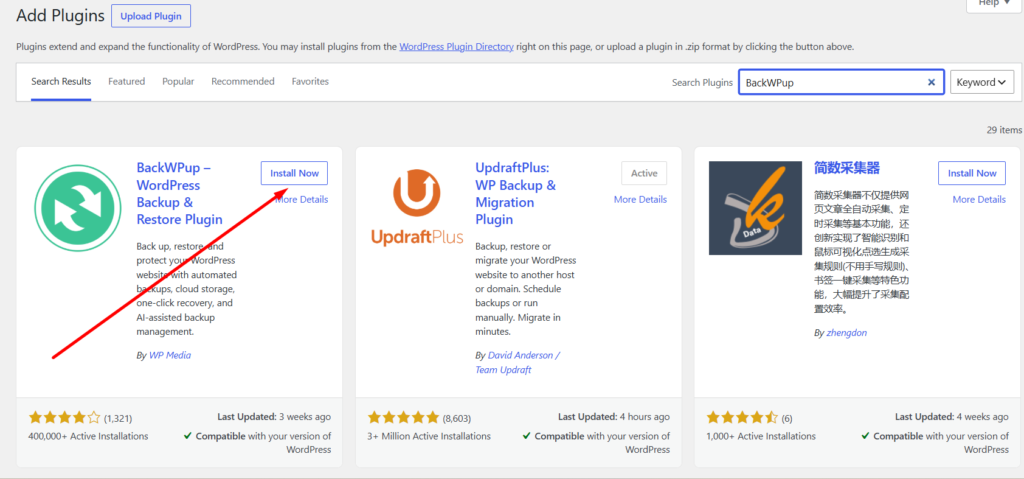
BackWPup helps WordPress users create and manage backups of their important website data. It is a convenient option for bloggers and small website owners who prefer a simple backup process. Its free version is also useful for users who want basic protection without a large investment.
You can create backups manually or set them to run automatically on a schedule. The plugin also supports multiple storage destinations so you can keep backup copies away from your live website.
Advantages of BackWPup:
- Free version available for basic backup protection
- Easy setup with flexible backup schedules
- Backs up both WordPress files and database
- Supports different storage locations and backup logs
- Suitable for beginners and small WordPress sites
Disadvantages of BackWPup:
- Advanced features may require a paid plan.
- The interface and advanced settings may take time for beginners to learn.
Why Choose BackWPup?
BackWPup makes WordPress backups simple and affordable with its useful free features. It’s a good option for beginners who need reliable backup protection without unnecessary complexity.
8. All-in-One WP Migration – Best for Simple Site Backups
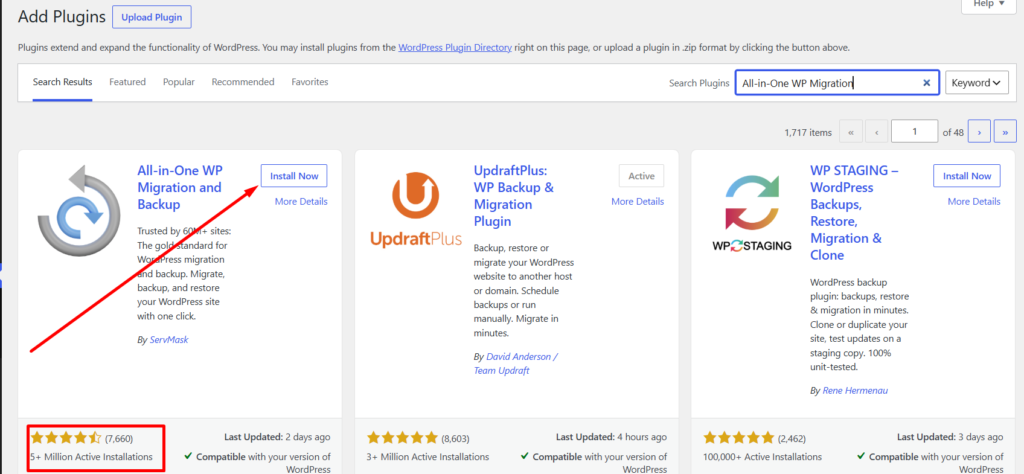
All-in-One WP Migration is a simple WordPress plugin for website backups and migrations. It removes much of the complexity involved in creating a complete website copy. Its beginner-friendly design makes it easy to use.
You can export your database, media files, themes, and plugins as a single package. The package can be stored as a backup or used to move your website to a different host.
Advantages of All-in-One WP Migration:
- Easy-to-understand interface for WordPress beginners
- Simple backup, export, import, and website migration process
- Supports your database, media files, themes, plugins, and other important files
- Convenient for cloning and transferring websites between hosts
- Free version available for users with basic requirements
Disadvantages of All-in-One WP Migration:
- Advanced automated backup functionality may be limited
- Extra storage and premium features may come at an additional cost
Why Choose All-in-One WP Migration?
All-in-One WP Migration is a practical choice for anyone who wants an easy way to copy and move a WordPress website. Its simple process is especially helpful for beginners and users changing hosting providers.
9. Total Upkeep – Best Budget-Friendly Backup Solution
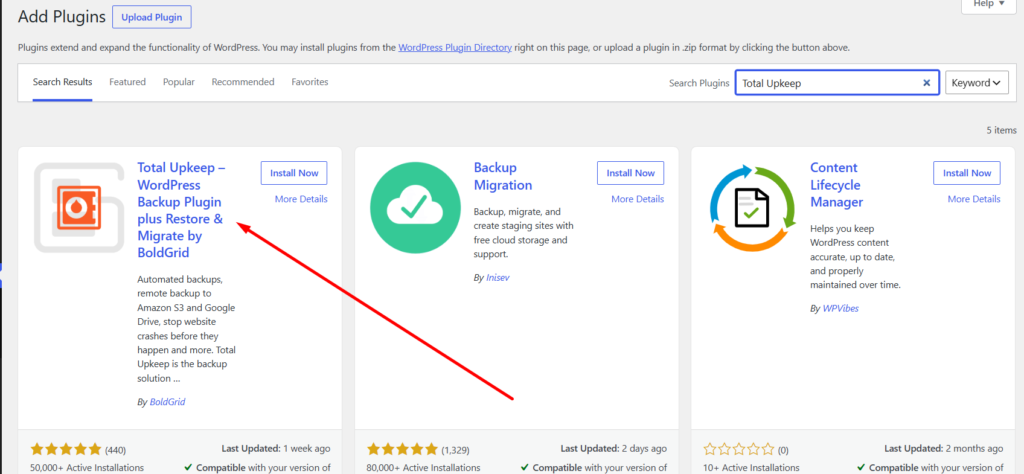
Total Upkeep provides an easy way to create and manage WordPress backups. Its features include automatic backups, website restoration, and protection before important updates. It can be a useful choice for website owners who want dependable protection without unnecessary complexity.
You can create backups whenever needed or automate them with a schedule. The plugin backs up your files and database and helps you recover your website after an unexpected problem.
Advantages of Total Upkeep:
- Automatic scheduled backup options
- Full file and database backups
- Simple restoration and update protection
- Remote backup storage support
- Beginner-friendly for blogs and small businesses
Disadvantages of Total Upkeep:
- Some advanced backup features require a paid upgrade.
- Bigger websites may benefit from a more powerful backup service.
Why Choose Total Upkeep?
Total Upkeep provides essential backup and recovery features in an easy-to-manage package. It’s a practical choice for anyone seeking affordable protection before WordPress updates and major changes.
How to Choose the Best WordPress Backup Plugin for Your Website
Choosing the best wordpress backup plugins becomes easier when you focus on the features that matter most to your website. Look for reliable backups, secure storage, simple recovery, and fair pricing.
- Automatic Backups: Automated backups save time and help ensure your website is regularly protected.
- Off-Site Storage: Store backups away from your hosting server. Look for support for Google Drive, Dropbox, Amazon S3, or other remote storage options.
- Easy Restoration: A backup is only useful if you can restore it easily. Choose a plugin with a simple and reliable restoration process.
- Complete Backups: Make sure the plugin backs up both your WordPress files and database, including posts, pages, settings, themes, plugins, and media.
- Flexible Scheduling: Look for daily, weekly, or custom scheduling options. More frequent backups are useful for websites that change regularly.
- Incremental Backups: Incremental backups save only recent changes instead of backing up the entire website every time. This can reduce server resources and improve backup efficiency.
- Migration and Staging: If you frequently change hosts, redesign your site, or test plugins, migration and staging features can be valuable.
- Pricing: Don’t choose based only on price. Free plugins may work for small blogs, while businesses and WooCommerce stores may benefit from more advanced backup solutions.
Choose a backup plugin that automates backups, stores them safely off-site, and makes restoration easy. The right solution should protect your website without adding unnecessary complexity.
Final Takeaway
A good backup strategy can save you from losing valuable website content, settings, and data. For most beginners, UpdraftPlus offers an excellent balance of simplicity, automatic backups, remote storage, and restoration.
For businesses and larger websites, BlogVault offers a more comprehensive approach. Jetpack VaultPress Backup is suitable for real-time protection, while WPvivid provides a convenient combination of backup, migration, and staging features.
The right choice ultimately depends on your website and budget. What matters most is having automatic backups, secure off-site storage, and a tested restoration process.