Hostinger vs Bluehost: Which Is Better for Starting a Blog in 2026?

If you are planning to start a blog in 2026, choosing the right hosting provider is an important first step. Hostinger vs Bluehost is an important comparison for starting a WordPress blog.
Both providers offer different hosting solutions with useful features, but their pricing, resources, performance, and overall hosting experience differ.
In this comparison guide, we’re going to look at Hostinger and Bluehost in terms of their pricing, the features they offer, their speed, uptime, security, support, and scalability.
1. Hostinger vs Bluehost: Quick Overview
Hostinger and Bluehost are established hosting providers that offer beginner-friendly solutions for starting a WordPress blog. Both make it possible to set up a website without requiring advanced technical skills.
What is Hostinger?
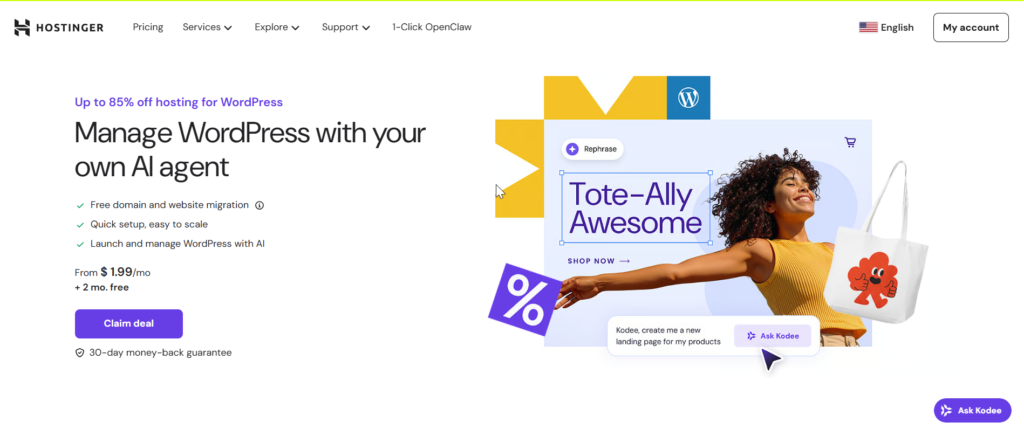
Hostinger is a web hosting company that offers affordable hosting solutions for blogs, business websites, and other online projects.
It provides WordPress hosting, SSL, migration tools, backups on eligible plans, and its own hPanel control panel.
What Is Bluehost?
Bluehost is a well-known hosting provider that focuses strongly on WordPress hosting. It offers simple setup tools, SSL, migration options, backups on eligible plans, and features that help beginners manage their websites.
While both providers offer similar core features, their pricing and plan resources vary.
2. Pricing and Value for Money
When starting a blog, choose hosting that fits your budget and requirements. Avoid unnecessary resources and select a plan that can support your website as traffic increases.
Hostinger Pricing
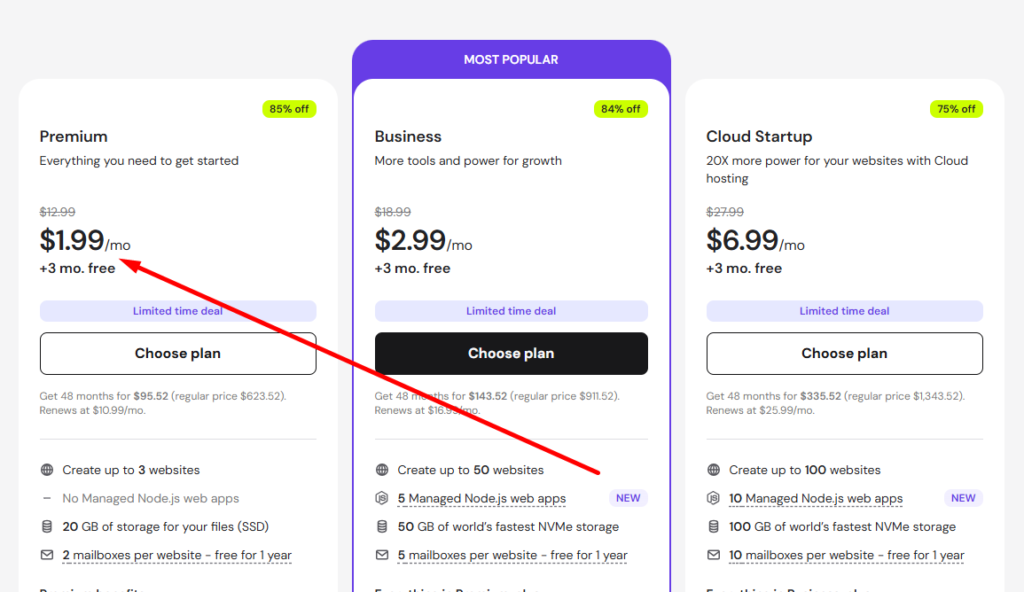
Hostinger’s Basic plan is just at $2.99/month and includes a free domain for the first year. It provides the essential features needed to start a website, including WordPress support, SSL, storage, backups, and website management tools.
For a new blogger, the Basic plan can be a practical starting point if you only need hosting for a single website and want to keep your initial costs low..
Bluehost Pricing
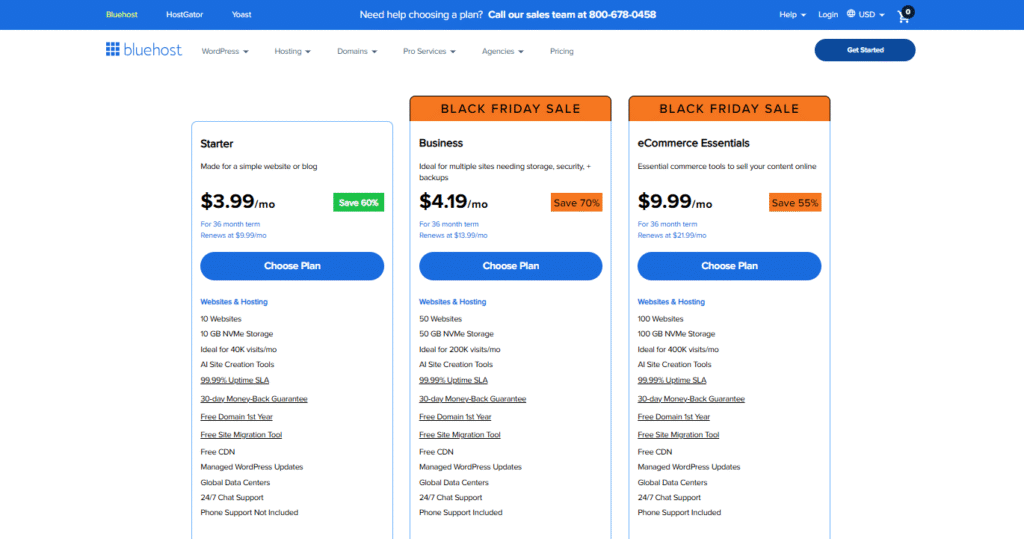
Bluehost’s Starter plan costs $3.99/month on its current 36-month promotional term. It provides up to 10 websites, 10 GB NVMe SSD storage, a free domain for the first year, SSL, CDN, weekly backups, free migration, and managed WordPress updates.
It is a good beginner plan, but you get fewer website and storage resources compared with Hostinger’s Premium plan.
Note: Hostinger wins on overall value because its introductory price is lower and its entry-level plan offers more storage and support for multiple websites.
3. Hosting Features and Resources
Your hosting plan should provide the right combination of features and resources for both your current needs and future growth. So, look at the complete hosting package rather than judging it by price alone.
Hostinger Features
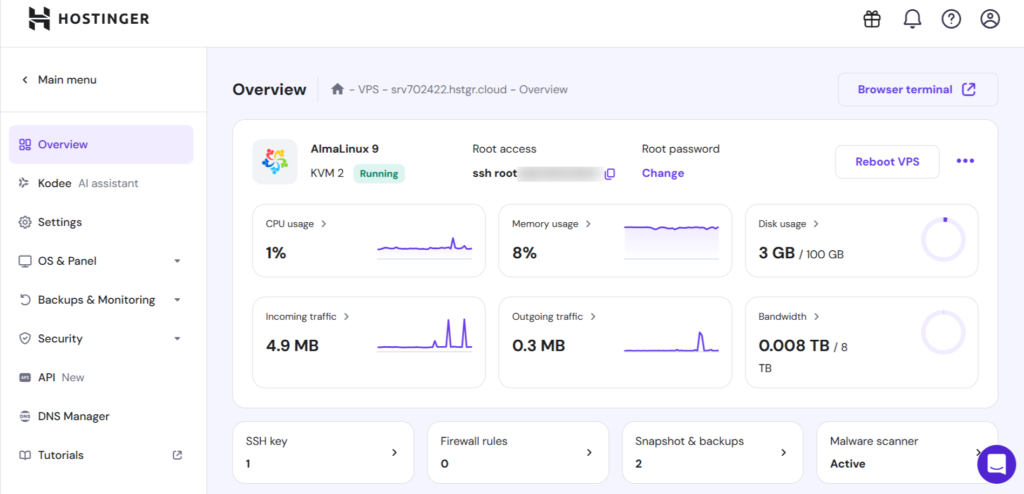
Hostinger provides a variety of useful hosting features, depending on your selected plan:
- WordPress hosting
- Free SSL
- Free domain on selected plans
- Website migration
- Automated backups
- CDN
- Email accounts
- Malware protection
- Performance optimization
- Multiple website support on selected plans
- Managed WordPress features
- Developer-friendly tools on selected plans
With hPanel, Hostinger makes it easy for beginners to manage their hosting account and website settings.
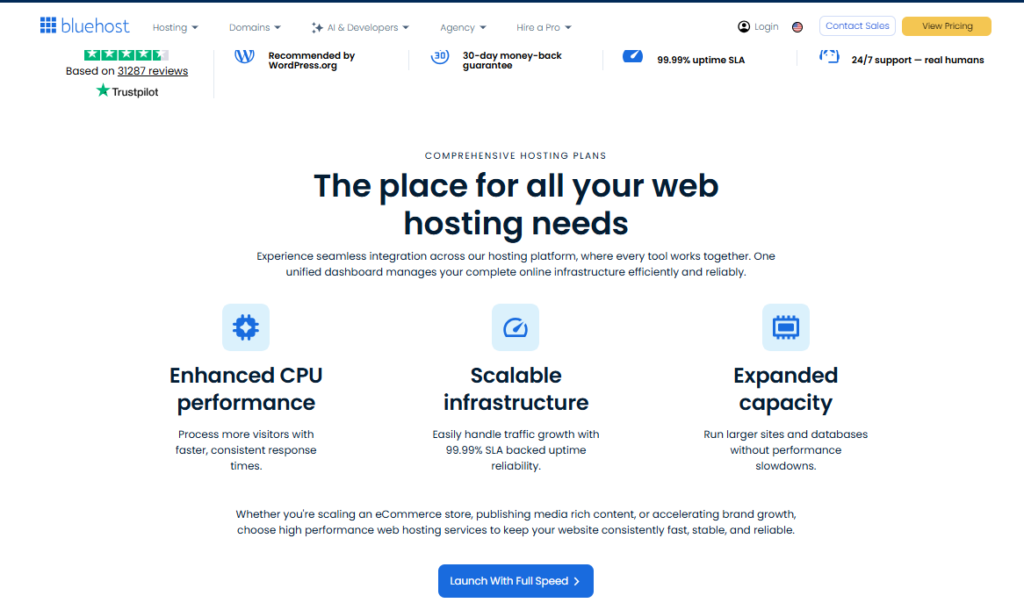
Bluehost Features
Bluehost also provides features designed for beginners:
- WordPress hosting
- Free SSL
- Domain registration
- Website setup tools
- CDN
- Website migration options
- Backups depending on the plan
- Security features
- WordPress management tools
- Multiple website support on selected plans
Both providers offer the basic features needed to start a blog. However, the amount of storage, number of websites, backups, and other resources can depend on your chosen plan.
4. WordPress Setup and Ease of Use
WordPress is easy to set up with both Hostinger and Bluehost, making either option suitable for beginners.
Setting Up WordPress With Hostinger
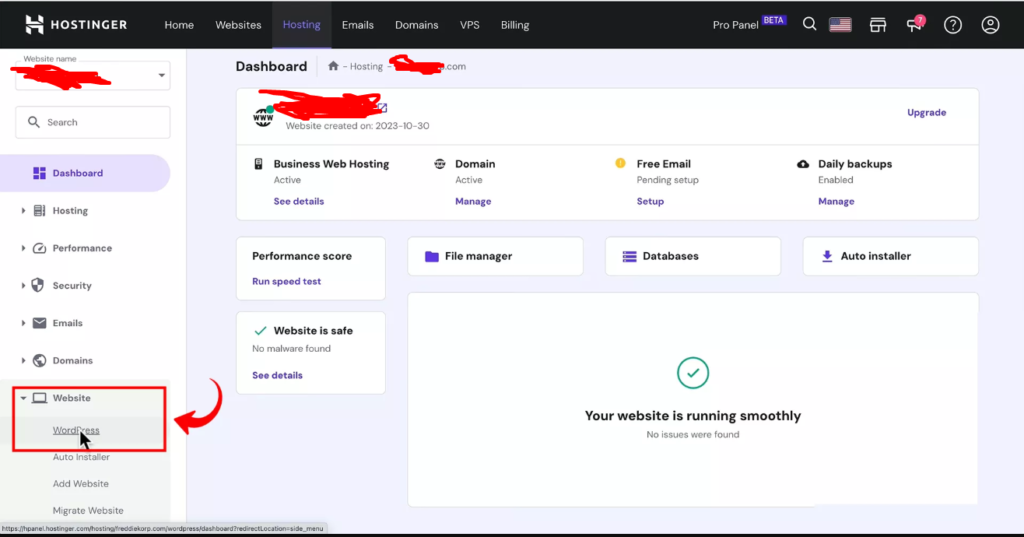
Setting up WordPress with Hostinger is straightforward, even for beginners. Its hPanel guides you through connecting your domain, installing WordPress, and configuring your website after you choose a hosting plan.
Click here to Complete WordPress Setup via hostinger
The typical process is:
- Choose a hosting plan.
- Connect or register your domain.
- Select WordPress during setup.
- Create your WordPress administrator account.
- Complete the installation.
- Log in to your WordPress dashboard.
Hostinger’s hPanel keeps many hosting settings organized in one place, making everyday website management easier for beginners.
Setting Up WordPress With Bluehost
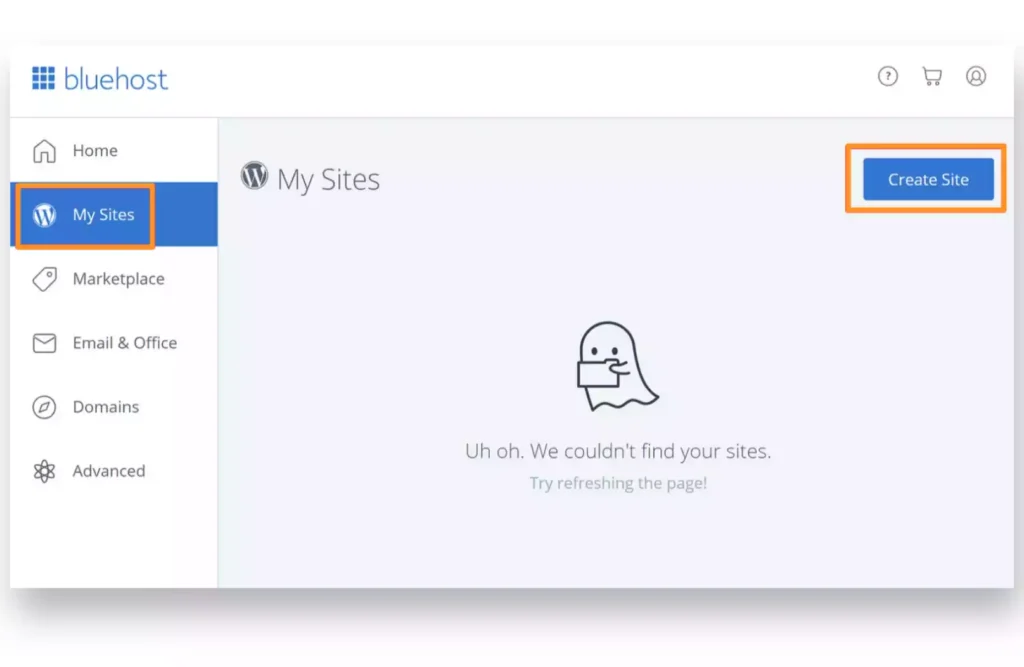
Also bluehost focuses on making WordPress setup simple, providing beginners with a guided onboarding experience to create and configure their websites.
The process generally involves:
- Select a hosting plan.
- Connect or register your domain.
- Start the WordPress setup.
- Create your WordPress account.
- Configure your website.
- Choose a theme or customize your site.
- Start publishing content.
Bluehost’s WordPress-focused onboarding can be particularly helpful if this is your first website and you want a guided setup experience.
Both Hostinger and Bluehost are easy to use for beginners.
5. Website Speed and Performance
Website speed matters because visitors expect pages to load quickly. A slow blog can hurt the user experience, while performance can also be influenced by your theme, plugins, images, caching, and hosting environment.
Hostinger Performance
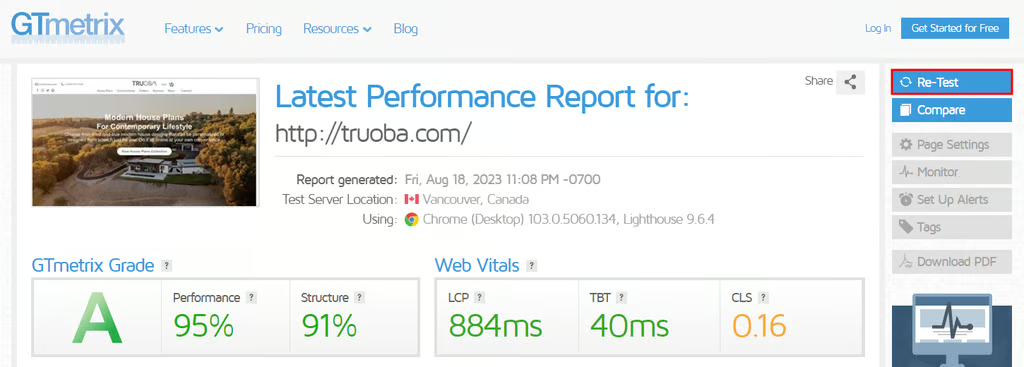
Hostinger uses performance-oriented hosting technologies to help websites load efficiently. Depending on your plan, you may get:
- SSD or NVMe storage
- Built-in caching & CDN
- Optimized server infrastructure
- Modern PHP
- LiteSpeed-based hosting on supported plans
- WordPress optimization tools
Bluehost Performance
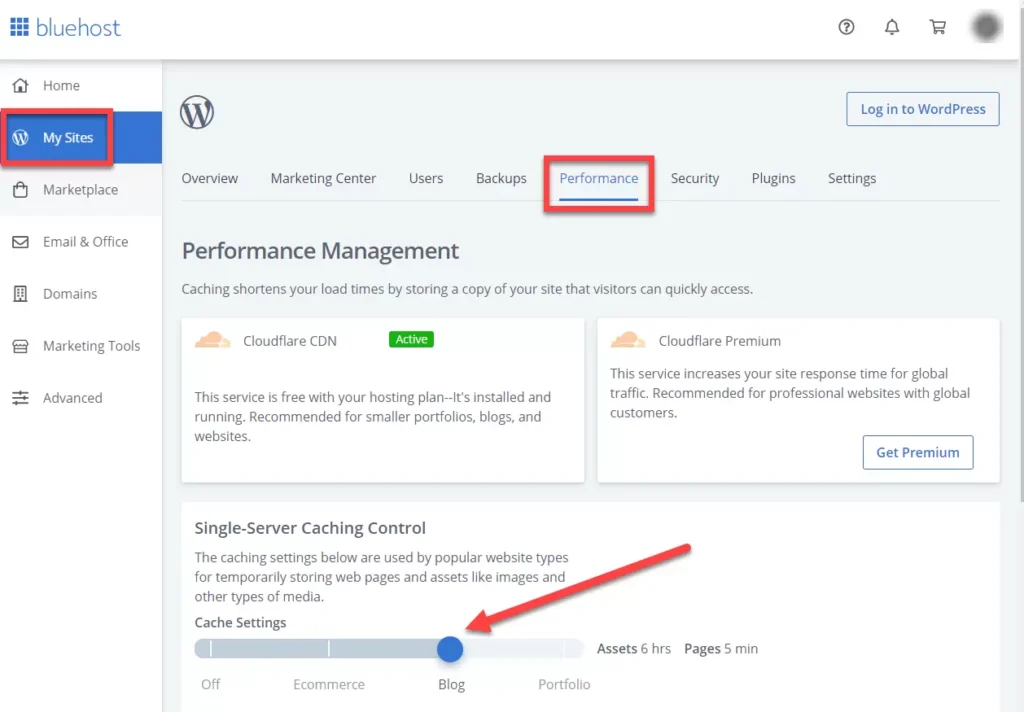
Bluehost provides similar performance features, including:
- Caching & CDN
- Optimized hosting environments
- SSD or NVMe storage
- WordPress optimization tools
- Performance management features
Both are capable of delivering good performance for new blogs. Hostinger has a slight advantage for bloggers seeking affordable, performance-focused hosting.
6. Uptime and Reliability
Keeping your blog online consistently is essential for maintaining traffic and providing a dependable experience for visitors. Frequent downtime can also affect potential customers and affiliate conversions.
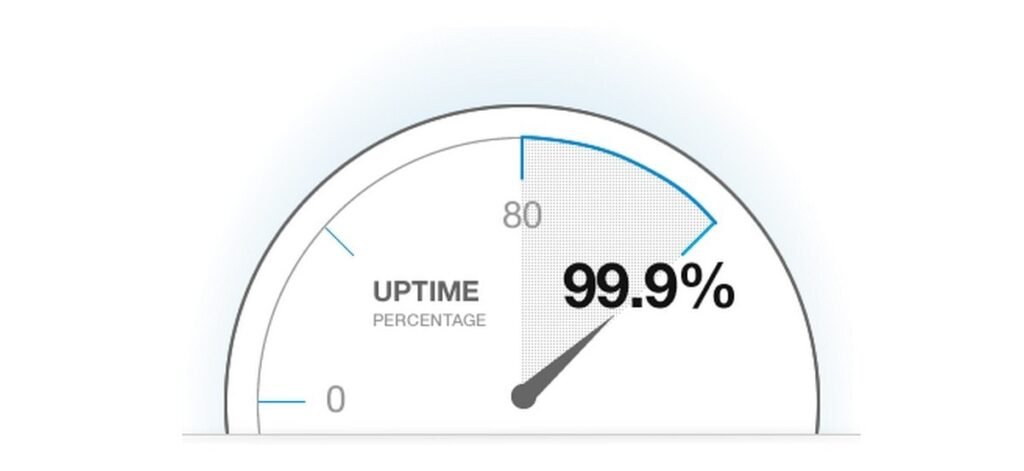
Both Hostinger and Bluehost provide established hosting environments built for reliable website operation. However, downtime can occasionally occur with any hosting company.
What Affects Uptime?
Website reliability can depend on several factors:
- Server issues
- Maintenance
- Traffic spikes
- Software problems
- Plugin conflicts
- Resource limits
- Security incidents
- Hosting plan limitations
For most new blogs, a basic hosting plan should be enough until traffic and resource requirements increase.
Both providers offer reliable hosting for most blogging websites. When comparing them, consider server resources, backups, support, and scalability instead of focusing only on advertised uptime percentages.
7. Security and Backup Features
Website security plays an important role in protecting your blog and its content. Even a new website can face common threats such as malware, spam, bots, and unauthorized login attempts.
Hostinger Security
Hostinger offers several security features, depending on the plan:
- Free SSL certificates
- Malware protection
- Firewall protection
- Automatic backups
- Security monitoring
- Secure server infrastructure
- Account protection features
Bluehost Security
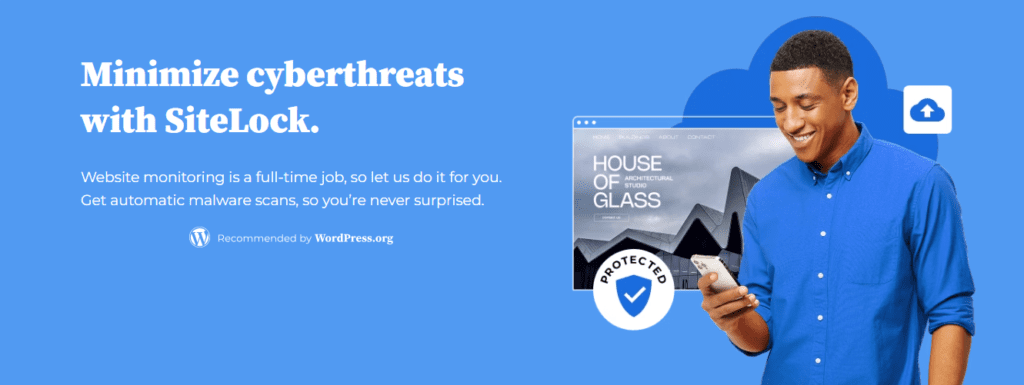
Bluehost also offers security features based on the hosting package:
- SSL certificate
- Malware protection
- Security monitoring
- Website backups
- Firewall-related protection
- Account security tools
Using a WordPress backup plugin with cloud or local storage ensures you have an independent backup if something goes wrong with your website.
8. Free Domain, SSL, Email, and CDN
Both Hostinger and Bluehost include several useful features that can add value to your hosting plan and reduce the cost of running a blog.
Key Features
- Free Domain: Available on selected plans, typically for the first year.
- Free SSL: Provides HTTPS security for your website.
- Professional Email: Allows you to create branded email addresses such as yourname@yourdomain.com.
- CDN: Helps deliver content efficiently to visitors in different locations.
- WordPress Support: Makes it easier to build and manage your WordPress blog.
Always check the current plan details because features and limits can change.
9. Website Migration and Management
As your blog grows, your hosting requirements may change. You might consider switching providers because of higher renewal prices, performance issues, limited resources, poor support, or changing requirements.
Hostinger Migration
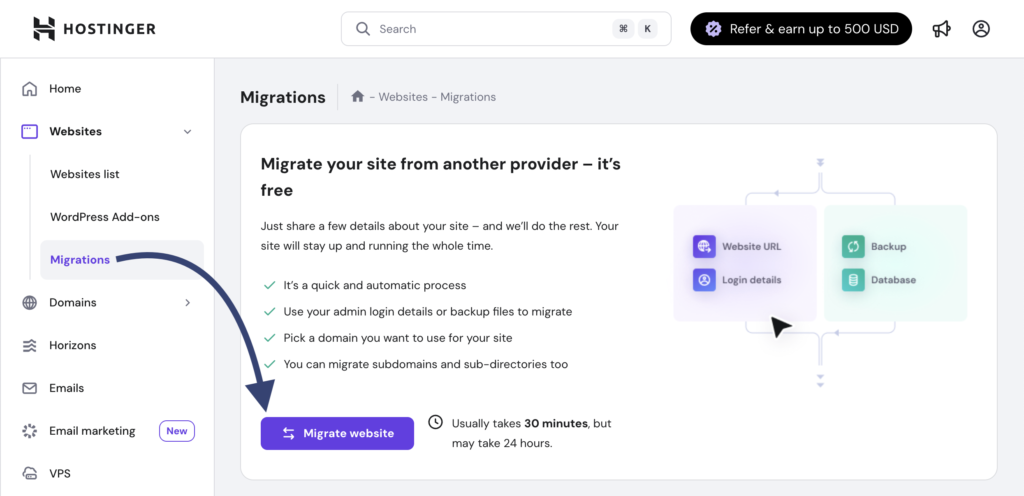
Hostinger offers website migration options that can help simplify the process. For WordPress websites, migration may involve:
- WordPress files
- Database
- Domain configuration
- SSL settings
- DNS records
- Email settings, where applicable
Bluehost Migration
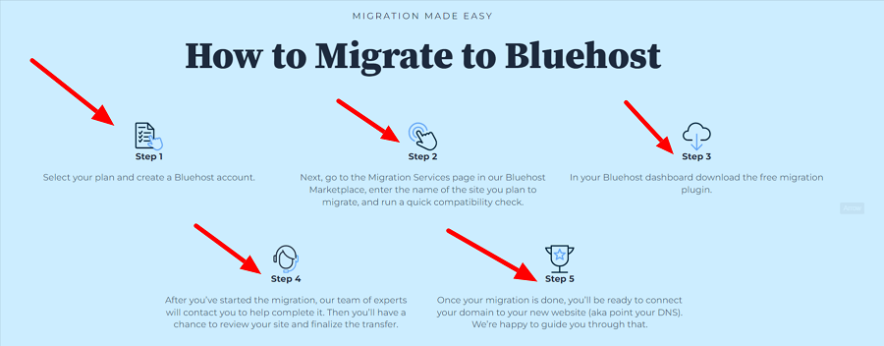
Bluehost also provides website migration options and WordPress management tools. The exact process depends on the website and selected plan.
Both support website migration, but check the plan’s migration terms before signing up
10. Customer Support Comparison
Good support can save you time when dealing with WordPress, hosting settings, or website management. This is especially useful for first-time bloggers.
Hostinger Customer Support
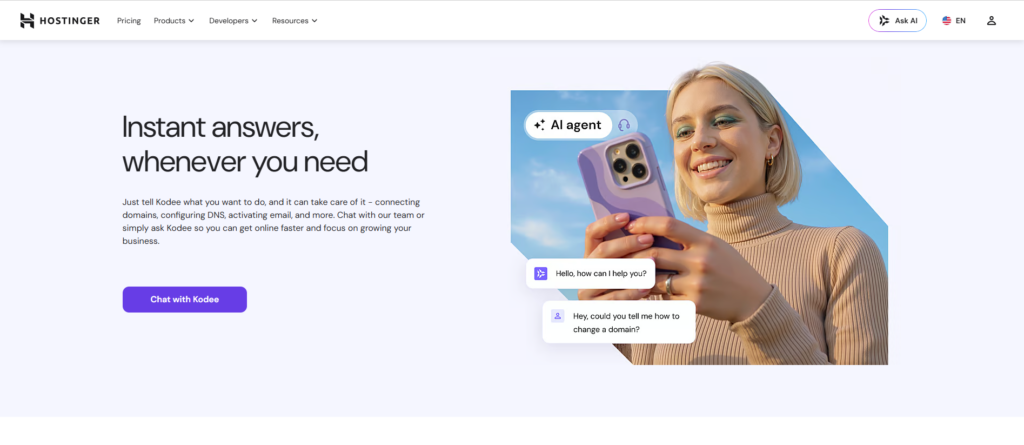
Hostinger provides online support and a variety of tutorials, guides, and troubleshooting resources. These can be particularly helpful for beginners managing WordPress websites.
Bluehost Support
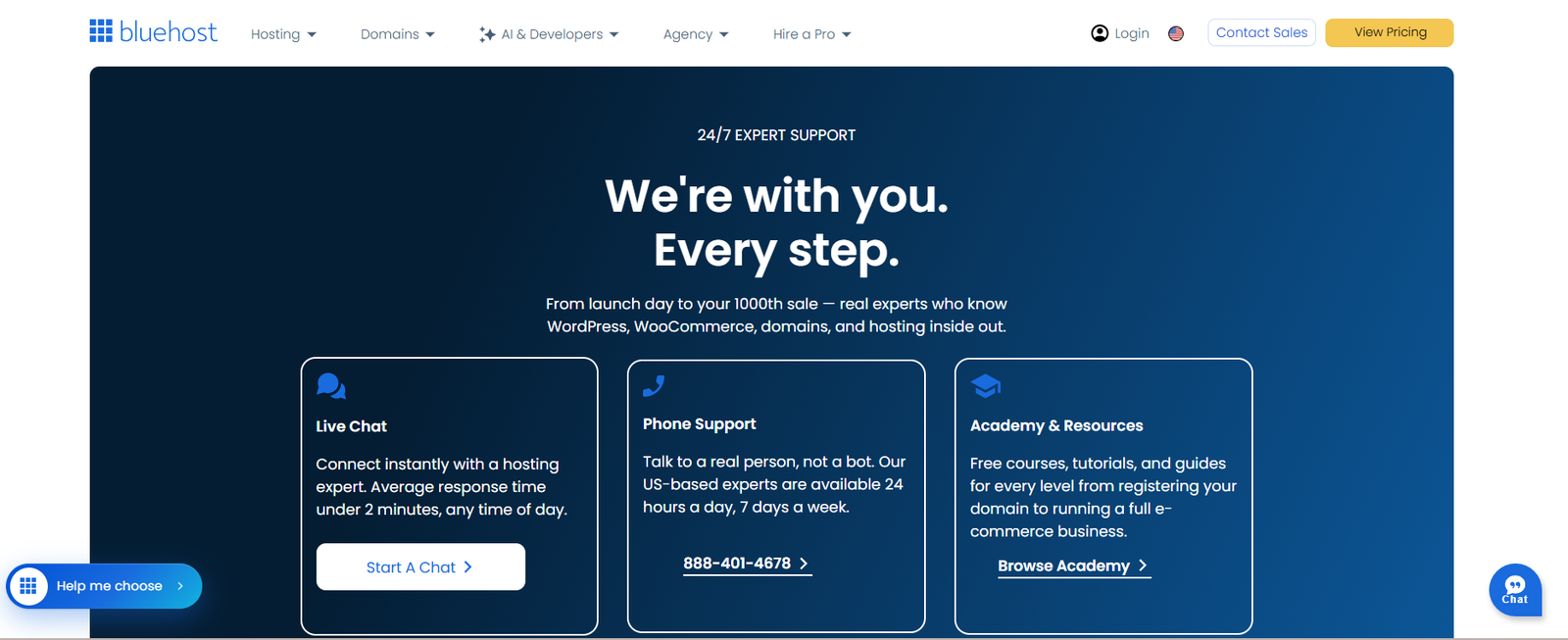
Bluehost also offers customer support and documentation covering hosting and WordPress-related issues. Its beginner-focused approach can help first-time website owners get started.
Both providers offer useful support resources, but the quality of assistance can depend on the complexity of the issue and response time.
11. Best Hosting for Beginner Bloggers
A beginner-friendly hosting provider should give you everything you need to launch your blog without making website management unnecessarily complicated.
Hostinger performs well across these areas. Its affordable plans, beginner-friendly hPanel, and performance-focused features make it a practical choice for someone launching a first blog.
Bluehost also deserves consideration. Its WordPress-focused setup and beginner-oriented tools can make the initial website-building process straightforward.
If price, performance, simplicity, and overall value are your priorities, I would choose Hostinger for a new blog in 2026.
12. Best Hosting for Affiliate Marketing Blogs
Affiliate websites depend heavily on content and organic search traffic. As your site grows, you need hosting that can handle WordPress plugins, images, comparison tables, tracking tools, and increasing traffic.
Important Hosting Features:
For an affiliate blog, consider:
- Good website performance
- Enough storage and resources
- WordPress compatibility
- SSL
- Backup options
- CDN
- Easy management
- Scalability
Hostinger vs Bluehost
Hostinger has the edge for affiliate bloggers because it provides a strong combination of affordability, performance, and scalability. This makes it easier to start small and upgrade when your website needs more resources.
Bluehost remains a good alternative for bloggers who prefer its WordPress-focused tools and onboarding experience.
A fast website is just the start. Strong content, SEO, backlinks, and conversion optimization drive affiliate growth.
13. Hostinger vs Bluehost: Pros and Cons
Both hosting providers have advantages for beginners, but there are also a few limitations to consider.
✅Pros of Hostinger:
- Competitive pricing and strong overall value
- Beginner-friendly hPanel and WordPress setup
- Performance-focused hosting features
- Free SSL and migration options
- Suitable for blogs, affiliate websites, and growing sites
❌Cons of Hostinger:
- Renewal rates may be higher
- Advanced tools may require a higher plan
- Resources vary by plan
✅Pros of Bluehost:
- Simple WordPress onboarding
- WordPress-focused hosting
- Free SSL on eligible plans
- Migration and management tools
- Good for blogs and small business websites
❌Cons of Bluehost:
- Renewal costs may increase
- Some features require specific plans
- Growing websites may need upgrades
Quick Comparison
| Category | Winner |
| Pricing & Value | Hostinger (Just $2.99/month) |
| Beginner Experience & WordPress | Tie |
| Performance | Hostinger |
| Uptime & Reliability | Tie |
| Security & Backups | Tie |
| Features, Migration & Support | Tie |
| Overall, Blogging & Affiliate Marketing | Hostinger |
Final Takeaway
Both Hostinger and Bluehost can handle the needs of a new WordPress blog. Bluehost is a good option for users who value its WordPress-focused setup, beginner-friendly tools, and hosting ecosystem.
But when considering price, performance, ease of use, and overall value, Hostinger comes out ahead for most beginners. It offers a strong balance for bloggers who want to start small and grow their website over time.
Start with a plan that fits your needs, then focus on quality content, SEO, and organic growth. Upgrade when necessary.