
11 Best CRM Software for Growing Businesses and Entrepreneurs (2026)

As your customer base expands, keeping every interaction organized becomes increasingly important. The best CRM software gives your team everything needed to manage customers, track deals, automate tasks, and increase sales performance.
This is where Customer Relationship Management (CRM) software becomes essential.
CRM software brings all your customer information into one place, helping teams manage leads, improve communication, and increase sales efficiency.
Whether you’re a freelancer or a growing company, the right CRM keeps customer data organized while improving efficiency, collaboration, and sales.
In this guide, We’ve carefully reviewed the 11 best CRM software platforms to help you find the right solution for your business in 2026.
Our recommendations are based on features, pricing, usability, automation, integrations, and long-term value.
After reading this article, you’ll understand:
- How CRM software works?
- Why CRM is essential for business growth?
- The key features of each CRM platform?
- Which CRM is best for startups, sales teams, freelancers, and enterprises?
- How to pick the best CRM for your team, goals, and budget?
No matter your budget or business size, this guide will help you find a CRM that grows with your business.
What Is CRM Software?
Customer Relationship Management ((CRM) software helps businesses organize customer information, automate sales activities, and build lasting relationships through every stage of the buying journey.
By storing customer data in one secure location, a CRM simplifies customer management, enhances communication, automates workflows, and helps businesses close more deals.
Modern CRM software provides clear answers to critical business questions, including:
- Who are our most valuable customers?
- Which leads are ready to buy?
- When should we follow up?
- Which sales opportunities are most likely to close?
- How can we improve customer satisfaction?
By keeping customer emails, calls, meetings, and support history in one place, a CRM helps teams stay organized and provide better customer service.
Best 11 CRM Software for Beginners
Here are our Best CRM software recommendations for growing businesses and entrepreneurs in 2026, selected for their reliability, flexibility, and long-term value.
1. HubSpot CRM
Overall Rating: ⭐⭐⭐⭐⭐ (5/5)
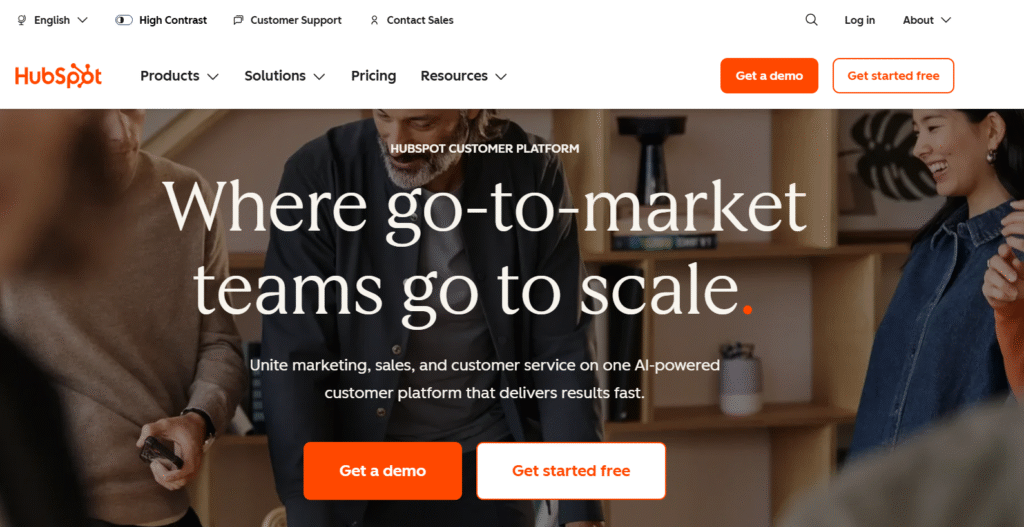
HubSpot CRM is a modern CRM platform built to streamline sales, marketing, and customer support. Its powerful automation, intuitive design, and scalable features make it perfect for growing businesses and entrepreneurs.
Getting started with HubSpot CRM requires no upfront investment thanks to its generous free plan. As your business expands, premium plans unlock powerful features to fuel growth and productivity.
By connecting every stage of the customer journey, HubSpot enables businesses to attract, engage, and retain customers using a single, integrated platform.
Advantages
- Complete CRM platform with sales, marketing, and automation features.
- Beginner-friendly interface with a generous free plan for startups and small businesses.
- AI-powered automation and customizable dashboards improve productivity.
- Supports 1,800+ integrations with popular business applications and mobile access.
Disadvantages
- Some advanced CRM features are available only in premium plans.
- Entry-level plans include limited advanced functionality.
Pricing
- Free: Available
- Starter: From around $20/month
- Professional: Higher-tier pricing with advanced automation
Best For: Bloggers, startups, freelancers, and small to medium-sized businesses.
2. Salesforce
Overall Rating: ⭐⭐⭐⭐⭐ (5/5)
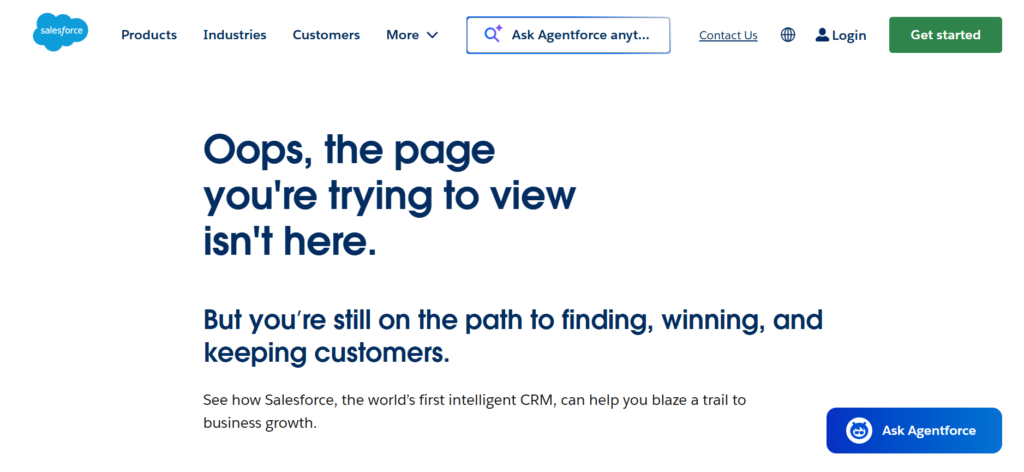
Salesforce is a world-class CRM solution trusted by millions of businesses worldwide. It combines powerful automation, analytics, AI, and customer management in one scalable solution.
Built for flexibility, Salesforce allows businesses to customize nearly every aspect of their CRM experience. Although beginners may need time to learn the platform, its advanced functionality delivers exceptional long-term value.
Advantages
- Advanced customer, lead, and sales pipeline management for growing businesses.
- Custom reports, dashboards, API access, and extensive personalization options.
- Customizable platform with comprehensive reporting, dashboards, and APIs.
- Secure, scalable platform backed by a large global ecosystem.
Disadvantages
- Advanced features come with a higher cost.
- Requires time and technical expertise to master.
Pricing
- Starter plans begin around $25/user/month
- Advanced plans increase based on features
- Enterprise pricing available for large organizations
Best For: Well suited for growing companies, enterprise teams, and businesses that need a flexible, scalable CRM solution.
3. Zoho CRM
Overall Rating: ⭐⭐⭐⭐☆ (4.8/5)
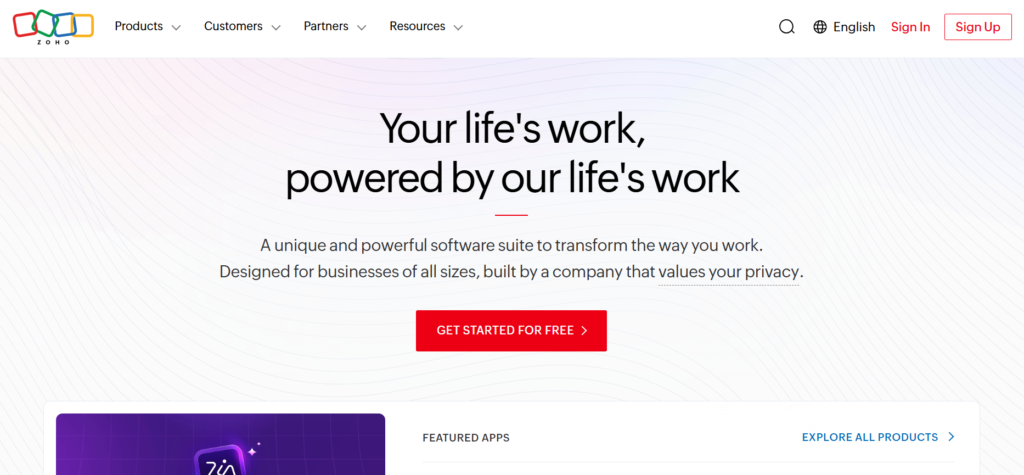
Zoho CRM is a scalable and budget-friendly CRM platform trusted by startups and growing businesses worldwide. It offers a comprehensive set of sales, marketing, and automation tools in an easy-to-use platform.
Businesses already using Zoho products will benefit from Zoho CRM’s deep native integrations, creating a smooth and highly productive business management experience.
Advantages
- Lead tracking, workflow automation, and email marketing.
- Advanced reporting, mobile access, and flexible customization.
- Built-in AI, email marketing, and sales forecasting.
- Flexible, affordable, and integration-friendly.
Disadvantages
- New users may experience a learning curve.
- Premium plans are needed for advanced features and priority support.
Pricing
- Free: Available for small teams
- Standard: Budget-friendly monthly plans
- Professional: Advanced automation and analytics
- Enterprise: Full business features
Best For: Designed for startups, small businesses, entrepreneurs, and sales-focused organizations that value affordability and scalability.
4. Pipedrive
Overall Rating: ⭐⭐⭐⭐⭐ (4.9/5)
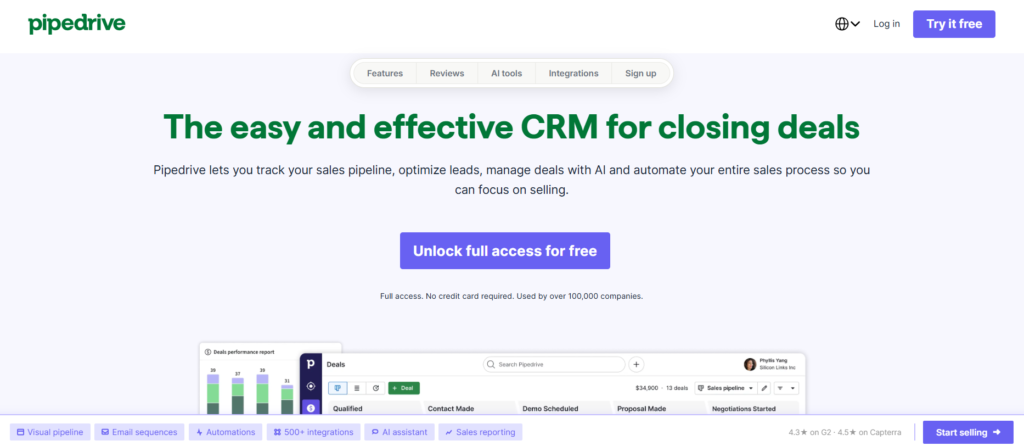
Pipedrive is a modern CRM designed to help businesses organize contacts and accelerate sales growth. Its visual sales pipeline keeps every opportunity on track. It’s best for entrepreneurs, startups, and sales-focused companies.
The visual pipeline makes tracking every deal quick and organized. Smart automation, AI assistance, and reporting help boost sales productivity.
Advantages
- Visual CRM with contact management, sales pipelines, and task tracking.
- AI assistant, workflow automation, email tracking, and forecasting.
- Custom dashboards, reports, goal tracking, mobile apps, and 400+ integrations.
- Easy to learn, cost-effective, and highly scalable.
Disadvantages
- Marketing features may not meet advanced business needs.
- No free forever plan, with support options improving on higher plans.
Pricing
- Essential: Entry-level plan
- Advanced: Adds automation and email features
- Professional: Enhanced reporting and team management
- Power: Advanced collaboration tools
- Enterprise: Full feature set with premium support
Best For: A great fit for startups, sales teams, entrepreneurs, and B2B organizations looking to increase productivity and revenue.
5. Freshworks
Overall Rating: ⭐⭐⭐⭐☆ (4.8/5)
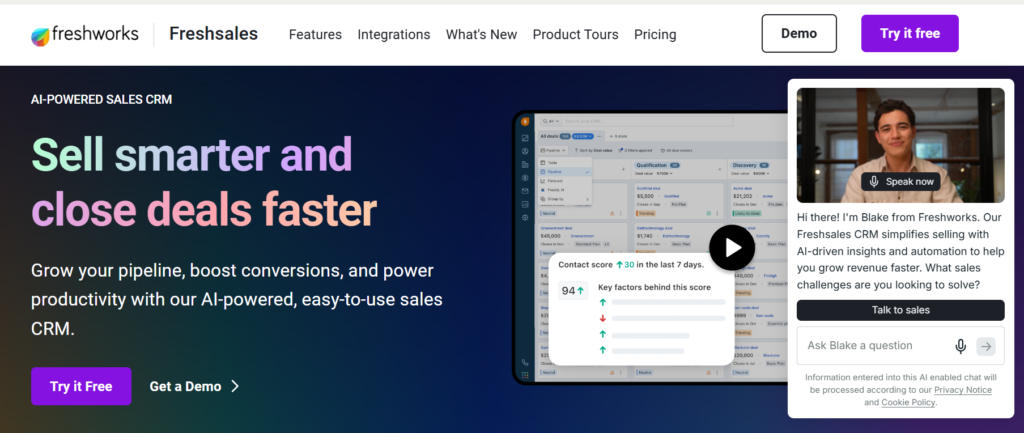
Freshworks is an AI-powered CRM that simplifies lead management, sales automation, and customer communication. Integrated with the Freshworks ecosystem, it provides a seamless experience for growing businesses.
Freddy AI delivers intelligent sales insights and workflow automation. Built-in communication channels keep customer interactions in one platform.
Advantages
- Contact management, visual pipelines, and lead scoring for efficient sales.
- Freddy AI, automation, built-in communication, and forecasting.
- Mobile CRM, custom reports, and seamless app integrations.
- Intuitive interface, great value, and dependable customer support.
Disadvantages
- Some powerful features require upgrading to premium plans.
- May not offer the same level of customization or integrations as enterprise-focused CRMs.
Pricing
- Free: Available for small teams
- Growth: Adds automation and customization
- Pro: Includes AI-powered insights and forecasting
- Enterprise: Advanced security and customization
Best For: Perfect for startups, SaaS businesses, growing organizations, and sales teams that need an affordable, scalable CRM.
6. Monday CRM
Overall Rating: ⭐⭐⭐⭐☆ (4.7/5)
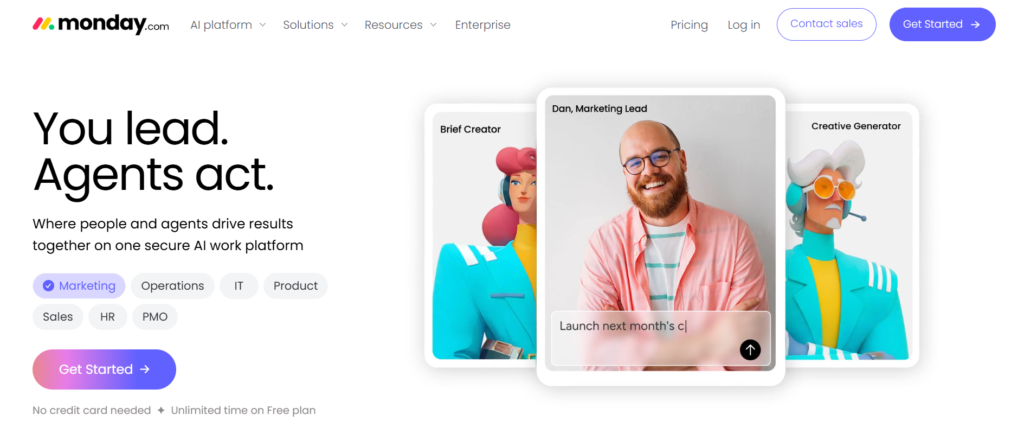
Monday CRM brings customer management, sales tracking, and project collaboration together in one easy-to-use platform. Built on the Monday.com Work OS, it helps businesses streamline daily operations.
The platform stands out with its no-code customization, enabling teams to build workflows and automations that fit their business perfectly.
Advantages
- Custom sales pipelines, lead management, and activity tracking.
- AI-powered automation, forecasting, and email integration.
- Team collaboration, dashboards, mobile CRM, and app integrations.
- Flexible, scalable, and supported by responsive customer service.
Cons
- Not as sales-focused as dedicated CRM solutions.
- Advanced automation and larger team sizes require higher-priced plans.
Pricing
- Basic: Core CRM functionality
- Standard: Adds automation and integrations
- Pro: Advanced reporting and customization
- Enterprise: Custom pricing with enterprise-grade features
Best For: A smart choice for project-based businesses, marketing agencies, and expanding teams seeking a customizable CRM with built-in collaboration tools.
7. ClickUp CRM
Overall Rating: ⭐⭐⭐⭐☆ (4.7/5)
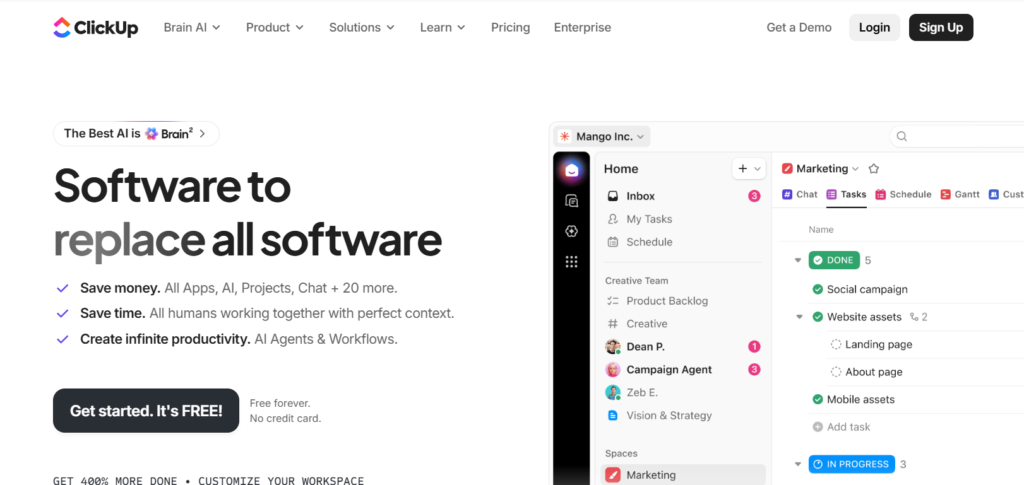
ClickUp is a powerful productivity platform that also functions as a highly customizable CRM. It helps businesses manage customers, organize sales pipelines, automate workflows, and improve team collaboration.
With task management, document sharing, goal tracking, and AI-powered assistance built in, ClickUp simplifies business operations and improves team productivity
Advantages
- Custom dashboards, lead management, project tracking, and sales pipelines.
- AI-powered automation, task management, and email integration.
- Team collaboration, reporting, mobile access, and 1,000+ integrations.
- Affordable, highly customizable, and frequently updated.
Disadvantages
- Customizing the CRM to fit your workflow can take time.
- New users may find the platform overwhelming at first.
Pricing
- Free Forever: Basic CRM and project management
- Business: Advanced automation and reporting
- Enterprise: Custom pricing for large organizations
Best For: A great fit for small businesses, digital teams, and marketing agencies that need to manage sales, customers, and projects together.
8. Insightly
Overall Rating: ⭐⭐⭐⭐☆ (4.6/5)
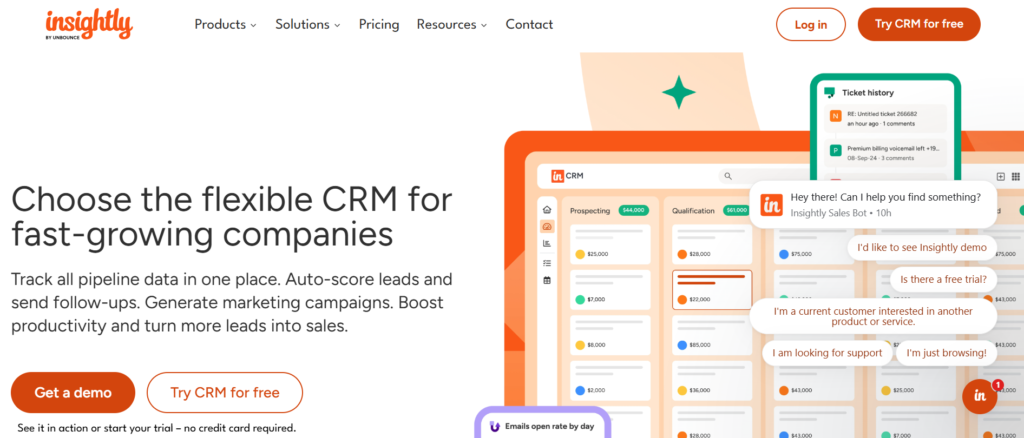
Insightly is a powerful CRM built for businesses that want to manage customers and projects in one place. It simplifies lead management, sales tracking, and post-sale collaboration through an intuitive cloud platform.
Its smooth transition from sales to project execution simplifies client management from start to finish. Automation, analytics, and extensive integrations make it a powerful all-in-one solution.
Advantages
- Contact, lead, and opportunity management with customizable sales pipelines.
- Workflow automation, project management, and email tracking in one platform.
- Business intelligence dashboards, mobile apps, and extensive business integrations.
- Powerful yet easy to use, making it ideal for service-focused businesses.
Disadvantages
- Advanced marketing automation is not included by default.
- Reporting features improve with premium plans, and there is no free version.
Pricing
- Plus: Basic CRM features
- Professional: Automation and advanced reporting
- Enterprise: Advanced customization and security
Best For: An excellent solution for consulting firms, marketing agencies, and growing businesses that manage multiple client projects.
9. Keap
Overall Rating: ⭐⭐⭐⭐☆ (4.7/5)
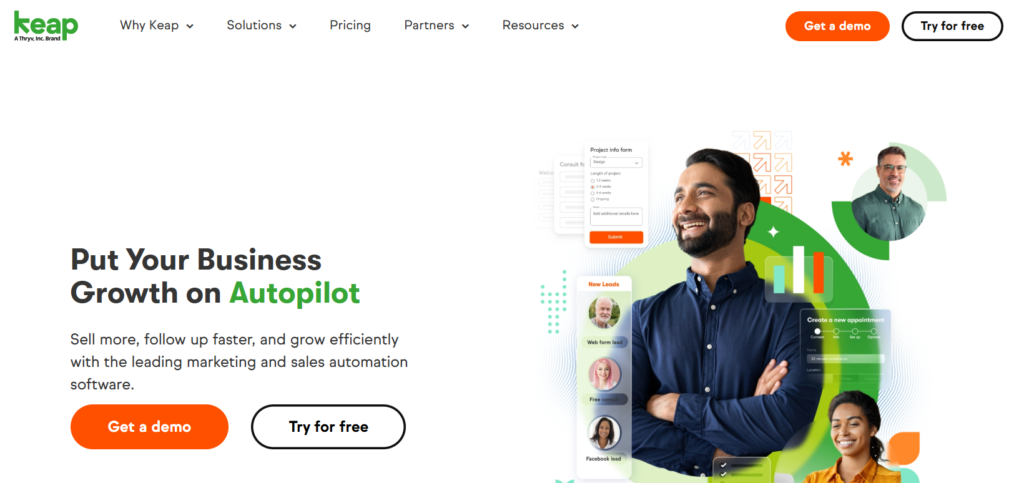
Keap delivers everything small businesses need to manage customers and automate sales from a single platform. CRM, email marketing, scheduling, invoicing, and automation work together seamlessly.
Automated follow-ups, reminders, and customer communication improve efficiency and help businesses provide a more personalized experience.
Advantages
- Contact management, lead capture, and customizable sales pipelines.
- Workflow automation, email marketing, SMS campaigns, and scheduling.
- Quotes, invoicing, reporting, mobile app, and business integrations.
- User-friendly, scalable, and designed to save time.
Disadvantages
- More expensive than many entry-level CRM platforms.
- May lack advanced customization and include features that smaller teams rarely use.
Pricing
- Monthly subscription plans based on contacts and features
- Advanced automation available in higher-tier plans
- Free trial available
Best For: Perfect for coaches, consultants, entrepreneurs, and small businesses focused on improving customer relationships.
10. Zendesk Sell
Overall Rating: ⭐⭐⭐⭐☆ (4.7/5)
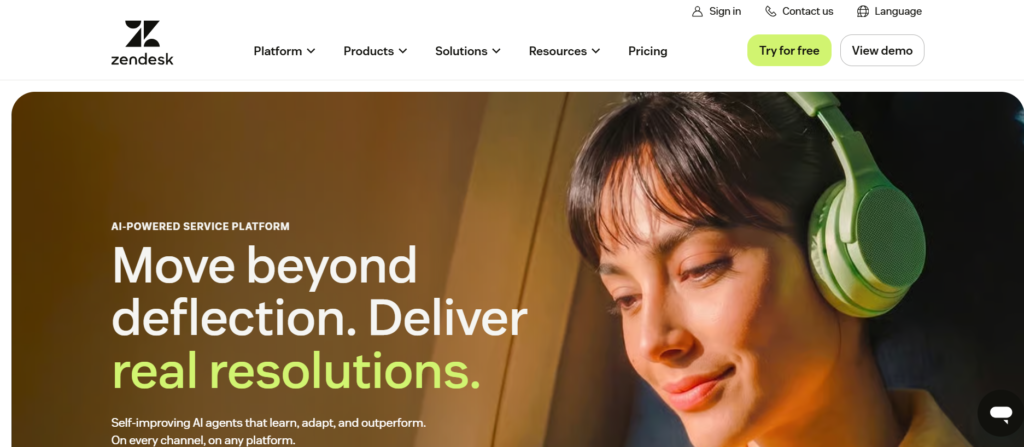
Zendesk Sell is a scalable cloud CRM designed to improve sales efficiency and strengthen customer relationships. By integrating with Zendesk, it creates a unified platform for managing sales and support.
The platform includes visual pipelines, email tools, workflow automation, and advanced reporting to boost productivity and customer engagement.
Advantages
- All-in-one CRM with contact management, visual pipelines, and task scheduling.
- Built-in email, phone, SMS, automation, and forecasting.
- Dashboards, mobile CRM, API access, and seamless integrations.
- Modern interface, reliable performance, and strong reporting capabilities.
Disadvantages
- Built-in marketing automation may not meet advanced business needs.
- Higher-tier plans unlock advanced reporting, while larger teams may face higher costs.
Pricing
- Sell Team: Core CRM features for small teams
- Sell Growth: Adds forecasting and automation
- Sell Professional: Advanced reporting and customization
- Sell Enterprise: Enterprise-level features and security
Best For: Designed for small and medium-sized businesses, sales teams, and organizations that want seamless integration with Zendesk.
11. Bitrix24
Overall Rating: ⭐⭐⭐⭐☆ (4.6/5)
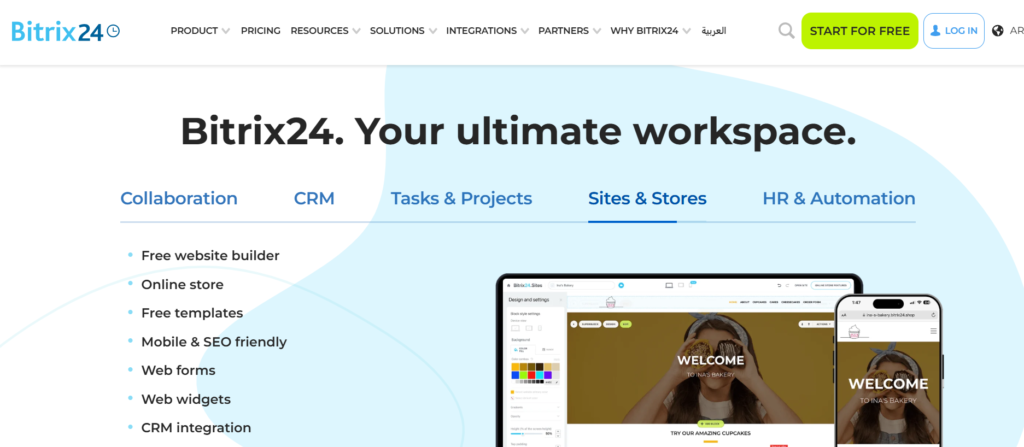
Bitrix24 offers a complete business management solution with CRM, collaboration, project tracking, and workflow automation. It is designed to help businesses manage both customers and internal operations efficiently.
Its free plan offers outstanding value with advanced CRM features and customizable pipelines. The all-in-one solution helps businesses replace multiple tools and save on software costs.
Advantages
- Contact, lead, and sales management with workflow automation and email marketing.
- Built-in communication, projects, documents, websites, and scheduling.
- AI-powered collaboration, HR tools, mobile apps, and seamless integrations.
- Cost-effective, flexible, and ideal for expanding teams.
Disadvantages
- It takes time to learn all the features.
- Premium plans are needed for advanced tools
Pricing
- Free: Available for small teams
- Basic: Additional collaboration and CRM features
- Standard: More automation and storage
- Professional: Advanced business management tools
Best For: Best for startups, remote teams, and businesses that want a scalable all-in-one workspace to support long-term growth.
Free vs. Paid CRM Software
Choosing the best CRM depends on your business stage and available budget. Free CRM platforms help manage contacts, leads, and sales efficiently, but they often come with limits on advanced features and customization.
Paid CRM solutions are ideal for businesses seeking greater efficiency and scalability. With AI-powered features, advanced reporting, stronger security, and premium support, they simplify complex business operations.
Begin with a free CRM to build and organize customer relationships. Move to a paid solution when your business requires more powerful tools and automation.
How to Choose the Best CRM Software
Selecting the right CRM involves more than comparing prices. The best CRM should fit your business processes, support your team, and scale as your company grows.
Here are the most important factors to consider before making a decision.
- Identify Your Business Needs: Understanding your business needs is the first step to choosing the right CRM. Consider your team, workflows, and long-term growth plans.
- Consider Ease of Use: A CRM should make work easier, not more complex. Select one that’s easy to navigate and quick to master.
- Evaluate Key Features: Choose a CRM with the features that matter most, such as lead management, sales pipelines, automation, reporting, and mobile support. Avoid paying for capabilities you won’t use.
- Check Automation Capabilities: The best CRM software includes automation for lead management, follow-ups, tasks, sales workflows, and onboarding to improve productivity.
- Review Integration Options: Choose a CRM that easily integrates with your existing business ecosystem, helping automate workflows and eliminate duplicate tasks.
- Compare Pricing: Don’t focus only on the subscription price. Evaluate setup costs, user limits, premium features, and the long-term value the CRM provides.
- Evaluate Customer Support: Strong customer support makes it easier to set up, learn, and manage your CRM. Prioritize providers with responsive service and comprehensive documentation.
- Read Customer Reviews: Check verified reviews to assess ease of use, reliability, customer support, and long-term value.
- Take Advantage of Free Trials: Before purchasing, use a free trial to assess the CRM’s ease of use, features, and performance.
Most Common Asked Questions
What is the best CRM software for small businesses?
The right CRM for your small business depends on how you manage customers and sales. HubSpot CRM is an excellent all-around solution, Zoho CRM offers impressive affordability, and Pipedrive is ideal for managing sales pipelines.
Which CRM is best for beginners?
For startups, freelancers, and first-time CRM users, HubSpot CRM is one of the easiest platforms to learn. Freshsales and Monday CRM are also beginner-friendly, with intuitive dashboards and guided onboarding.
Which CRM is best for sales teams?
If your priority is closing more deals, Pipedrive is a top recommendation for its sales-focused features and intuitive interface. Salesforce offers enterprise-level flexibility, while Freshsales provides AI-driven productivity tools for modern sales teams.
Can CRM software automate sales and marketing?
Yes. CRM solutions simplify sales and marketing with intelligent automation, helping businesses improve efficiency and accelerate growth. AI-powered automation also helps prioritize leads, forecast outcomes, and streamline customer engagement.
Is cloud-based CRM better than on-premise CRM?
Most businesses choose cloud-based CRM software because it is simple to implement, cost-effective, and accessible from any location. Automatic updates, flexible scaling, and secure cloud backups further enhance its value.
On-premise CRM remains a good option for organizations that require complete control over their infrastructure and data.
Which CRM integrates with email marketing tools?
Most modern CRM solutions support powerful email marketing integrations. HubSpot CRM and Keap include built-in email automation, while Zoho CRM, Salesforce, and Monday CRM connect with a wide range of popular marketing platforms.