11 Best WordPress Page Builders: Complete 2026 Guide

In 2026, modern technology has made creating WordPress websites without any coding knowledge much easier than before. You can easily create a website using the ‘drag-and-drop’ feature of WordPress page builders.
Overall, with 6 years of hands-on experience building WordPress websites, I’ve gained which page builders are best for what kind of website.
Each builder comes with its own features, templates, customization options, and pricing plans. Some are designed for beginners and simplicity, while others offer advanced tools and greater design flexibility.
In this guide, we will look at the 11 best WordPress page builders in 2026, including their key features, pricing, advantages, disadvantages, and the type of user each builder is best suited for.
What Is a WordPress Page Builder?
A WordPress page builder is a plugin or website-building tool that makes it easy to design WordPress pages without writing code manually.
The traditional WordPress editor(Gutenberg) is excellent for writing blog posts, but you may want more control when creating a homepage, landing page, pricing page, or other custom layout.
A page builder gives you additional design elements and visual controls. For example, you can usually:
- Create columns and sections
- Add images and videos
- Design buttons and call-to-action sections
- Create pricing tables
- Add contact forms
- Build landing pages
- Change colors and typography
- Create custom layouts
- Design pages visually
Most modern WordPress page builders use a visual editing interface. This means you can see your design while building it instead of constantly switching between the editor and the live website.
Some builders are completely free, while others offer free versions with additional features available in paid plans.
11 Best WordPress Page Builders in 2026
Here I am listing the top 11 popular WordPress page builders and block-based design tools that you can consider for your website in 2026.
1. Elementor

Elementor is one of the most popular drag-and-drop WordPress page builders, enabling the creation of professional-quality pages without any coding. Its user-friendly interface makes it highly suitable for beginners.
With Elementor free page builder, you can quickly add images, buttons, forms, videos, columns, and other elements to your page. Elementor Pro includes advanced features such as the Theme Builder, pop-ups, and WooCommerce design tools.
Key Benifits:
- Simple, easy-to-use drag-and-drop functionality, and suitable for beginners.
- Responsive design controls for mobile, tablet, and desktop
- Large library of templates and pre-designed layouts
- The free version is available with all the useful design features.
- Extensive range of customization and design
- Strong ecosystem with many third-party extensions
Limitations:
- The advanced tools or features required an Elementor Pro plan.
- Large and complex designs can be difficult to manage.
Ideal For: Elementor is an excellent choice for those seeking a flexible WordPress page builder that offers an easy-to-use visual editor, a vast array of templates, and extensive design capabilities.
2. Beaver Builder
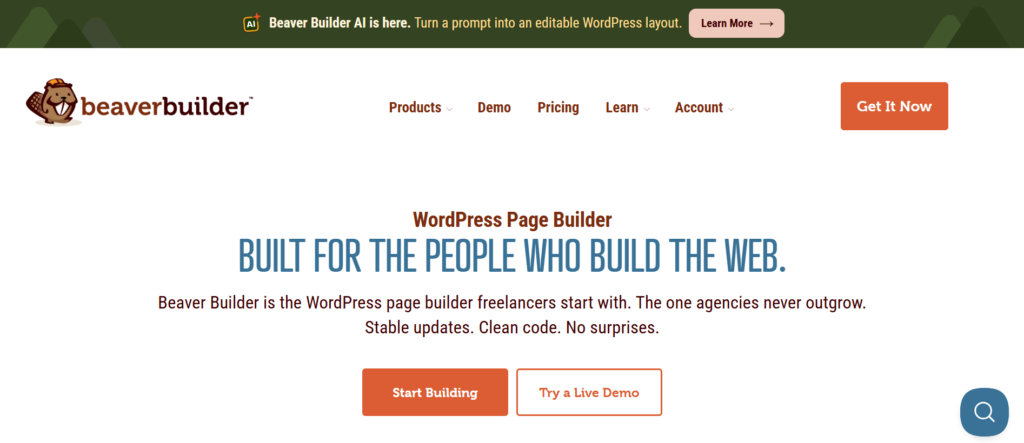
Beaver Builder is a professional WordPress page builder plugin that makes it easy to create high-quality web pages without any coding. Its clean drag-and-drop interface allows for the visual creation and customization of layouts, making it highly suitable for new users, bloggers, freelancers, agencies, and business owners.
With Beaver Builder, you can create custom pages using rows, columns, images, buttons, videos, forms, and more. Ready-made templates and responsive controls make it easier to design pages for different devices.
Key Benifits:
- Simple visual editor with drag-and-drop functionality
- Easy for beginners to learn
- Helpful responsive design mobile, tablet, and desktop.
- Pre-built templates save time
- Good option for freelancers and agencies
Limitations:
- Many useful advanced tools require pro plan
- It may offer fewer design options than some competing builders
Ideal For: ‘Beaver Builder’ is a simple and reliable WordPress page builder for new users, freelancers, agencies, and business owners that requires no complex editing.
3. Divi Builder
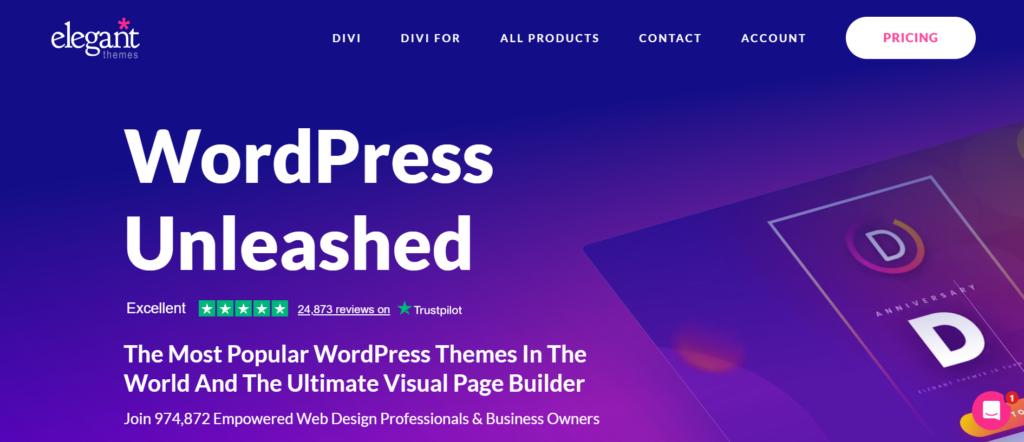
‘Divi Builder‘ is a popular WordPress page builder from ‘Elegant Themes’ that enables you to create professional-quality websites using a visual drag-and-drop editor. With it, you can design various pages, landing pages, blog layouts, and entire sections of a website without writing any code.
A large selection of ready-made layouts and flexible design options makes Divi easy to customize. You can arrange content elements to suit your needs, while Global Design Settings help keep the website’s design consistent.
Key Benifits:
- Powerful visual editor makes page creation easy.
- Plenty of ready-made layouts and templates
- Benefits of flexible design and customization
- Responsive controls for desktop, tablet, and mobile
- Reusable sections, global styling, and WooCommerce support
Limitations:
- It may take new users some time to learn this.
- Complex pages may become harder to manage with many elements
Ideal for: Divi Builder is suitable for those who want full control over their WordPress website’s design and the convenience of easy visual editing.
4. SeedProd
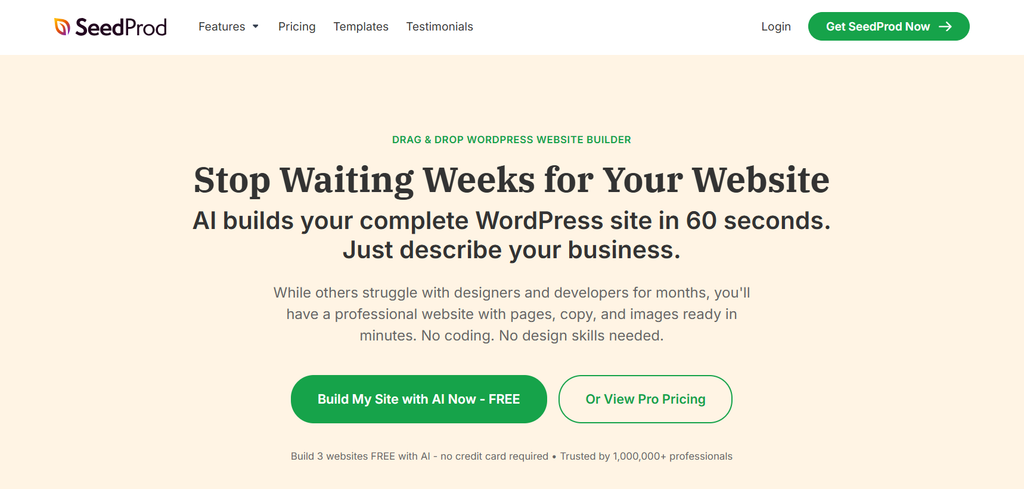
SeedProd is an easy-to-use WordPress page builder designed primarily for landing pages and marketing-focused websites. Using its drag-and-drop editor, you can create professional-quality pages without any coding knowledge.
With SeedProd, you can create landing pages, sales pages, ‘coming-soon’ pages, maintenance pages, login pages, and custom layouts. It also includes pre-made templates and design blocks that help you quickly create attractive pages.
The free version includes basic features, while premium plans add more templates, design blocks, integrations, and marketing tools.
Key Benifits:
- Simple drag-and-drop editor that beginners can learn quickly
- Plenty of ready-made landing page templates
- Helpful tools for sales, marketing, and conversion-focused pages
- Responsive design control system featuring ‘Coming Soon’ and maintenance modes.
Limitations:
- Many advanced features require a paid plan
- Less suitable for complex, website-wide design projects
Ideal for: SeedProd is an excellent solution for those who want to create attractive landing pages and marketing-focused designs without any coding.
5. Brizy Builder
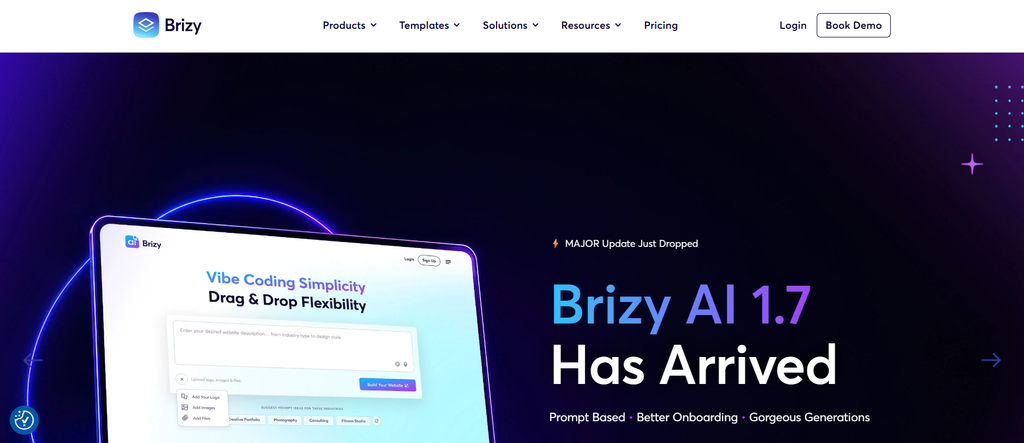
Brizy Builder is an easy-to-use WordPress page builder that lets you create professional pages with a visual drag-and-drop editor. You can design and customize your website without any coding knowledge.
It includes useful content elements, ready-made templates, and design blocks for creating pages quickly. You can also customize layouts and adjust designs for different devices.
The free version provides basic tools, while Brizy Pro adds advanced features, templates, integrations, and customization options.
Key Benifits:
- Easy visual drag-and-drop editor
- Beginner-friendly and requires no coding
- Ready-made templates and design blocks
- Responsive design controls
Limitations:
- Advanced features require a paid plan
- Less suitable for highly complex website designs
Ideal for: Brizy Builder is suitable for beginners, bloggers, freelancers, and small businesses that want to build attractive WordPress pages easily.
6. Kadence Blocks
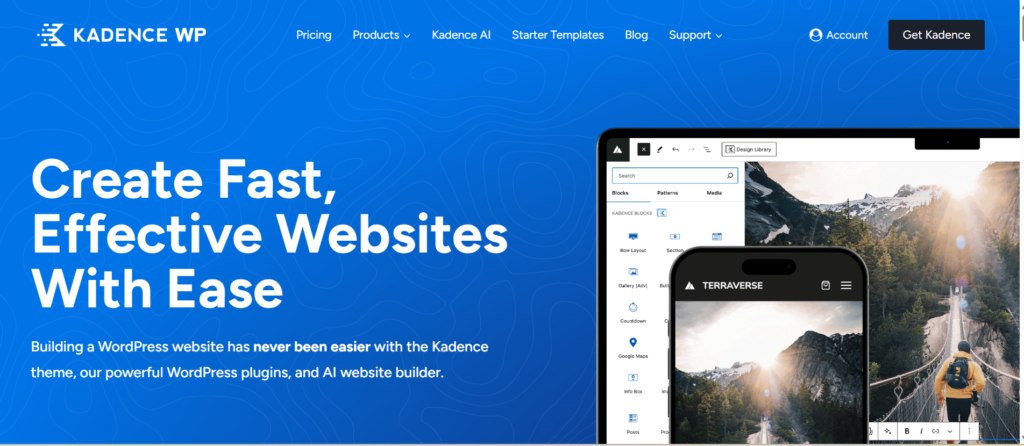
Kadence Blocks is a lightweight WordPress block editor plugin that adds extra blocks and design capabilities to the Gutenberg editor. It allows you to easily create professional-quality pages and attractive layouts without using traditional drag-and-drop page builders.
Using Kadence Blocks, you can add various elements—such as sections, columns, buttons, galleries, forms, accordions, and testimonials—directly within the default WordPress block editor.
Additionally, features such as responsive controls, typography settings, spacing options, and pre-made patterns make it easy to create attractive page designs.
Its free version includes several useful blocks that allow beginners to easily create blogs or affiliate websites; for those already using the Kadence theme, Kadence Blocks is a natural choice.
Key Benifits:
- Built directly into the WordPress block editor
- Easy for beginners to learn and use
- Free version provides a good selection of advanced blocks
- Includes responsive controls with useful typography, spacing, and layout options
- Strong compatibility with the Kadence theme
Limitations:
- Some advanced features are limited to the Pro version
- May require more familiarity with the block editor for complex designs and offers fewer features than some traditional builders
Ideal for: For those who prefer using the native WordPress editor but desire greater design flexibility—such as bloggers, new users, and website owners—’Kadence Blocks’ is an ideal solution.
7. Spectra
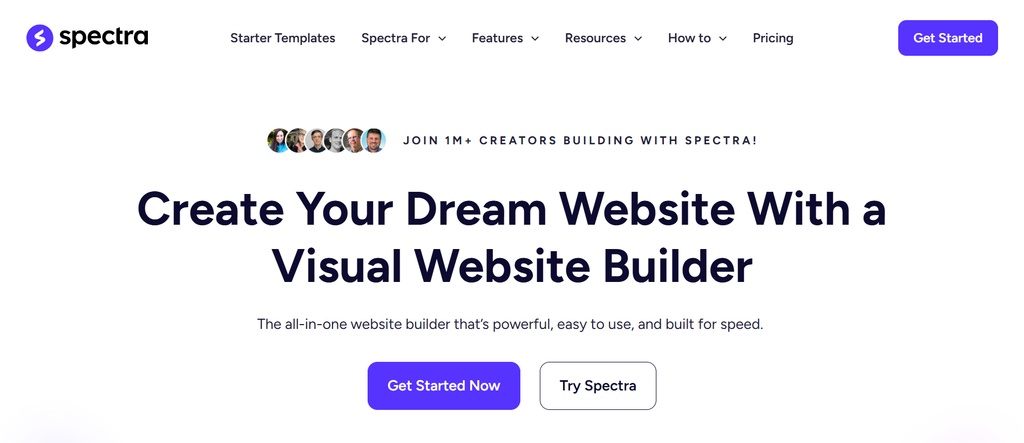
Spectra is a feature-rich WordPress block editor plugin that adds extra block and design capabilities and enhances the Gutenberg editor. It operates directly within the WordPress editor, eliminating the need for a separate page builder.
This plugin provides block functionality for headings, images, buttons, galleries, forms, pricing sections, containers, and much more. It also includes responsive controls, ready-made patterns, and various styling options, helping you create attractive pages without any coding.
You can create high-quality websites using the free version, while the premium version offers even more advanced features and functionality.
Key Benifits:
- Built directly into the WordPress block editor
- An intuitive interface that beginners can quickly learn.
- Free version offers a variety of useful content blocks
- Pre-designed patterns and responsive controls make page design easier
Limitations:
- Some advanced features are limited to paid plans
- Users looking for extensive drag-and-drop customization may find it less flexible
Ideal for: Spectra is an excellent choice for those who want the benefits of additional blocks and customization options without using a separate page builder.
8. WPBakery Page Builder
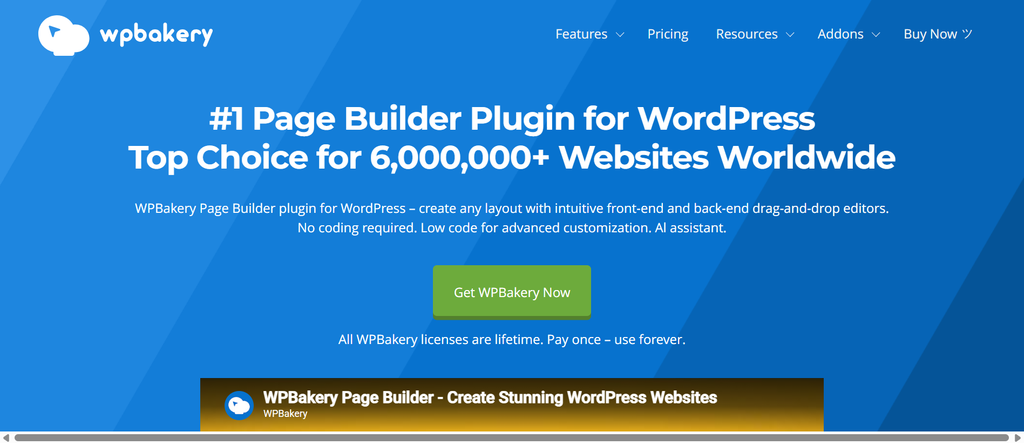
WPBakery Page Builder is a well-established WordPress page builder that allows you to create your own custom website layouts without writing any code. It offers both front-end and back-end editing capabilities, giving you flexibility and freedom in page design.
Using this page builder’s visual editor, you can create rows, columns, buttons, images, text sections, galleries, and other page elements. It also supports a wide range of WordPress themes and third-party add-ons, making it a viable option for many existing websites.
Key Benifits:
- Flexible front-end and back-end editing options
- Extensive collection of content elements and third-party add-ons
- Responsive design with extensive compatibility with WordPress themes.
- The facility to use custom CSS for advanced designs.
Limitations:
- The interface may not feel as modern as newer page builders
- New users may need time to master the platform
- Advanced features may incur additional costs, and reliance on shortcodes can complicate the migration process.
Ideal for: For those working with existing WordPress websites or themes that already support WPBakery—namely website owners, freelancers, and developers—WPBakery Page Builder is an ideal solution.
9. Generatepress
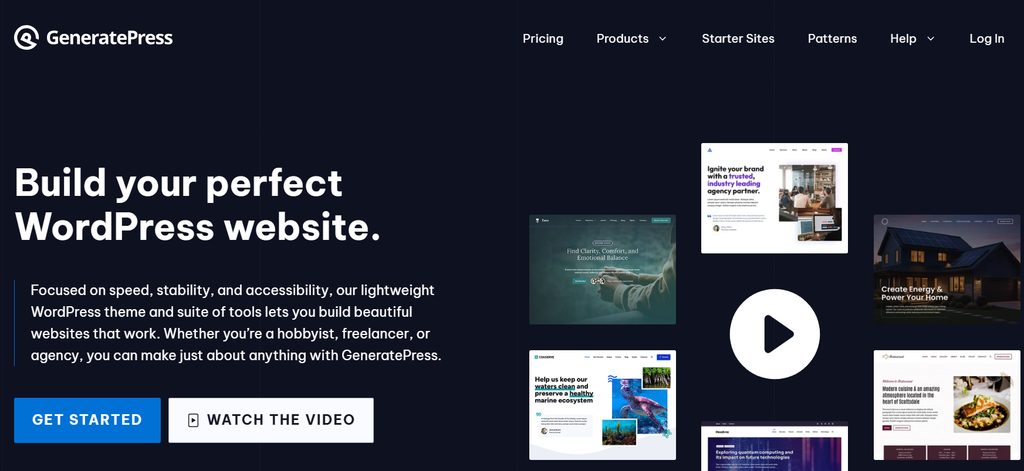
Generatepress is a lightweight and flexible WordPress block editor that enhances flexibility in creating custom page layouts. Instead of replacing the WordPress editor with a separate page builder, it provides a small collection of powerful blocks that you can use to design professional-quality pages.
For users who prefer a clean layout and greater control over design, GenerateBlocks is a simple and flexible solution. It works seamlessly with GeneratePress and is also compatible with other supported WordPress themes.
Key Benifits:
- Lightweight and helps maintain website performance
- Works seamlessly with the native WordPress editor
- Simple interface that is easy to navigate
- Includes flexible layout, responsive, and design controls
Limitations:
- For absolute beginners, the learning process may require some time.
- The selection of ready-made elements is somewhat limited in the free version.
Ideal for: For bloggers, developers, and website owners seeking a lightweight and flexible way to create custom WordPress layouts using the native Gutenberg editor, ‘GeneratePress’ is an ideal solution.
10. Breakdance
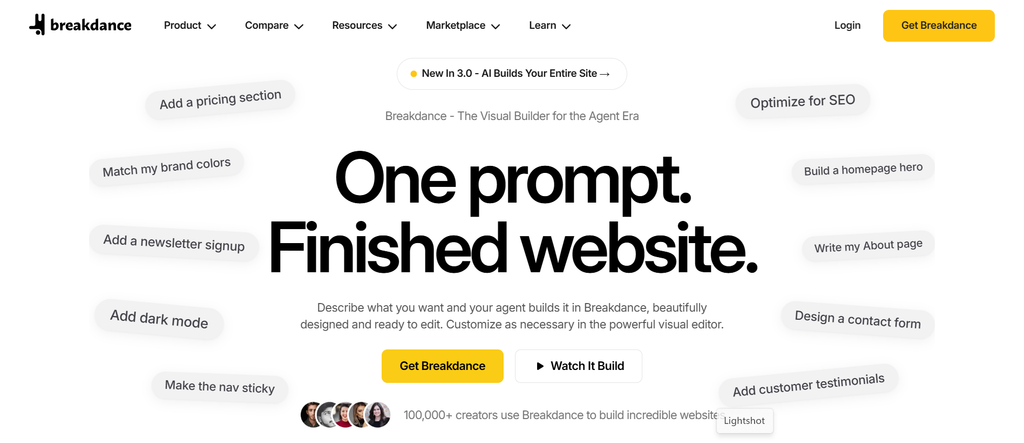
Breakdance is a modern WordPress website builder that allows you to create professional-quality websites using a visual drag-and-drop editor. It has been designed for both new and experienced users who want greater control over their website’s layout and design.
You can use it to create full-fledged websites, landing pages, headers, footers, blogs, and online stores. It offers various design elements, responsive controls, templates, and customization options, making it highly suitable for website creation.
Key Benifits:
- Beginner-friendly visual drag-and-drop editor
- Plenty of design elements and advanced customization options
- Responsive controls for mobile, tablet, and desktop
- Header, footer, WooCommerce, and complete website design tools
Limitations:
- For ordinary blogs, some advanced tools may be unnecessary.
- The extensive features can have a learning curve, and advanced tools require a paid plan
Ideal for: ‘Breakdance’ is an ideal solution for bloggers, freelancers, and businesses seeking a modern WordPress website builder that offers powerful visual design and customization capabilities.
11. Thrive Architect
Thrive Architect is a visual WordPress page builder designed primarily for marketers, bloggers, business owners, and website owners. Its drag-and-drop editor allows you to create and customize pages directly and visually.
Using Thrive Architect, you can create landing pages, sales pages, blog layouts, lead-generation pages, and other marketing-focused content. It features pre-made templates and various conversion-oriented elements that help you quickly build professional-quality pages.
Key Benifits:
- Easy-to-use visual drag-and-drop editor
- Designed specifically for marketing and conversion-focused pages
- Large library of ready-made landing page templates
- Offers responsive design controls and useful marketing elements
Limitations:
- Does not provide a full-featured free version
- May offer more functionality than needed for a simple website
Ideal for: ‘Thrive Architect’ is an ideal tool for those who want to create professional landing pages and conversion-focused WordPress websites without writing any code.
WordPress Page Builders: Free vs. Paid
Choosing between free and paid WordPress page builders generally depends on your website’s needs. Free builders allow you to handle basic tasks, whereas paid versions offer more advanced features and customization options..
For standard websites, free page builders and block plugins can be an excellent starting point. With these, you can create various types of websites—such as blogs or landing pages—without any premium fees.
Paid page builders are designed for users who require greater functionality. Depending on the specific builder, you can access features such as dynamic content, pop-up builders, advanced forms, WooCommerce tools, premium templates, global design controls, and additional support.
If you are a beginner and want to create a website, the free version is sufficient to meet your needs; so, start with that and upgrade later if you require more advanced features.
How to Choose the Right WordPress Page Builder
Selecting the right WordPress page builder depends on your website type, experience, budget, and design requirements. Here are the key features to consider:
- Ease of Use: Choose a simple editor suitable for beginners that makes it easy to add, move, edit, and delete various elements.
- Features: Consider the specific tools or features you actually need—such as forms, landing pages, pop-ups, pricing tables, or WooCommerce features. Avoid spending money on unnecessary features.
- Templates: Some manufacturers provide ready-made templates that save time and make it easy to create professional-quality pages without starting from scratch.
- Performance: Choose a lightweight and classic builder that helps you create the design you need without adding unnecessary elements, scripts, or effects.
- Mobile Responsiveness: Always choose a page builder that supports responsive design and allows you to adjust fonts, spacing, columns, images, and visibility for different screen sizes.
- SEO Capability: There is no guarantee that using a page builder will automatically result in good search engine rankings. Choose a page builder capable of creating fast-loading, mobile-friendly pages that integrate well with your preferred SEO tools.
- Pricing: Choosing such a page builder will enhance the quality of your work and ensure that premium pricing plans prove highly beneficial as the scope of your work expands.
- Updates and Support: Choose a builder that receives regular updates and offers reliable documentation or customer support.
Frequently Asked Questions About Page Builders?
What is the easiest WordPress page builder?
If you are new to WordPress, Elementor is a simple option with an easy drag-and-drop editor and user-friendly interface.
Other beginner-friendly options include Beaver Builder, SeedProd, Brizy, Spectra, and Kadence Blocks.
Which WordPress page builder is best for beginners?
Elementor is a popular and user-friendly option for beginners, featuring a simple drag-and-drop editor and pre-made templates. Currently, over 10 million WordPress websites are actively using Elementor.
If you prefer the default WordPress editor, Kadence Blocks and Spectra are worth considering.
Are WordPress page builders free?
Yes. Many WordPress page builders offer free versions with basic features, though advanced tools and premium features usually require a paid plan. You can start with the free version and upgrade later if you need advanced features.
Which page builder is best for SEO?
There is no single page builder that can be definitively labeled the ‘best’ for SEO.
Instead, choose a builder that allows you to create fast-loading, responsive pages featuring clean layouts and minimal use of unnecessary scripts or elements; this will make your website ideal for SEO.
Final Thoughts
Choosing the right WordPress page builder is not difficult. You can select the suitable option simply by considering your website’s needs and the level of control you want over the design.
If you want a traditional visual drag-and-drop experience, tools like Elementor, Beaver Builder, SeedProd, Brizy, and Divi offer visual design capabilities.
If you prefer using Gutenberg’s native block editor, Spectra, Kadence Blocks, and GenerateBlocks can offer you greater design flexibility while remaining compatible with Gutenberg.
For marketing-focused websites, SeedProd and Thrive Architect provide tools designed around landing pages and conversions.
Before selecting a builder or developer, consider your budget, the type of website, required features, performance, mobile responsiveness, and future needs.
The most important thing is not to choose a page builder simply because it offers a multitude of features. Instead, always prioritize your own comfort and preferences based on the type of website you wish to create.
It would be a mistake to select a tool packed with features that serve no purpose for your specific needs; rather, opt for a tool that empowers you to proceed with your project confidently.