Hostinger vs DreamHost: Which Is Better for WordPress Blog in 2026?

For anyone planning to build a WordPress website, comparing Hostinger vs DreamHost is a smart place to start. Both hosting providers offer solutions for beginners, bloggers, affiliate marketers, and small businesses.
If you’re planning to start a blog in 2026, choosing the right hosting provider is an important first step. But which one is better for a WordPress blog—Hostinger or DreamHost?
To help you choose between Hostinger vs DreamHost, we’ll compare their pricing, WordPress features, performance, security, customer support, ease of use, and SEO benefits.
By the end, you’ll have a clear idea of which hosting provider offers the best overall value for your WordPress blog.
1. Hostinger vs DreamHost: Overview
Before you make your choice between Hostinger and DreamHost, it is important to know what each of the hosting providers has to offer and who would benefit most from their services.
What Is Hostinger?
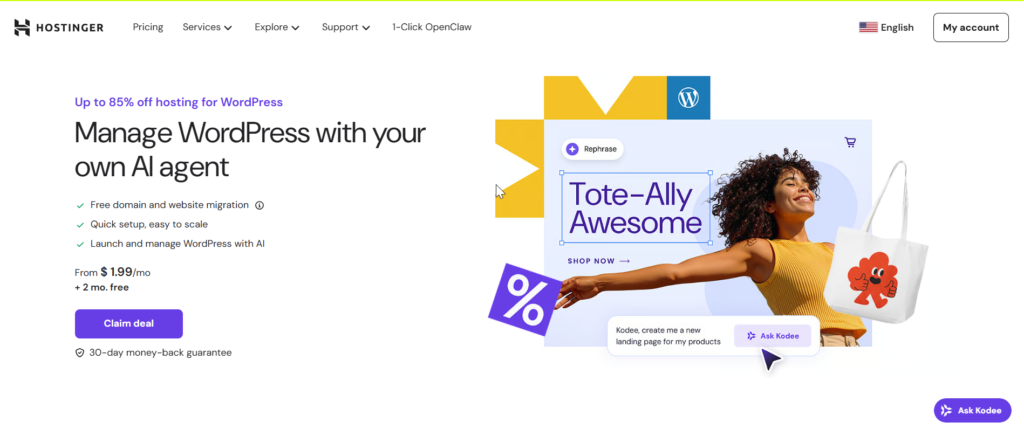
Hostinger is a well-known web hosting company since it combines inexpensive plans with management tools that are easy for beginners to use and with good performance features; it provides WordPress, shared, cloud, and VPS hosting.
Hostinger provides WordPress sites with various tools, including one-click WordPress installation, SSL, migration options, backups, caching, automatic updates, and its own control hPanel.
What Is a DreamHost?
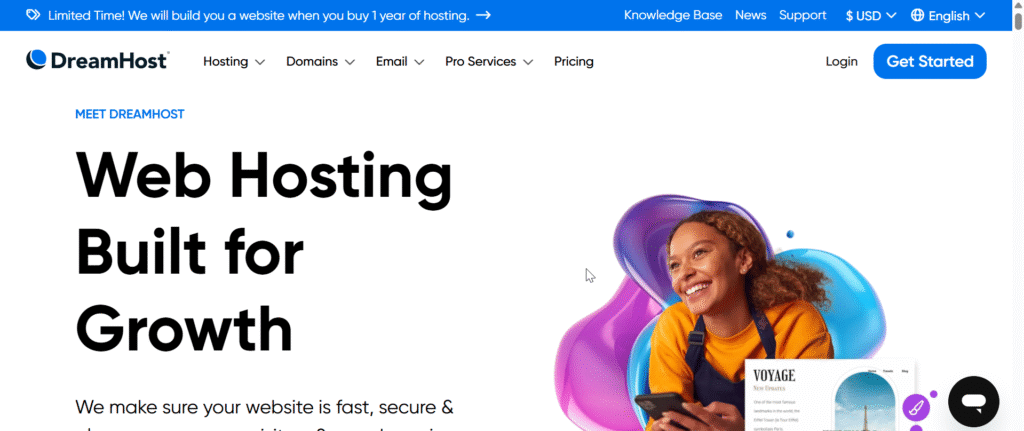
DreamHost is a well-established provider of web hosting services and offers a variety of hosting options such as shared hosting, WordPress hosting, managed WordPress, VPS, dedicated hosting, and cloud hosting.
The company is especially famous for its WordPress hosting and includes various features aimed at making it easier to manage a website. It is an appropriate option for bloggers, developers, businesses and websites that are growing.
2. Pricing and Value for Money
When comparing hosting costs, Hostinger and DreamHost offer affordable plans with different features and renewal prices.
Hostinger Pricing
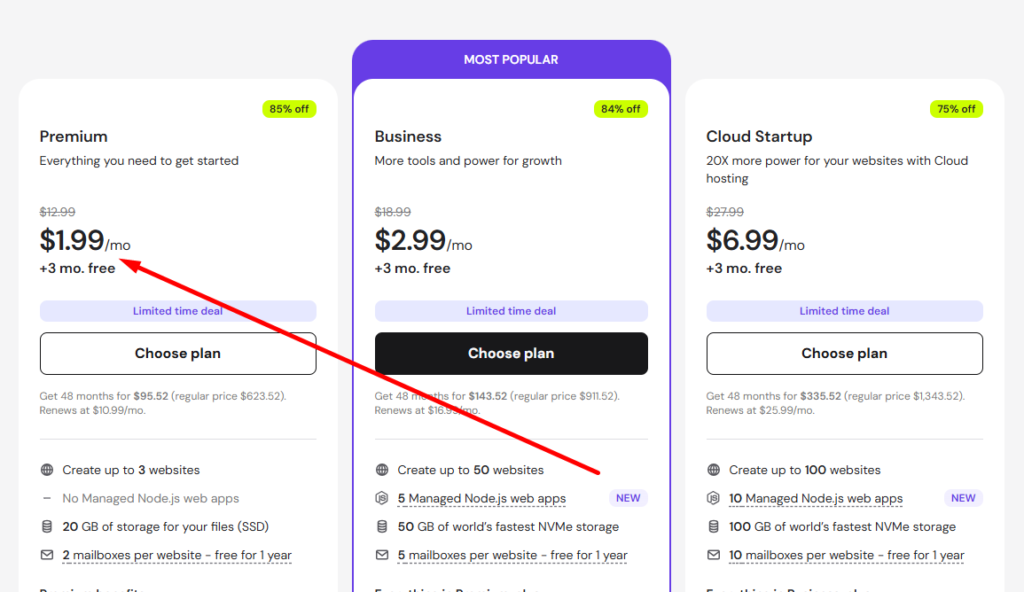
Hostinger offers WordPress hosting plans for beginners, bloggers, and growing websites. Its entry-level plan starts at around $1.99 per month with eligible promotional pricing and can include a free domain for the first year.
Depending on the plan, Hostinger can provide:
- Free SSL certificate
- Free domain for 1 year on eligible plans
- WordPress tools
- Free website migration
- Automatic updates
- Backups
- Caching and performance tools
- Support for multiple websites on selected plans
This makes Hostinger a practical choice for someone starting their first WordPress blog.
DreamHost Pricing
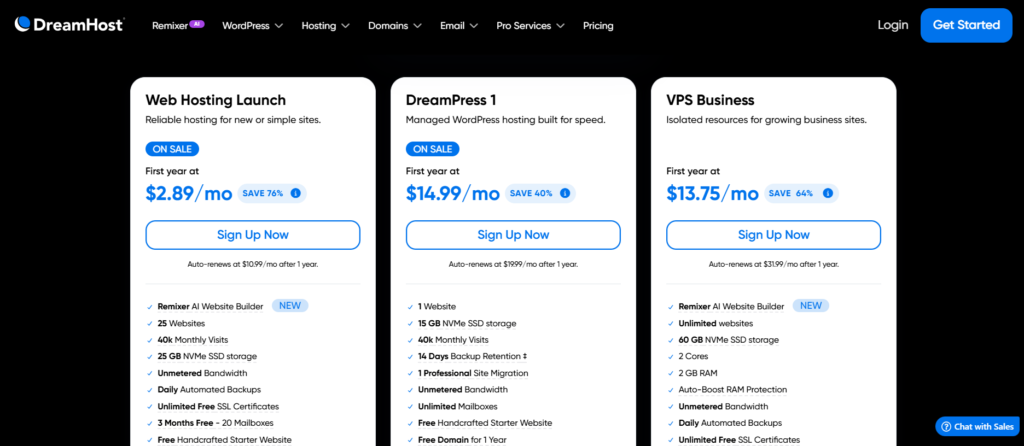
DreamHost offers WordPress hosting plans that can meet the needs of bloggers, small businesses, and growing websites. Its plans may include WordPress installation, free SSL, website migration, backups, and WordPress management features.
The starting price is around $2.89 per month with eligible promotional pricing. Your actual cost may vary depending on the selected plan and billing period.
Note: Overall, Hostinger is a great choice for beginners who want affordable pricing, useful WordPress features, and a simple way to start and manage their blog.
3. WordPress Features and Ease of Use
For WordPress bloggers, useful hosting features can make website management faster and easier. Hostinger and DreamHost both provide a solid selection of WordPress tools, but their dashboards have different designs.
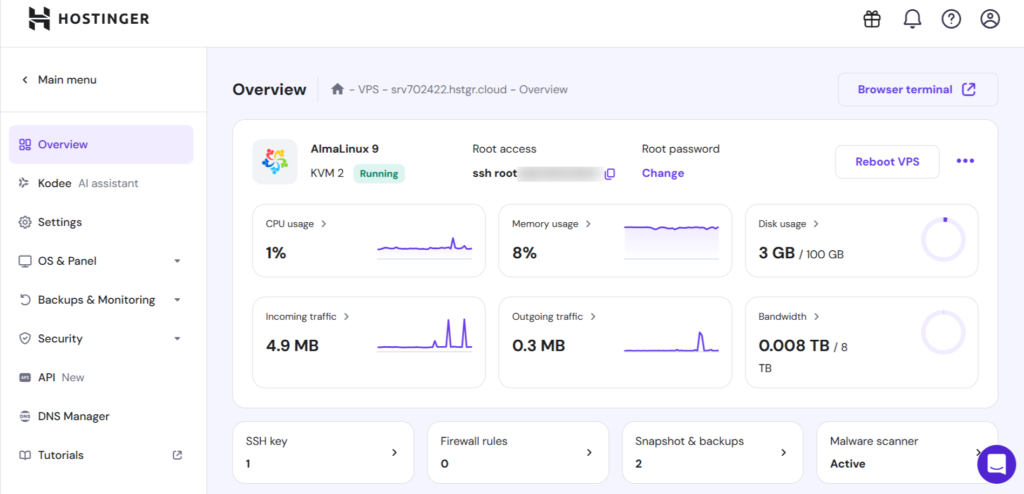
Hostinger provides a solid selection of WordPress tools to help users manage and maintain their websites with ease, including:
- Quick WordPress installation
- Managed tools and automatic updates
- Free SSL certificate
- Migration and backup features
- Performance optimization features
- hPanel dashboard and selected staging tools
DreamHost includes a variety of useful tools for WordPress users, such as:
- Easy WordPress installation and updates
- SSL security included
- Website migration and backups
- Caching and speed optimization
- WordPress management and staging features
Note: Both are easy to use, but Hostinger’s modern hPanel gives it a small advantage for beginners.
4. Speed, Performance, and Uptime
A fast website can support better SEO and user engagement. For WordPress website, both hosting providers offer solid speed, although website configuration and hosting resources can affect performance.
Hostinger Performance
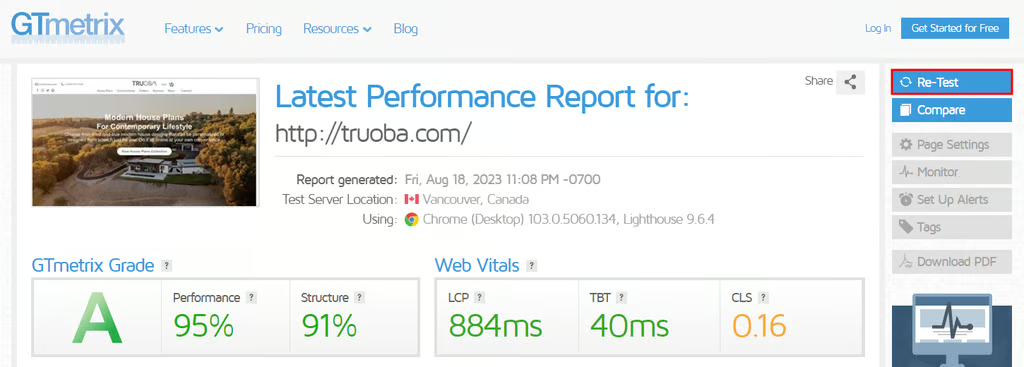
Hostinger offers useful performance features to help WordPress websites load quickly and perform smoothly, including:
- High-speed SSD storage
- Integrated caching
- CDN options
- WordPress-optimized servers
- Multiple server locations
- Resources for small and growing websites
- Performance optimization tools
DreamHost Performance
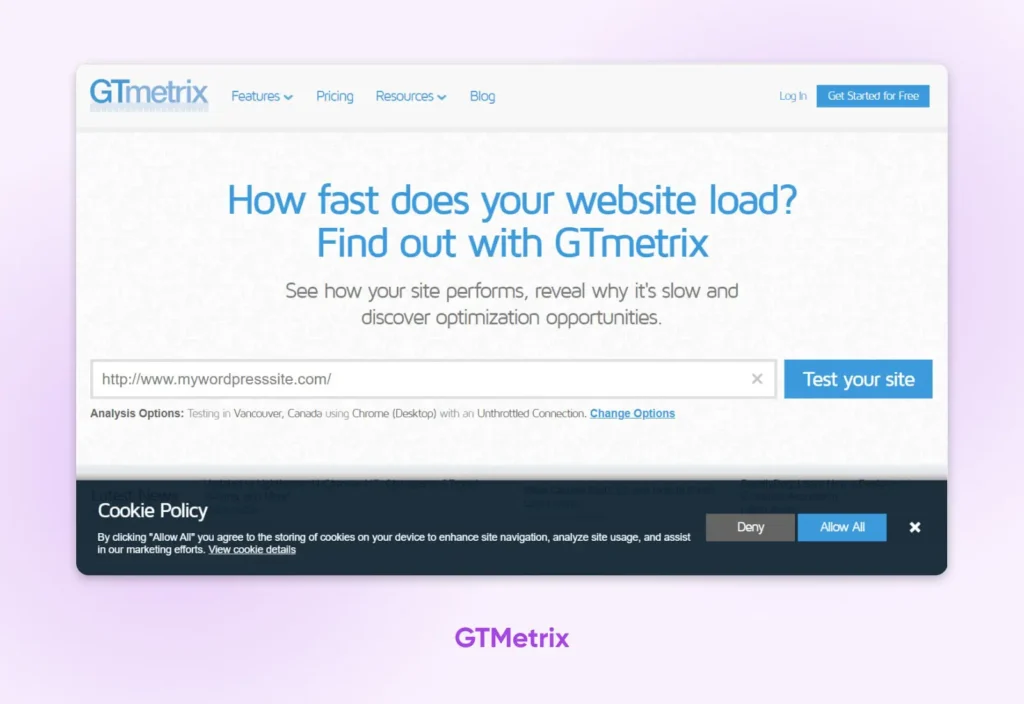
DreamHost focuses on providing reliable performance for WordPress websites of different sizes. Depending on your plan, performance features can include:
- SSD-based storage
- Caching features
- CDN integration
- WordPress optimization
- Scalable resources
- Reliable hosting infrastructure
Uptime and Reliability (Hostinger vs Dreamhost)
Uptime measures how consistently visitors can access your website. High uptime is essential for maintaining traffic, engagement, and a reliable online presence.
Hostinger and DreamHost are designed for reliable performance, but factors such as hosting resources, traffic, WordPress settings, and plugins can affect your site’s availability.
Note: If performance and affordability are your priorities, Hostinger is an excellent choice for beginners.
5. Security and Backup Features (Hostinger vs Dreamhost)
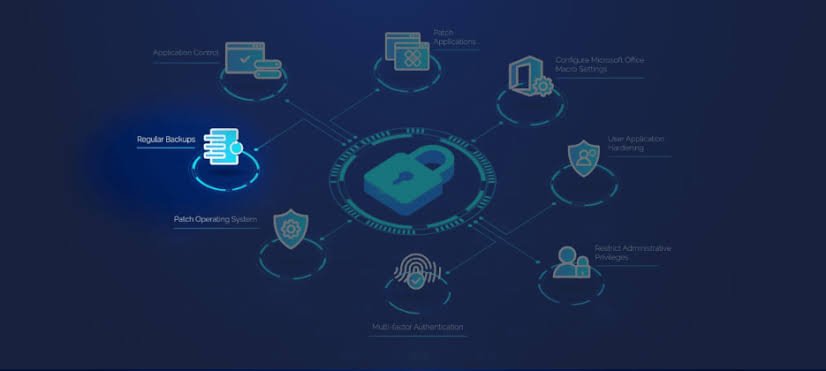
Security and backups help protect your WordPress website from threats, errors, and unexpected problems. Hostinger and DreamHost both provide several features to support website protection.
Hostinger offers:
- Free SSL certificates
- DDoS protection
- Malware protection on supported plans
- Automatic backups on eligible plans
- Security monitoring tools
DreamHost offers:
- Free SSL certificates
- DDoS protection
- Automated backups on supported plans
- Security monitoring
- WordPress security tools
Both offer good security, but Hostinger has an advantage for beginners because its tools are straightforward to manage.
6. Customer Support and Reliability (Hostinger vs Dreamhost)
Good support can save time when you need help with WordPress, hosting, or website management.
Hostinger Customer Support
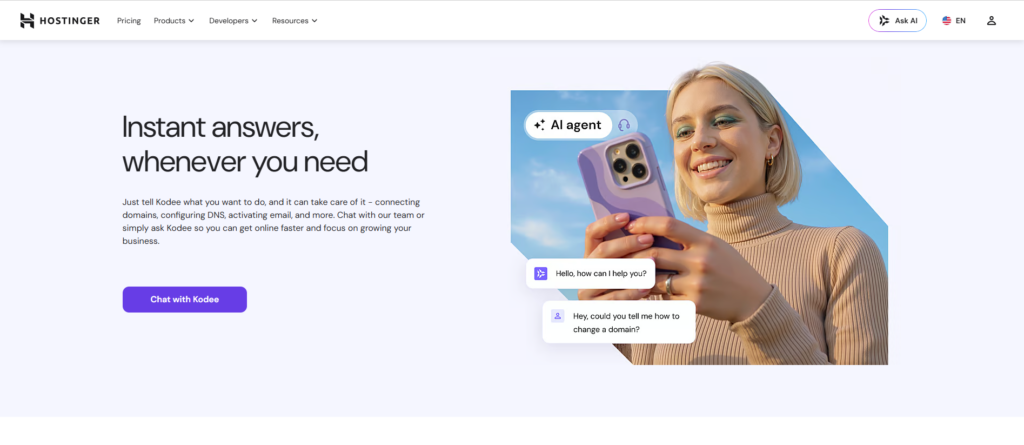
Hostinger offers online support along with helpful documentation, tutorials, and troubleshooting guides. Its straightforward resources can help new bloggers manage their WordPress websites with less technical knowledge.
DreamHost Customer Support
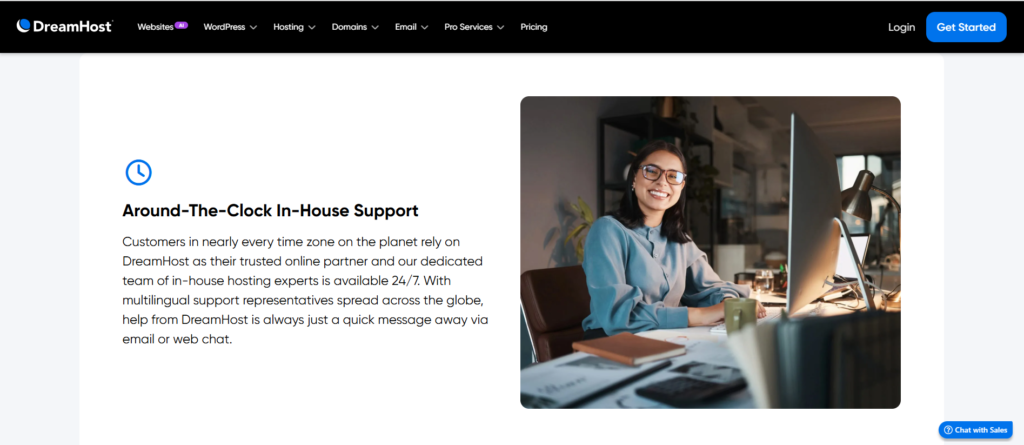
DreamHost offers customer support and a detailed knowledge base filled with WordPress guides, hosting tutorials, domain information, and troubleshooting resources. This makes it easier for users to handle common website issues.
Overall, both provide solid support, while Hostinger offers a more beginner-friendly experience.
7. Hostinger vs DreamHost: Pros and Cons
Both providers have clear advantages, but they also come with a few limitations. Comparing them side by side can help you choose more confidently.
✅Pros of Hostinger:
- Affordable pricing and good overall value
- Beginner-friendly hPanel
- Strong performance for small and medium websites
- Useful WordPress and performance tools
- Free SSL and website migration options
❌Cons of Hostinger:
- Renewal prices can be higher than introductory rates
- Advanced features may require upgraded plans
✅Pros of DreamHost:
- Established and reliable hosting provider
- Strong focus on WordPress
- Beginner-friendly hosting options
- Free SSL and backup features
- Multiple hosting options for growing websites
❌Cons of DreamHost:
- Some features vary by hosting plan
- Promotional pricing may differ from renewal costs
8. Which Is Better for Beginners? (Hostinger vs Dreamhost)
For beginners, the ideal hosting provider should offer reasonable pricing, easy management, reliable performance, and helpful WordPress tools.
Hostinger performs well across these areas and provides an intuitive hPanel dashboard. DreamHost is also a reliable beginner-friendly option with a strong focus on WordPress.
Note: Hostinger has the overall advantage for beginners.
9. Which Is Better for Growing WordPress Blogs?
As your WordPress blog attracts more visitors, choosing hosting that can scale with your needs becomes increasingly important.
Hostinger offers multiple hosting levels with upgrade options for growing websites. DreamHost also provides scalable solutions for websites that require more resources.
For long-term growth, consider:
- Sufficient server resources
- Scalability
- Fast performance
- Reliable backups
- Strong security
- Easy upgrades
- Affordable pricing
Note: Both are capable options, but Hostinger offers better overall value for many growing bloggers.
10. Hostinger vs DreamHost: Which Should You Choose in 2026?
Your ideal hosting provider will depend on your budget, experience, performance needs, and long-term website goals.
Hostinger is a better fit if you want:
- Affordable WordPress hosting
- Easy website management
- Good performance and useful tools
- Easy hosting administration
- A strong option for blogs and affiliate websites
Dreamhost is a better fit if you want:
- An established WordPress hosting provider
- Users who prefer an established provider
- Multiple hosting solutions
- A straightforward hosting experience
- An alternative to Hostinger
Overall, I Recommend Hostinger for bloggers who want affordable, beginner-friendly, and performance-focused WordPress hosting. DreamHost is also worth considering if you prefer its WordPress tools and platform.