7 Best Time Tracking Apps for Freelancers in 2026

Working with several clients, projects, and deadlines can make time management challenging for freelancers. The best time tracking apps provide a simple way to record work hours, track billable time, and keep everything organized.
These tools offer features such as client and project tracking, detailed reports, billable hours, invoicing, automatic tracking, and mobile and desktop access.
In this guide, we’ll explore the 7 best time tracking apps for freelancers in 2026, covering their key features, strengths, weaknesses, and ideal use cases.
What Is Time Tracking Software?
Time tracking software helps freelancers monitor the time they spend on tasks, projects, and client work. It replaces manual timekeeping with digital timers and automated tracking tools.

These tools can track billable hours, create reports, organize projects, and simplify client invoicing. Many also work across desktop and mobile devices.
Depending on the app, you may also get features such as:
- Time tracking
- Manual entries
- Billable hours
- Client and project management
- Reports
- Timesheets
- Invoicing
- Automatic tracking
- Mobile and desktop support
Overall, time tracking software helps freelancers stay organized and manage their time more effectively.
Why Freelancers Need a Time Tracking App
Tracking your time is important when you’re responsible for your own workload, deadlines, and income. The right app can make it easier to manage every hour you spend working.
- Track Billable Hours & Simplify Invoicing: Accurately record billable hours and make invoicing easier. Some apps can even convert tracked time into client invoices.
- Improve Pricing & Profitability: Knowing how long projects take helps you avoid undercharging, set better rates, and understand which projects are most profitable.
- Improve Productivity: Time reports show where your hours go, helping you identify time-consuming tasks, distractions, and opportunities to work more efficiently.
- Manage Multiple Clients & Projects: Separate working hours by client, project, or task for better organization and easier management.
- Create Professional Reports: Provide detailed records of your work when clients need transparency about project hours and progress.
Ultimately, time tracking helps freelancers make every working hour more productive and valuable as they start their freelancing journey.
What are the best Time Tracking Apps for Freelancers?
Here are seven of the best time tracking apps for freelancers in 2026.
1. Toggl Track — Best Overall
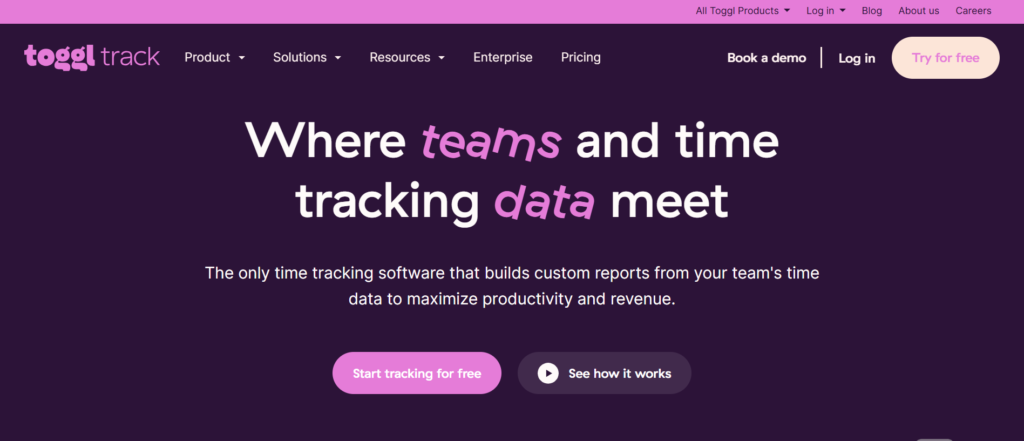
Toggl Track gives freelancers a convenient way to track working hours and manage time across different projects. Its simple interface makes it easy to start timers, organize time by client or task, and review reports for a clearer picture of your workload.
It is an excellent option for accurate and hassle-free time tracking.
Key Features of Toggl Track:
- One-click timers and manual time entries
- Client, project, task, and billable-hour tracking
- Detailed reporting and productivity insights
- Calendar plus desktop, mobile, and browser support
- Simple interface that works well for freelancers
Limitations:
- Full access requires upgrading to a paid plan.
- The extensive features may be overwhelming for new users.
Pricing of Toggl Track:
- Free plan available
- Premium plans available with advanced features
Our Review: Toggl Track is ideal for freelancers who want a clean, simple time tracking solution without unnecessary complexity.
2. Clockify — Best Free Time Tracking App
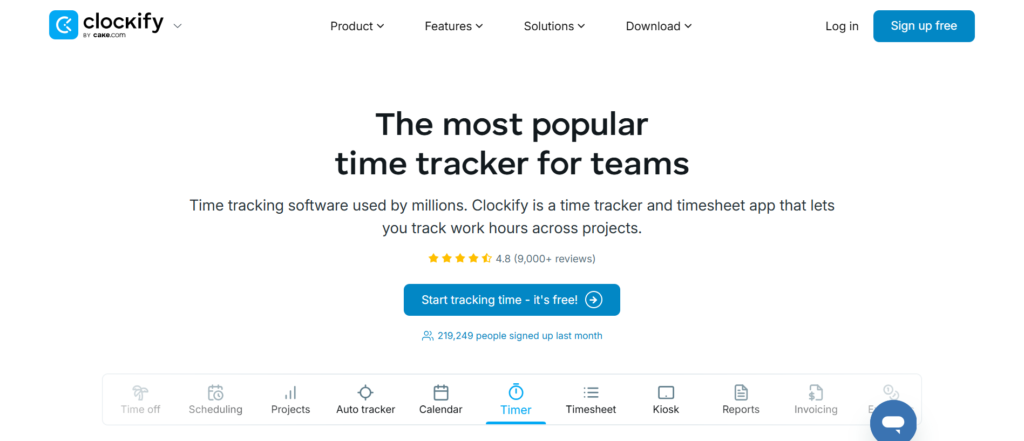
Clockify makes it easy for freelancers to track working hours without requiring an immediate investment in premium software. Its simple tools let you record time through timers or timesheets and organize different projects.
It is particularly useful for beginners who want affordable and reliable time tracking.
Key Features of Clockify:
- Timer with multiple tracking options
- Client, project, and task organization
- Billable hours and timesheet tracking
- Detailed reports and calendar
- Support across desktop, mobile, and browser
Limitations:
- Some advanced tools are restricted to paid plans.
- Its feature-rich setup may be unnecessary for simple tracking needs.
Pricing of Clockify:
- Free plan available
- Paid plans available with advanced features
Our Review: Clockify is a practical solution for freelancers who need accurate time tracking, organized project management, and a feature-rich free plan.
3. Harvest — Best for Invoicing
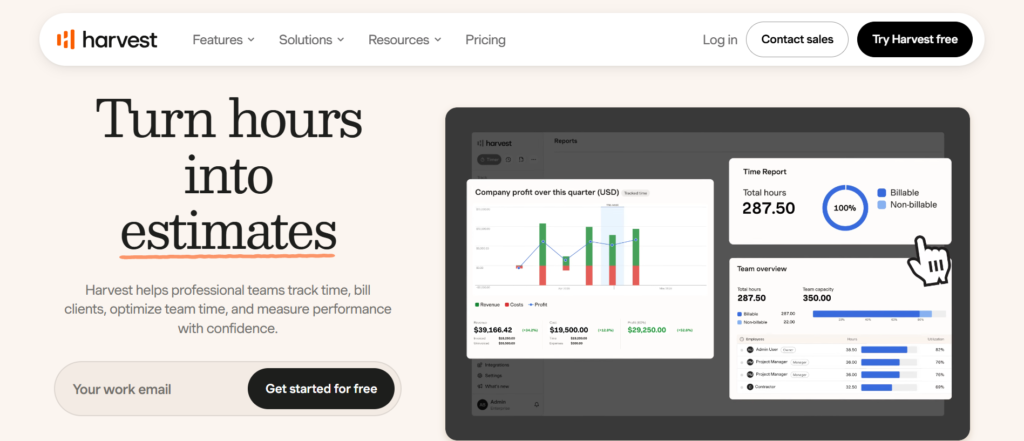
Harvest combines time tracking with invoicing, expenses, and reporting to simplify freelance project management. Freelancers can organize hours by client or project and use their tracked time when preparing invoices.
You can organize client work, track expenses, and simplify billing with accurate time records.
Key Features of Harvest:
- Flexible time tracking and timesheets
- Billable hours and expense tracking
- Client and project management
- Invoicing and useful financial reports
- Integrations with popular business platforms
Limitations:
- Premium features require a paid plan
- Could be more than necessary for simple time tracking
Pricing of Harvest:
- Free plan available with limitations
- Paid plans available with additional features
Our Review: Harvest is well suited to freelancers who want to manage working hours, expenses, and client billing without relying on multiple separate tools.
4. Timely — Best for Automatic Time Tracking
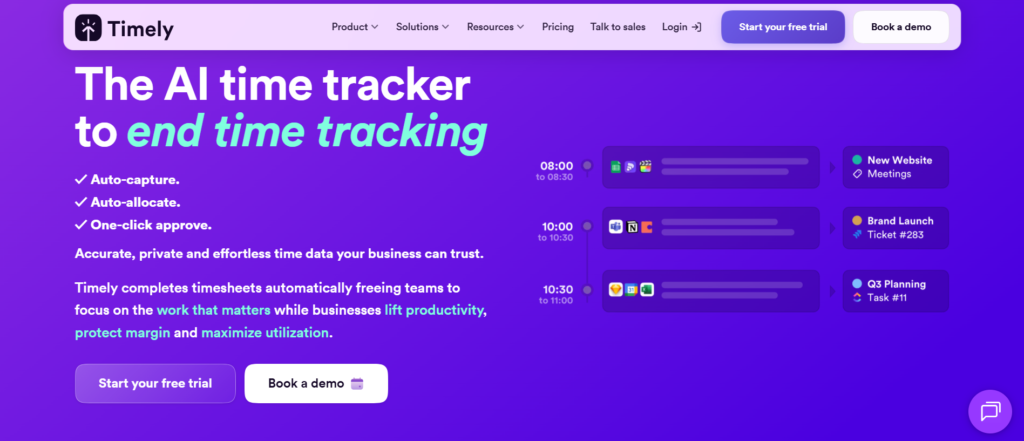
Timely helps freelancers automatically record their working time instead of relying on traditional start-and-stop timers. Its background tracking system makes it easier to capture accurate hours while moving between different tasks and projects.
It is best suited to freelancers who frequently switch between applications, websites, documents, and tasks.
Key Features of Timely:
- Automatic time tracking with AI categorization
- Client and project management
- Billable hours and timesheets
- Detailed reports and productivity insights
- Reduces manual work and helps track missed hours
Limitations:
- Automatic tracking may not fit every freelancer’s preferences
- Premium features can require a higher-priced subscription and setup
Pricing of Timely:
- Paid plans available
- Pricing varies based on features and usage
Our Review: Timely is a practical choice for freelancers looking to automate time tracking and spend less time manually recording their work hours.
5. Hubstaff — Best for Productivity and Proof of Work
Hubstaff offers time tracking, productivity monitoring, and project management features that help freelancers organize their work and record client hours accurately.
For client projects that require transparency, its reporting and proof-of-work features can provide useful documentation.
Key Features of Hubstaff:
- Time tracking and digital timesheets
- Client, project, and task tracking
- Productivity monitoring and activity reports
- Invoicing and detailed reporting
- Desktop, mobile, GPS, and third-party integrations
Limitations:
- Some features can feel unnecessary if you work on your own.
- Advanced tools are available on paid plans, while monitoring features require privacy awareness.
Pricing of Hubstaff:
- Free plan available
- Paid plans with additional features
Our Review: Hubstaff is best for freelancers who need advanced time tracking and want greater visibility into productivity, project progress, and completed work.
6. TimeCamp — Best for Budget-Conscious Freelancers
TimeCamp is an all-in-one time tracking app that includes project management, reporting, and productivity features for freelancers. It helps you monitor working hours while avoiding the unnecessary cost of overly complicated software.
You can track time, organize client projects, manage billable hours, and monitor productivity through reports.
Key Features of TimeCamp:
- Multiple time tracking options
- Client, project, and task management
- Billable time and timesheet features
- Detailed reports and productivity monitoring
- Invoicing and external integrations
Limitations:
- Access to advanced features requires a paid subscription.
- New users may need some time to become familiar with the interface and features.
Pricing ofTimeCamp:
- Free plan available
- Paid plans available with additional features
Our Review: TimeCamp delivers a useful mix of time tracking, productivity, and project management tools, making it a solid choice for cost-conscious freelancers.
7. Everhour — Best for Project Management Integrations
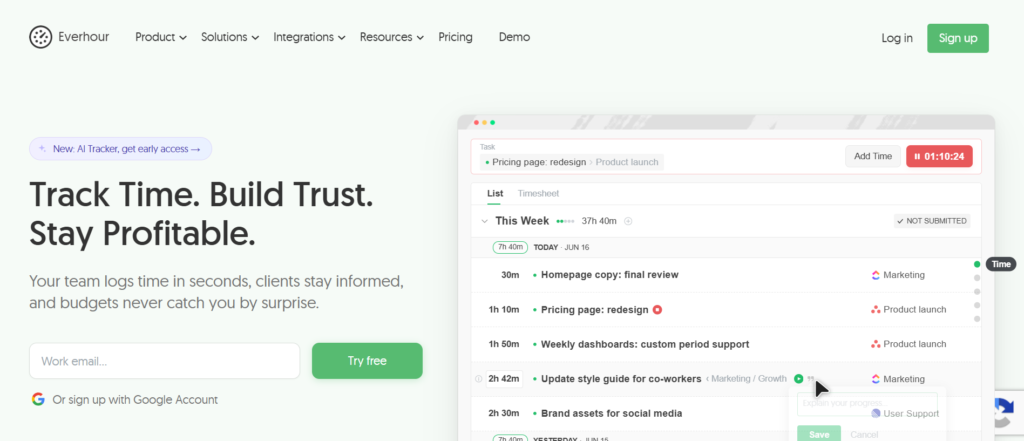
Everhour is a useful time tracking solution for freelancers who manage projects through task management platforms and want their working hours recorded alongside existing tasks.
It helps combine time tracking, task management, budgets, reporting, and billing in one workflow.
Key Features of Everhour:
- Time tracking with detailed timesheets
- Billable hours and project budget monitoring
- Task and project management
- Reports, invoicing, and browser extensions
- Integrations with existing project management platforms
Limitations:
- Its benefits vary depending on the tools you currently use.
- May not be necessary for freelancers with simple tracking requirements.
Pricing of Everhour:
- Paid plans available
- Pricing depends on the plan and features you need
Our Review: Everhour is a great fit for project-focused freelancers who need time tracking, budget management, reporting, and project tools in one workflow.
Free vs. Paid Time Tracking Apps
If you’re a beginner freelancer or manage only a few clients, a free time tracking app may provide everything you need. Basic timers, manual entries, billable hours, and simple reports can help you stay organized without spending money.
Paid plans offer advanced reports, invoicing, automatic tracking, integrations, and project budgets. Clockify is a strong free option for freelancers.
You don’t need to pay for advanced features from the beginning. Start with a free plan, learn what you need, and upgrade when your business requires it.
How to Choose the Right Time Tracking App
There are many time tracking tools available, but the right one depends on your specific freelance needs. Prioritize features that make billing, project management, and daily time tracking easier.
Consider these factors before making your decision.
- Billing Model: Make sure the app supports hourly or fixed-price projects.
- Client & Project Tracking: Separate your hours by client, project, and task.
- Invoicing: Simplify invoices when billing based on tracked time.
- Automatic Tracking: Useful if you frequently forget to start or stop timers.
- Integrations: Look for compatibility with your existing workflow.
- Budget & Free Trial: Start with an affordable plan and test it first.
Which Time Tracking App Is Best for Freelancers?
Every freelancer has different time tracking needs, so there isn’t one perfect app for everyone. Toggl Track is our best overall pick, while Clockify is an excellent choice for free time tracking and Harvest is ideal for invoicing.
For specific needs, Timely is best for automatic tracking, Hubstaff for productivity monitoring, and Everhour for project management integrations. Consider your clients, projects, budget, workflow, and required features before choosing a tool.
Overall, Toggl Track is a great starting point for most freelancers. As your business grows, you can move to a more advanced solution if you need invoicing, automatic tracking, productivity monitoring, or deeper project management features.