12 Best Graphic Design Tools for Bloggers and Affiliate Marketers

Great content deserves great visuals. The best graphic design tools help you create polished graphics that improve user experience, increase click-through rates, and build a more recognizable brand.
Even if you’ve never designed a graphic before, today’s intuitive design tools make it simple to create professional-quality visuals.
Modern graphic design tools streamline the entire design process with easy-to-use editors, intelligent AI features, and thousands of customizable templates, making it simple to create high-quality graphics in minutes.
In this guide, we’ve carefully selected the 12 best graphic design tools for bloggers and affiliate marketers in 2026.
Learn how each tool compares in features, pricing, and usability to find your ideal solution.
What Are Graphic Design Tools?
Graphic design tools help you create professional visuals for blogs, websites, social media, and marketing materials. They offer easy-to-use editing features and customizable templates. As a result, you can design high-quality graphics quickly and efficiently.
Graphic design tools make it easy to create professional-quality visuals such as:
- Blog featured images
- Social media graphics
- YouTube thumbnails
- Infographics
- Website banners
- Logos
- Marketing materials
- Product mockups
- Advertisements
- Email graphics
The best graphic design tools simplify every stage of the design process with easy-to-use editors and powerful AI features. This allows you to create eye-catching graphics quickly and efficiently.
12 Best Graphic Design Tools for Beginners
Below are the best graphic design tools for creating professional visuals, blog graphics, marketing materials, and promotional content in 2026.
1. Canva
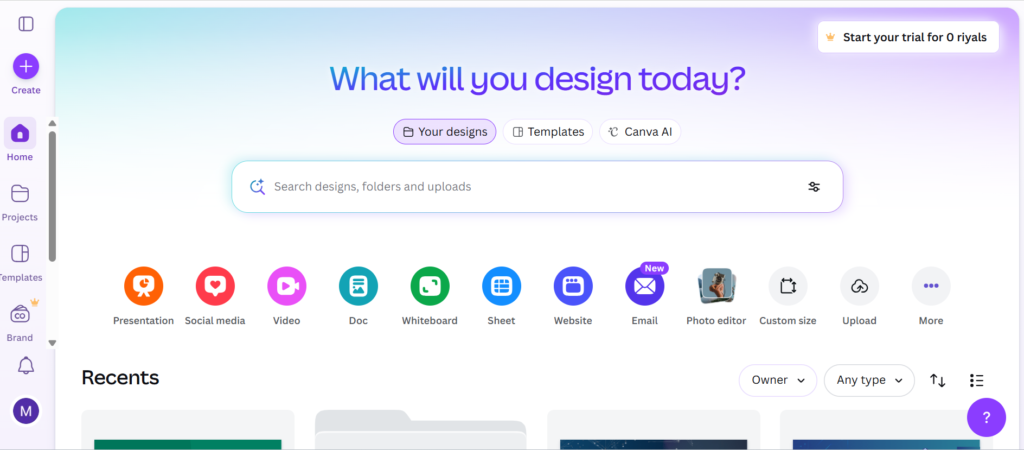
Canva is one of the most popular and best graphic design tools for bloggers and affiliate marketers. Its beginner-friendly interface and ready-made templates make creating stunning graphics fast and effortless.
Canva makes it easy to create stunning blog graphics, social media posts, and marketing materials wherever you work.
With smart AI features, customizable templates, and cloud-based collaboration, Canva simplifies graphic design for users of all skill levels. You can create professional visuals in less time and with less effort.
Advantage Of Canva
- No graphic design experience required.
- Thousands of professionally designed, customizable templates.
- Powerful AI features, including Magic Design, background removal, and image generation.
- Built-in stock photos, icons, fonts, and illustrations.
- Real-time collaboration with cloud-based project management.
Disadvantage of Canva
- Some premium templates, graphics, and AI-powered features are only available with Canva Pro.
- It provides fewer advanced editing options than professional design applications.
Pricing of Canva
- Free Plan: Perfect for beginners with access to essential design features and free templates.
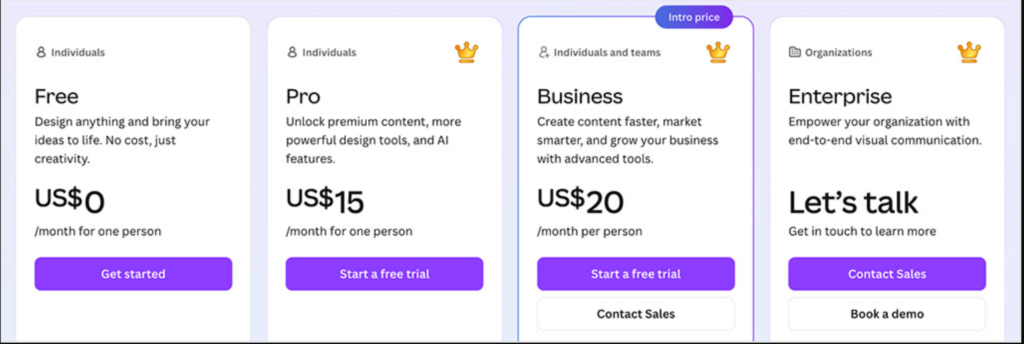
- Canva Pro: Starting at $15/month, Canva Pro gives you access to premium templates, AI-powered tools, Brand Kit, background remover, and millions of premium design assets.
Best For: Designed for bloggers, affiliate marketers, YouTubers, social media managers, and beginners who want to create eye-catching visuals with minimal effort.
2. Adobe Photoshop
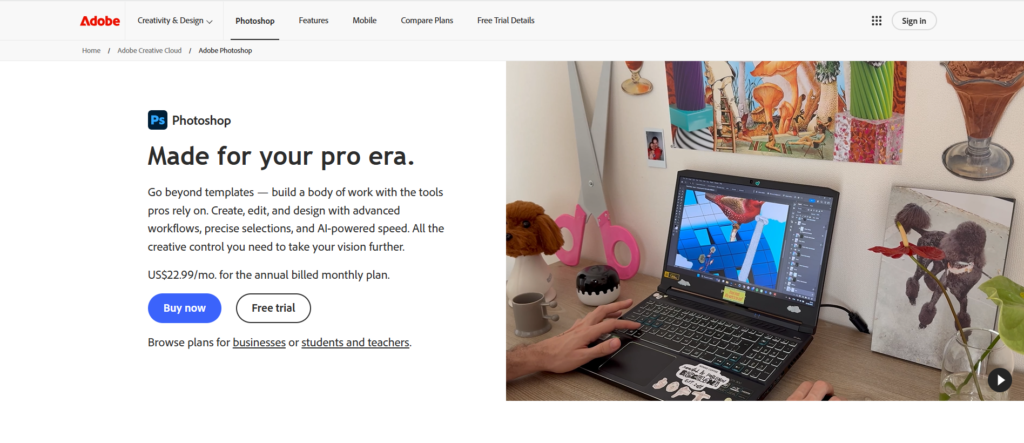
Adobe Photoshop is a feature-rich graphic design tool built for professional image editing and digital content creation. It offers advanced photo editing, image manipulation, and graphic design features in one platform. Its powerful capabilities make it ideal for high-quality marketing and branding projects.
With advanced AI features and precision editing tools, Photoshop helps you create professional visuals with confidence. It’s perfect for creators who value quality, flexibility, and performance.
Advantage of Photoshop
- Trusted industry-standard software for professional image editing.
- Powerful AI features for faster and smarter image editing.
- Supports advanced image manipulation through layers, masks, and filters.
- Seamless workflow with Adobe’s Creative Cloud suite.
Disadvantage of Photoshop
- New users may find its advanced features difficult at first.
- Subscription costs can be expensive for casual users.
Pricing of Photoshop
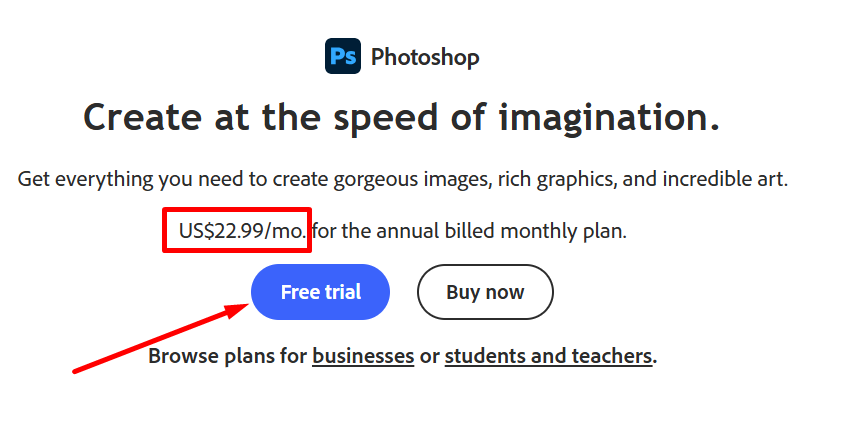
Adobe Photoshop just start at $22.99/month (annual plan, billed monthly), including Photoshop, Adobe Express Premium, and 100 GB of cloud storage.
Best For: Designed for content creators, digital marketers, bloggers, and graphic designers who want advanced editing features and maximum creative flexibility.
3. Adobe Express
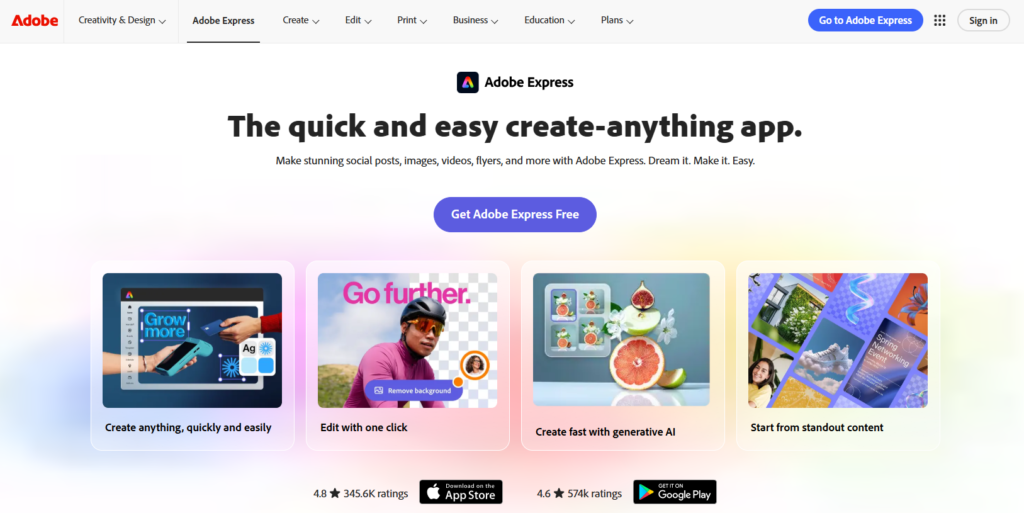
Adobe Express is designed for creators who want professional results without the complexity of advanced design software. Its intuitive editor makes graphic design accessible to everyone.
With built-in AI tools, Adobe Stock assets, and professionally designed templates, it’s perfect for creating blog graphics, promotional content, and social media visuals.
Advantage of Express
- Quick and easy drag-and-drop editing for all skill levels.
- Professional templates for blogs, websites, and social media.
- AI-powered editing features improve speed and productivity.
- Available on desktop and mobile for flexible workflow.
Disadvantage of Express
- Some premium templates, fonts, and creative assets require a subscription.
- It isn’t the best choice for complex graphic design projects.
Pricing of Express
- Free Plan: Includes basic design tools, templates, and limited Adobe Stock assets.
- Premium Plan: Unlocks premium templates, advanced AI features, Brand Kit, additional storage, and full access to Adobe Stock assets.
Best for: An excellent choice for content creators, bloggers, affiliate marketers, and freelancers who want professional results with an easy-to-use design platform.
4. Affinity Designer
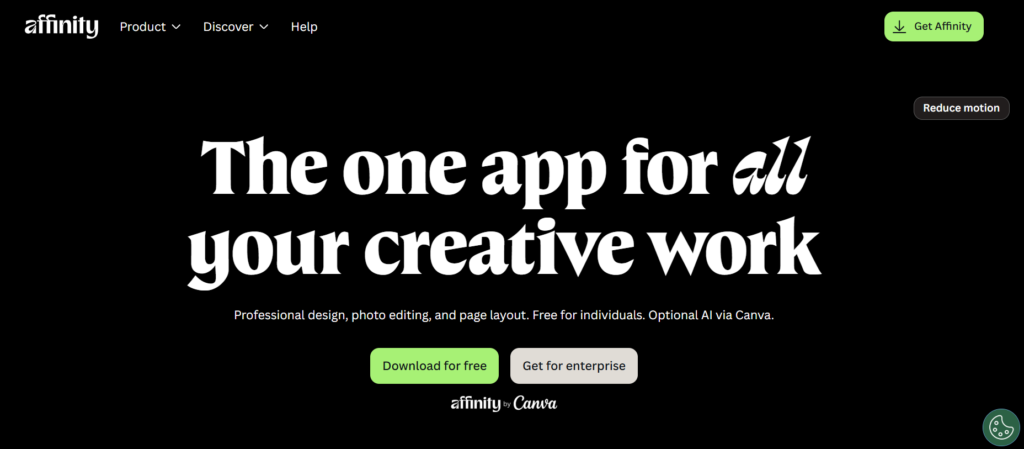
Affinity Designer offers powerful vector and raster editing tools for creating polished, professional-quality graphics. Whether you’re designing branding assets or blog visuals, it provides exceptional speed and precision.
With no recurring subscription fees, Affinity Designer provides a cost-effective way to access powerful graphic design tools through a one-time purchase.
Advantage of Affinity
- Includes lifetime access with a single, one-time payment.
- Design and edit vector and raster graphics in one app.
- Advanced creative tools for professional-quality designs.
- Optimized for Windows, macOS, and iPad.
Disadvantage of Affinity
- Professional features may be challenging for beginners.
- Template selection is more limited than beginner-focused platforms.
Pricing of Affinity
- Free Trial: Available
- Paid Plan: One-time purchase with no recurring subscription
Best for: Ideal for professionals who need advanced vector design tools for branding, websites, and marketing materials.
5. Figma
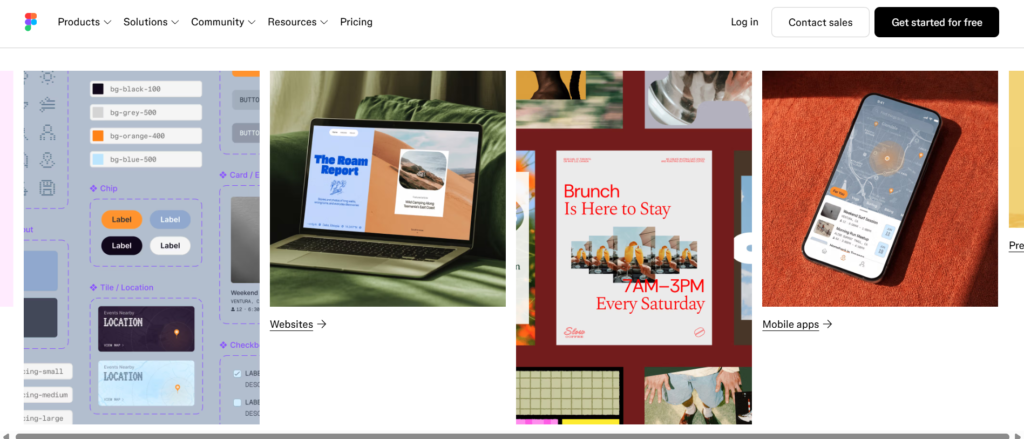
Figma is an excellent cloud-based graphic design solution for creating modern digital content. It offers intuitive editing tools and seamless collaboration for individuals and teams.
Because everything is stored in the cloud, your designs are always accessible from any web browser.
Advantage of Figma
- Supports real-time collaboration for faster teamwork.
- Access projects anytime from any internet-connected device.
- Professional tools help you design high-quality digital graphics.
- Rich plugin ecosystem boosts productivity and creativity.
- Free version includes many essential design features.
Disadvantage of Figma
- New users may need practice to master its advanced features.
- Some premium features are only included in paid plans.
Pricing of Figma
- Free – Suitable for individuals and beginners.
- Professional – Starts at $16 per seat/month (billed annually).
- Organization – Starts at $55 per seat/month (billed annually).
- Enterprise – Custom pricing for large organizations.
Best for: Perfect for content creators, bloggers, affiliate marketers, and digital agencies that need seamless collaboration and modern design tools.
6. VistaCreate
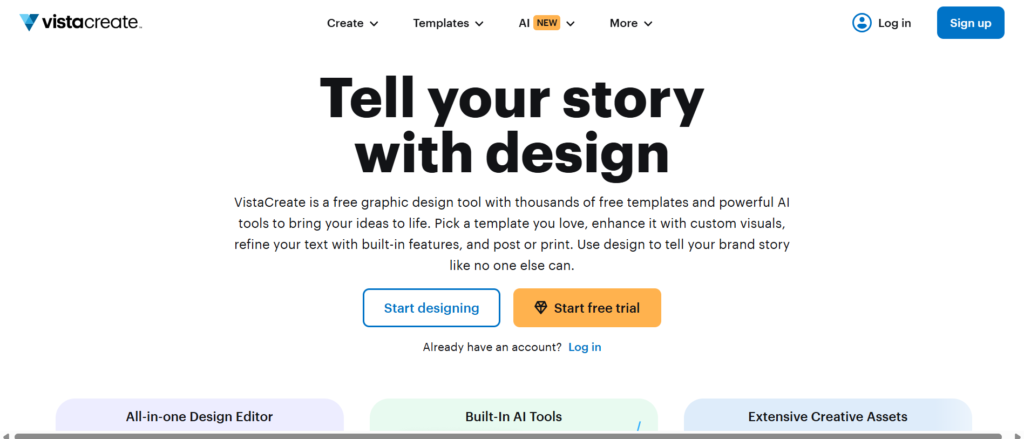
VistaCreate combines ease of use with powerful design features to help you create professional-quality graphics. It’s perfect for bloggers, affiliate marketers, and small businesses.
Its extensive template library, stock media collection, and AI-powered tools make designing fast and efficient.
Advantage of VistaCreate
- Clean, beginner-friendly interface for quick graphic design.
- Professional templates for blogs, websites, and social media.
- Built-in stock photos, videos, animations, and icons.
- Affordable plans with convenient cloud access.
Disadvantage of VistaCreate
- The free version offers limited access to premium design resources.
- Supports fewer advanced editing and collaboration features.
Pricing of VistaCreate
- Free Plan: Includes essential design tools, templates, and basic creative assets.
- Pro Plan: Unlocks premium templates, advanced features, Brand Kit, background removal, and a larger stock content library.
Best for: A great choice for small businesses, bloggers, and social media marketers creating professional marketing graphics on a budget.
7. Piktochart
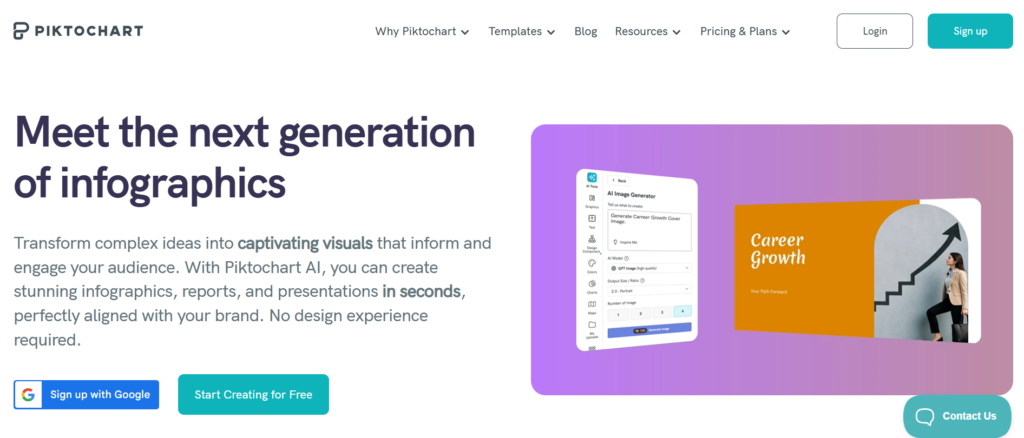
Piktochart simplifies the process of creating professional infographics, reports, and presentations. Its beginner-friendly editor and customizable templates help you design impressive visuals in minutes.
With Piktochart, you can transform complex information into easy-to-understand visuals that make your content more engaging and impactful.
Advantage of Piktochart
- Easy-to-use drag-and-drop editor with professionally designed templates.
- Excellent for creating infographics, reports, charts, and presentations.
- AI-powered design features help speed up content creation.
- Built-in charts, icons, illustrations, and customizable design elements.
Disadvantage of Piktochart
- Photo editing options are more limited than all-in-one graphic design tools.
- Full access to premium templates requires a paid plan.
Pricing of Piktochart
- Free Plan: Includes basic templates and design features.
- Pro Plan: Unlocks premium templates, branding tools, and advanced export options.
- Business Plan: Designed for teams with collaboration and brand management features.
Best for: Recommended for small businesses, educators, and content creators designing clear, informative visuals.
8. Snappa
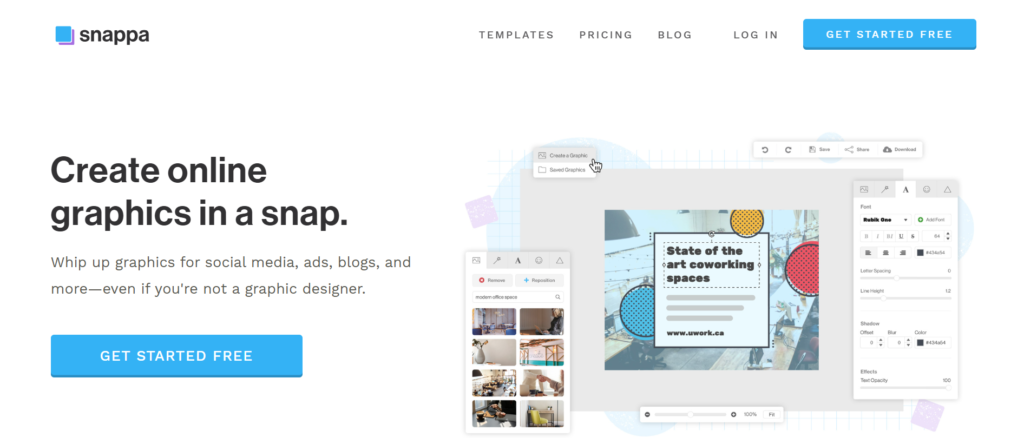
Snappa is a fast and easy graphic design solution for bloggers, affiliate marketers, and content creators. Its intuitive drag-and-drop editor lets you create polished graphics with minimal effort.
From blog featured images to promotional banners and social media posts, Snappa provides everything you need to design professional visuals.
Advantage of Snappa
- Beginner-friendly drag-and-drop editor.
- Professional templates for blogs and promotions.
- Royalty-free stock photos, icons, and graphics.
- No software installation required.
Disadvantage of Snappa
- Free accounts have limited downloads and customization options.
- Lacks some advanced AI tools found in other graphic design platforms.
Pricing of Snappa
- Free Plan: Basic features with limited monthly downloads.
- Pro Plan: Unlocks unlimited downloads, premium templates, advanced features, and team collaboration.
Best for: Perfect for social media managers, affiliate marketers, and bloggers creating engaging marketing visuals.
9. Visme
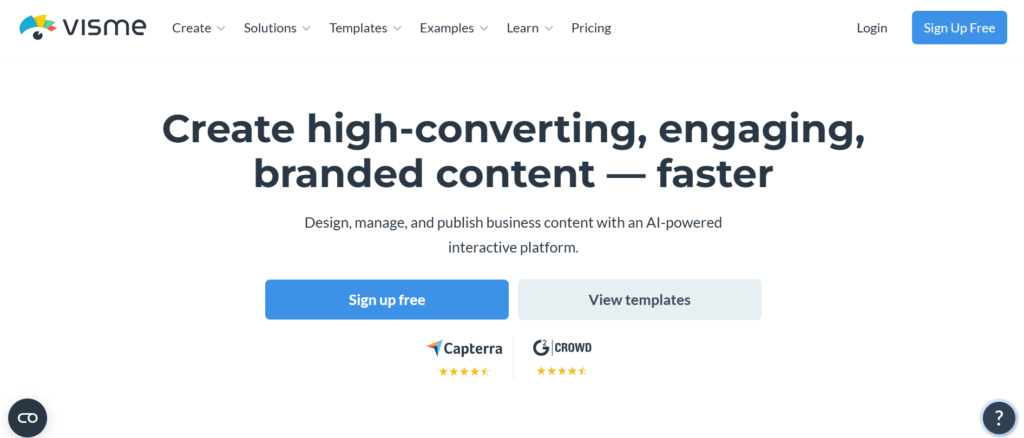
Visme is a modern graphic design platform for creating professional blog graphics, infographics, presentations, and marketing materials. Its intuitive interface makes designing simple, even for users with no design experience.
Packed with customizable templates, AI-powered features, and collaboration tools, Visme helps you create high-quality visual content with ease.
Advantage of Visme
- Easy-to-use editor with ready-made templates.
- Ideal for data-driven graphics and reports.
- Cloud-based platform with brand management tools.
Disadvantage of Visme
- Many advanced tools are restricted to paid users.
- The free plan includes fewer design assets and export features.
Pricing of Visme
- Free: Basic features with limited templates and exports.
- Starter: Affordable plan for individuals who need additional design tools and premium assets.
- Pro: Advanced features, branding tools, collaboration, and expanded export options.
- Enterprise: Custom pricing for teams and large organizations.
Best for: A great choice for content creators and marketers who need professional graphics quickly.
10. CorelDRAW Graphics Suite
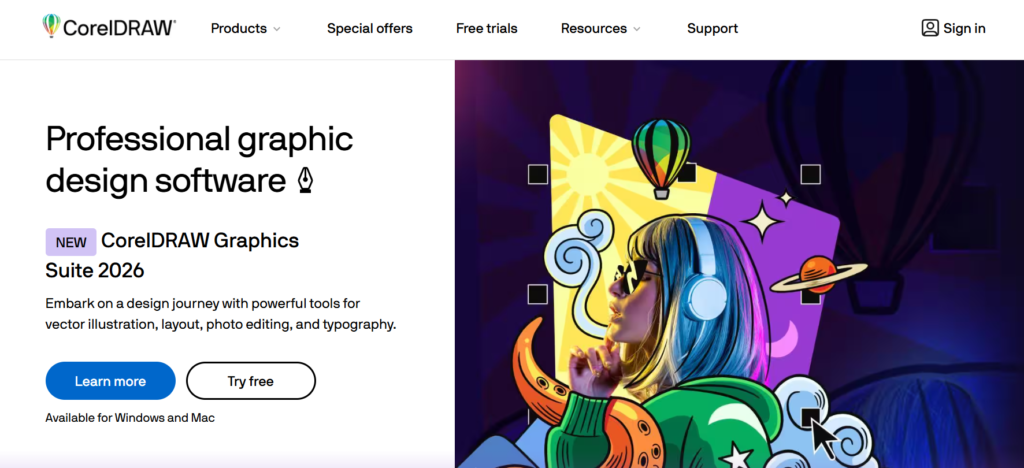
CorelDRAW Graphics Suite is a trusted design solution for professionals who create high-quality branding and marketing assets. It combines vector illustration, photo editing, and layout tools in one powerful application.
Compared with beginner-focused design platforms, CorelDRAW offers greater creative freedom and more advanced editing capabilities.
Advantage of CorelDRAW
- Powerful tools for professional graphic design.
- Advanced image editing and typography controls.
- Great for branding, advertising, and marketing materials.
Disadvantage of CorelDRAW
- Steeper learning curve for beginners
- More expensive than many entry-level graphic design tools
Pricing of CorelDRAW
Enjoy the flexibility of annual subscription or one-time purchase plans, and explore CorelDRAW Graphics Suite with a free trial before purchasing.
Best for: Best suited for creative agencies and design professionals working on branding, advertising, and print projects.
11. Photopea
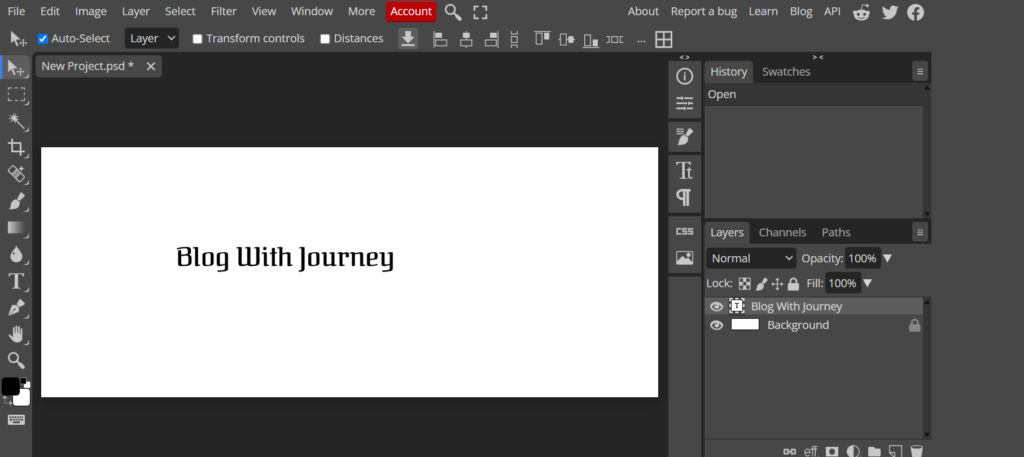
Photopea is a versatile browser-based graphic design tool built for creators who need advanced editing features. It supports a wide range of professional file formats, making collaboration and file editing simple.
Its familiar interface and powerful editing tools are ideal for bloggers, affiliate marketers, and digital marketers creating professional visuals.
Advantage of Photopea
- Browser-based platform that’s accessible from almost any device.
- Opens and edits PSD, AI, Sketch, PDF, and other popular files.
- Runs smoothly on Windows, macOS, Linux, and Chromebooks.
Disadvantage of Photopea
- Free users will see ads while using the platform.
- Editing large PSD files may be slower on entry-level devices.
Pricing of Photopea
- Free: Access to most editing features with ads.
- Premium: Affordable subscription that removes ads and provides additional storage.
Best for: Perfect for designers and digital marketers who need professional editing tools with excellent file compatibility.
12. GIMP
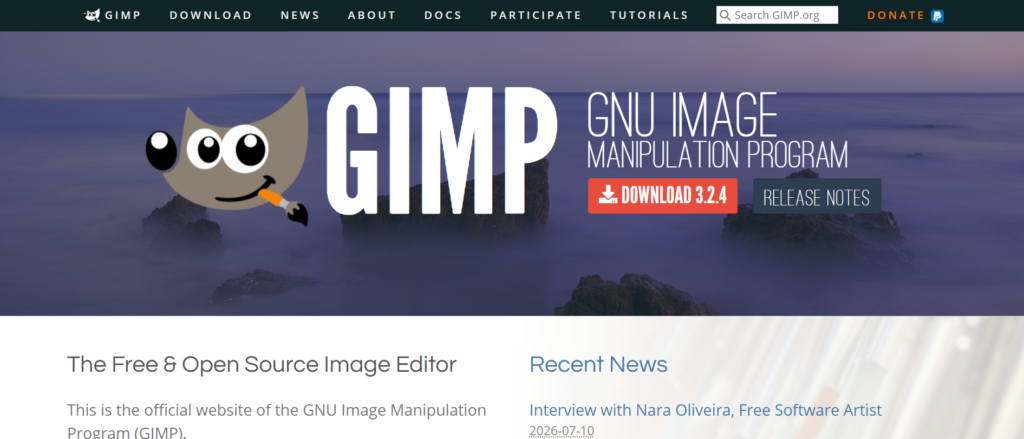
GIMP is one of the best free graphic design tools for advanced photo editing and image manipulation. Its professional feature set allows you to create everything from blog graphics to detailed marketing visuals.
While it requires some practice to master, GIMP delivers powerful editing capabilities without any licensing fees
Advantage of GIMP
- Free lifetime access with open-source development.
- Excellent photo retouching and image enhancement tools.
- Supports advanced editing with layers, masks, and filters.
- Works across multiple desktop platforms.
Disadvantage of GIMP
- Advanced features can be challenging for first-time users.
- The workspace is not as modern or user-friendly as newer design platforms.
Pricing of GIMP
- Free (Open-source software)
Best for: Best for anyone who wants professional graphic design and photo editing without paying for expensive software.
Free vs. Paid Graphic Design Tools
Both free and paid graphic design tools can help you create professional-quality visuals. The best option depends on your budget, experience, and the features you need.
Start with a free design tool to build your skills, then upgrade to a paid plan for advanced features, premium content, and enhanced productivity.
Free Graphic Design Tools
Free graphic design tools are a smart starting point for bloggers, affiliate marketers, and content creators. They provide the essential features needed to design professional graphics while keeping costs low.
The main advantage of free graphic design tools is that you can create professional-quality graphics without increasing your budget. The downside is that premium templates, advanced features, and creative assets are usually available only with paid plans.
Best Free Tools: Canva Free, Photopea, GIMP, Adobe Express Free, and Figma Free.
Paid Graphic Design Tools
Paid graphic design platforms are tailored for users who require advanced creative tools, premium content, and a more efficient workflow. They’re a smart choice for bloggers, marketers, designers, and growing brands.
The biggest benefits of paid graphic design tools are premium creative assets, advanced editing features, AI assistance, and improved collaboration. However, they require an investment and may take time to learn.
Best Paid Tools: Canva Pro, Adobe Photoshop, Adobe Express Premium, Affinity Designer, CorelDRAW Graphics Suite, and Figma Professional.
If you’re just starting a blog or affiliate marketing business, a free graphic design tool is usually the best place to begin. It gives you everything you need to create attractive graphics while keeping your costs low.
Once your content creation becomes more consistent, investing in a paid graphic design tool is often worth considering. Premium features help you save time, strengthen your brand, and create more professional-quality graphics.
How to Choose the Right Graphic Design Tool
Finding the right graphic design tool starts with understanding your skill level, budget, and creative needs. Selecting software that aligns with your needs will help you work more efficiently and achieve better results.
Before making your decision, consider the following factors:
- Ease of use: If you’re just getting started, choose beginner-friendly software like Canva to create professional graphics with ease.
- Templates: Choose a platform with a variety of customizable templates for blogs, social media, and marketing materials.
- AI Features: Select software with AI tools that make designing faster through automated editing, image generation, and intelligent design assistance.
- Collaboration: Look for tools that make it easy to collaborate, share files, and manage design projects together.
- File Compatibility: Choose software that offers broad support for popular image and design formats, including PNG, JPG, SVG, PDF, and PSD.
The right graphic design tool makes creating professional graphics faster and easier.
Start with Canva or Adobe Express, or choose Photoshop, Figma, or CorelDRAW for more advanced projects.
Most Common Ask Questions
Which graphic design tool is best for bloggers?
Canva is the best graphic design tool for most bloggers because it combines an easy-to-use editor, thousands of customizable templates, and powerful design features.
For a simple and efficient design experience, Adobe Express and Snappa are excellent choices for creating high-quality blog and marketing graphics.
Are free graphic design tools good enough?
Absolutely. Free graphic design tools can create high-quality visuals for blogs, social media, and marketing. Premium plans mainly add more templates, AI features, stock assets, and advanced editing capabilities.
What is the best graphic design tool for affiliate marketers?
Canva is ideal for affiliate marketers who need to create engaging blog graphics, social media content, and promotional materials quickly. Adobe Express and Visme also deliver excellent results.
Can I use AI graphic design tools for blogging?
Yes. Modern AI-powered graphic design platforms help you create professional visuals in minutes with intelligent design assistance and customizable templates.
Which graphic design tool is best for creating YouTube thumbnails?
If you want to create professional YouTube thumbnails quickly, Canva and Adobe Express are two of the best options. Both provide beginner-friendly tools and high-quality export options.
What features should I look for in a graphic design tool?
Focus on features like a user-friendly interface, AI design assistance, ready-made templates, stock assets, file compatibility, and collaboration tools. Your ideal choice depends on the type of graphics you create.
Do I need graphic design experience to use these tools?
Not at all. Today’s graphic design tools are designed to help beginners create professional visuals using intuitive editors, ready-made templates, and AI-assisted design features.